Most home office furniture is built around a person about 5ft 8in. If you’re 6ft or taller, that default shows up as a hunched neck, knees jammed under the desk, a keyboard that sits too low, or a chair seat that tips your thighs upward. Heading into a 2026 home office refresh, the fix is usually a few measured adjustments, not a whole new room.
Quick picks: the UPLIFT V3 is the desk I’d start with, and the HON Ignition 2.0 Big and Tall is the chair that fits longer legs without a luxury price.
Start With Your Own Numbers
Don’t trust a product listing’s “fits tall users” label. Measure three things first:
- Standing elbow height. Stand in your normal shoes with your upper arm relaxed and your forearm level. Measure floor to elbow. That’s the keyboard height when standing.
- Seated elbow height. The same measurement seated, with feet flat and knees near a right angle.
- Seat-to-floor length. Floor to the back of your knee while seated. It tells you the seat height your legs need.
Our standing desk height calculator guide walks through the process step by step. Compare your standing number against each desk’s listed maximum height before you buy. This is the single most common tall-person mistake.
The Desk: Maximum Height Is the Spec That Matters
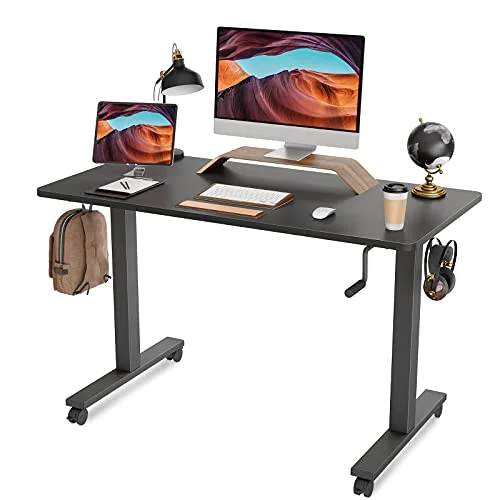
Many standing desks top out around 48 to 50 inches. That works for a lot of people, but if your standing elbow height is close to or above that figure, the desk will force you to shrug or bend your wrists forward. A stable top matters here, because wobble gets worse at full extension.
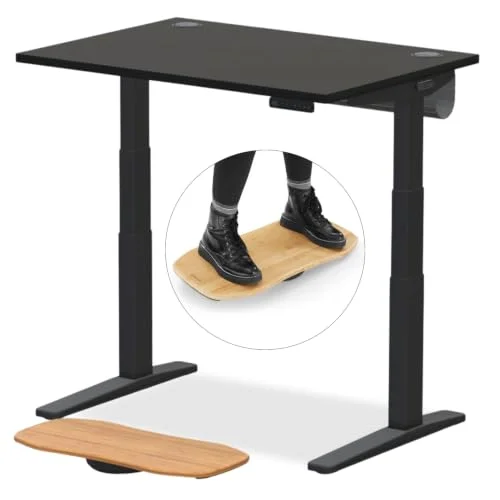
UPLIFT V3 Standing Desk
Pros
- ✓ 355 lb capacity leaves headroom for a heavy monitor and desktop setup
- ✓ Dual motors keep the top steady when raised, which matters more the taller you stand
- ✓ Wide range of desktop sizes, including deeper tops that give a tall person room to push the monitor back
- ✓ 15-year warranty
Cons
- ✗ A 48.7 inch maximum is enough for most people up to about 6ft 3in but can fall short for the tallest users
- ✗ Larger desktops raise the price
- ✗ Assembly takes a while
The UPLIFT V3 is a sturdy dual-motor option with a deep range of desktop sizes. Its 48.7 inch ceiling is fine for plenty of people near 6ft, but check your own elbow measurement. If you’re past roughly 6ft 3in, see our roundup of standing desks for tall people and the longer 6ft+ buyer’s guide for desks built for more reach. For a general walkthrough of getting the basics right, see how to set up a standing desk properly.
The Chair: Seat Height and Seat Depth
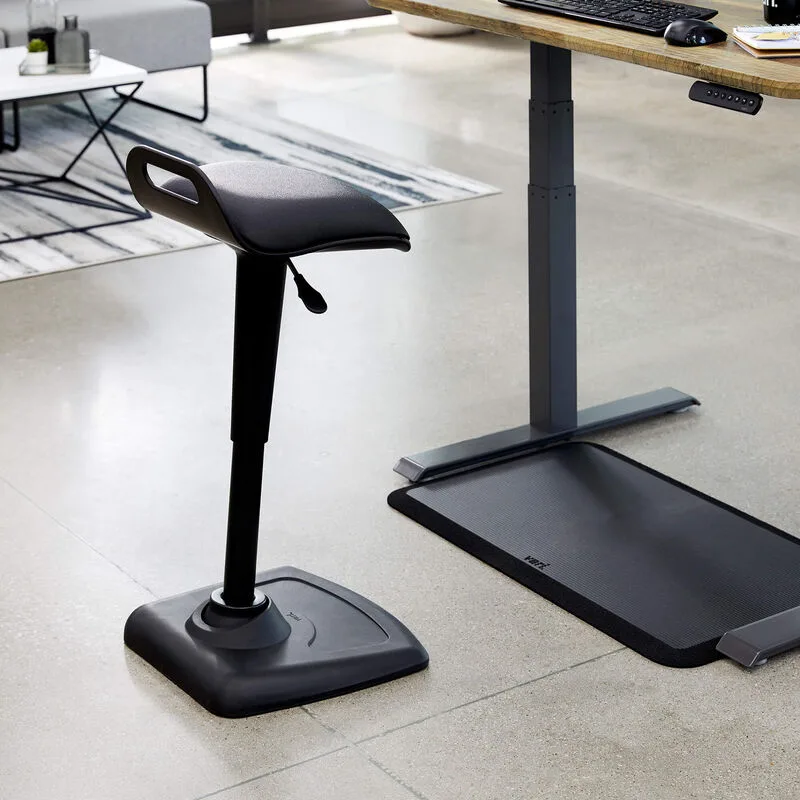
A chair that is too low leaves your knees higher than your hips and tilts your pelvis backward. A seat pan that is too short leaves your thighs without support. Look for a seat that rises high enough for your lower-leg length, plus the width and depth to match.

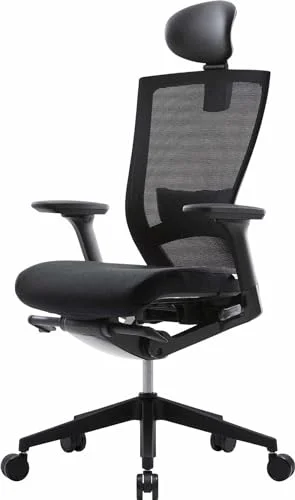
HON Ignition 2.0 Big and Tall Ergonomic Office Chair
Pros
- ✓ Seat rises to 22.25 inches, so longer legs can sit with thighs level and feet flat
- ✓ 23.5 inch seat pan is wider than most standard chairs
- ✓ Height and width adjustable arms follow a taller frame
- ✓ Lifetime warranty
Cons
- ✗ Backrest is shorter than on some premium chairs, so very tall users may want more upper-back support
- ✗ No seat depth adjustment
- ✗ Basic styling and tilt control that is less precise than top-tier chairs
The HON Ignition 2.0 Big and Tall reaches 22.25 inches, which suits most people up to about 6ft 3in, and it has a wide seat. The honest trade-off: the backrest is on the short side and there’s no seat depth adjustment. If you’re taller than that or want a longer backrest, see our ergonomic chairs for tall people roundup and the complete guide to chairs for tall people. Once the chair arrives, our guide on how to adjust an office chair properly covers dialing it in. If your desk is a tall, fixed-height surface, a drafting chair is another route.
The Monitor: Top Third at Eye Level
The top edge of the screen should sit near your eye line, with the screen about an arm’s length away. For tall people, the problem is that most monitor stands and standard arms don’t lift high enough, so you end up looking down for hours.

Ergotron LX Desk Mount LCD Monitor Arm, Tall Pole
Pros
- ✓ The taller pole lifts the screen higher than a standard arm, which is the whole point for tall users
- ✓ Gas spring lets you reposition the screen with one finger
- ✓ 25 inch reach lets you push the screen to a comfortable distance
- ✓ 10-year warranty
Cons
- ✗ Costs more than the standard LX arm
- ✗ Unnecessary if your desk and eye level already line up
- ✗ Tension adjustment needs a hex wrench
A tall-pole arm solves this by raising the mounting point. The Ergotron LX tall version gives you extra height and lets you pull the screen back to a comfortable distance. See our monitor arms for standing desks guide for other options. If you work from a laptop, raise it too:
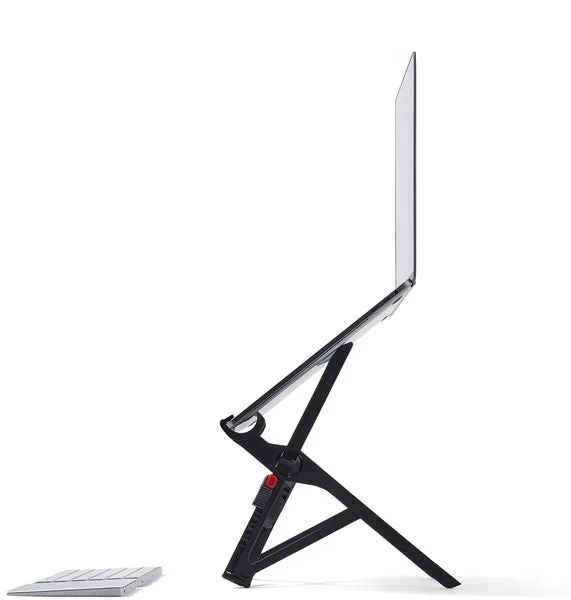
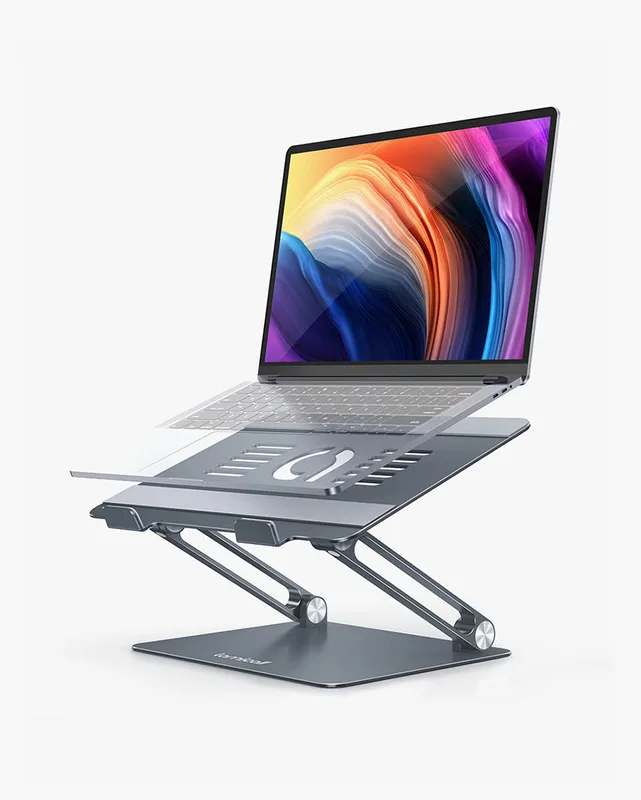
Roost V3 Laptop Stand
Pros
- ✓ Lifts a laptop screen toward a tall person's eye level
- ✓ Light enough to carry between desks
- ✓ Rigid build with little wobble
- ✓ Folds small
Cons
- ✗ Needs a separate keyboard and mouse
- ✗ Lift only, no tilt adjustment
- ✗ Pricey for a plastic stand
A laptop stand like the Roost V3 lifts the screen, but it only works when paired with a separate keyboard and mouse. Our laptop stands for standing desks roundup compares alternatives.
The Keyboard: Clearance Matters
Taller people with longer legs often hit the underside of the desk or a keyboard tray. A tray can help if your desk is fixed at a height that’s too low for your elbows, but it also eats thigh room.
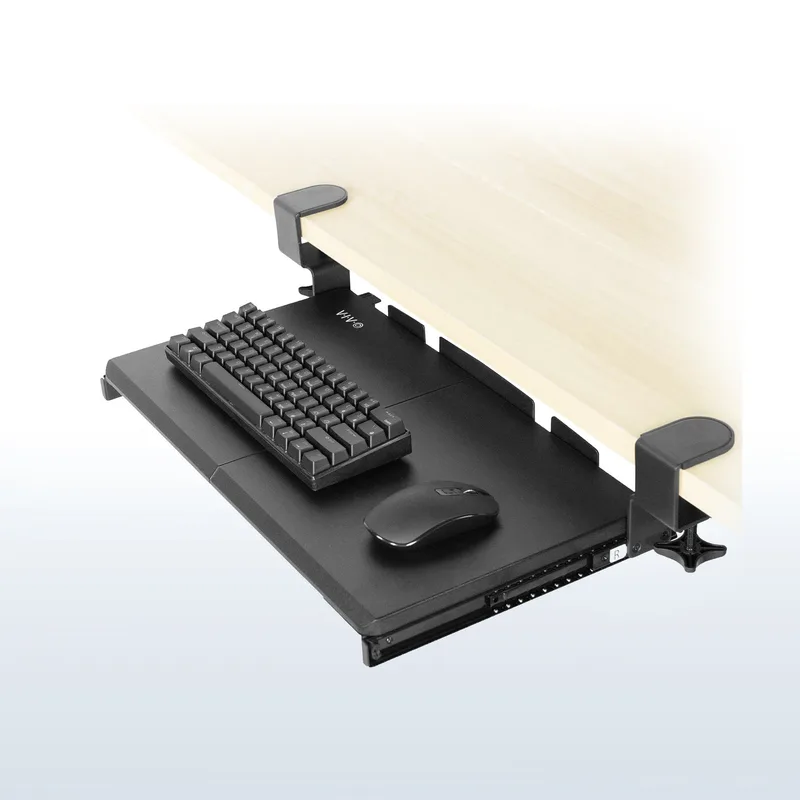
VIVO Clamp-On Keyboard and Mouse Tray
Pros
- ✓ Clamps on without drilling into the desk
- ✓ 27 inch platform fits keyboard and mouse together
- ✓ Gives a fixed desk some keyboard height flexibility
- ✓ Inexpensive for what it fixes
Cons
- ✗ Needs checking against your desk edge thickness before you buy
- ✗ Basic tilt mechanism
- ✗ Takes up knee and thigh room, which is tight for long legs
The VIVO clamp-on tray is a cheap way to fine-tune keyboard height. Measure your thigh clearance before you commit. Our keyboard trays for standing desks roundup shows the full range, including adjustable models.
Don’t Forget the Footrest Question
Tall people rarely need a footrest. If you’ve raised the chair enough to keep your feet flat, you’ve solved it. If you see a shop pushing one, ask why. Our footrests for office workers roundup is mainly for people who sit too high for their desk. For general posture tips, see how to improve posture while working from home.
Buying Guide: What to Prioritize
- Desk maximum height first. It is the one spec you can’t fix with an accessory.
- Chair seat height and depth second. A chair that doesn’t reach your leg length undermines everything else.
- Monitor height third. An arm is cheaper than a new desk.
- Keyboard clearance last. Fix it only if your elbows and the desk still don’t line up.
Check each listing’s dimensions against your measurements instead of trusting a “tall friendly” label. Prices change often, so use the Check Price buttons on each card for the current number.
Frequently Asked Questions
What is the best desk height for someone 6ft 4in?
It depends on your elbow height, not your total height, but a 6ft 4in person generally needs a desk that goes higher than the 48 inch range many models offer. Measure your standing elbow height and confirm the desk’s listed maximum exceeds it.
Do tall people need a special office chair?
Often yes. Look for a seat that rises high enough, a wide and deep seat pan, and a backrest that reaches your upper back. Standard chairs tend to be too low and too short for people over 6ft.
How high should my monitor be if I’m tall?
The top of the screen should be near eye level, about an arm’s length away. A tall-pole monitor arm or a laptop stand usually gets you there.
Do I need a keyboard tray?
Only if your desk height forces your elbows into an uncomfortable angle. Tall people with fixed desks sometimes do, but trays reduce leg room, so measure first.
Should tall people sit or stand more?
Alternate. A setup that works at both heights lets you change positions through the day. This guide is general ergonomics information, not medical advice. See a professional if you have ongoing pain.
Bottom Line
Tall-friendly ergonomics comes down to measurement. Start with a desk whose maximum height beats your standing elbow height, pair it with a chair that has the right seat height and depth, and lift the monitor to eye level. The UPLIFT V3 and HON Ignition 2.0 Big and Tall are a solid core, and the Ergotron LX tall pole arm finishes the job.