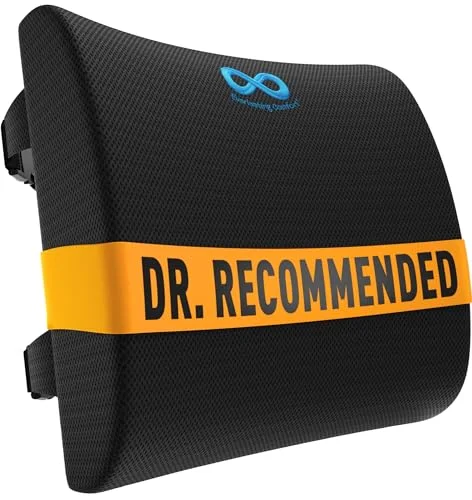
Black Friday is when desk setups get rebuilt, and also when people buy the wrong size of the right thing. This year, with the holiday window already open, the smart move is to decide what you need before the sales start. Most of the mistakes happen in the spec details, not the discount.
This watch-list covers the categories that tend to be discounted around Black Friday and Cyber Monday: standing desks, office chairs, monitor arms, keyboards and mice, footrests and lumbar support. I’m not quoting sale prices, because they change by the hour. Use the Check-price buttons for what’s live today.
Quick pick: if you only watch one thing, watch the UPLIFT V3 for a long-term desk and the FlexiSpot E6 if the budget is tight.
Standing Desks: Check the Top Size and Weight Rating
Desks are the category most often marked down around the holidays, and also the one with the most spec traps. Two models with the same photo can differ in top depth, lift range and how much they hold.
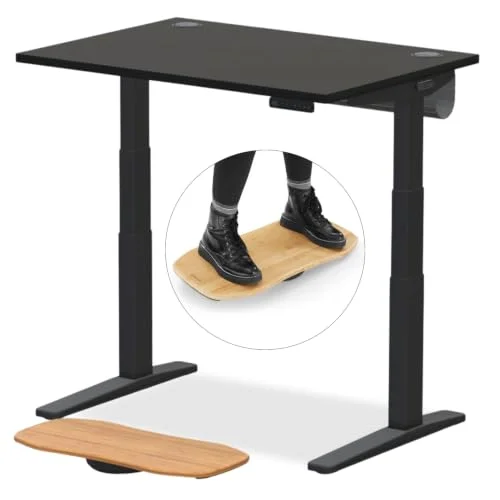
The UPLIFT V3 is the desk I’d wait on if you can afford it. It’s built for heavy monitor loads, comes in many sizes, and has a solid record with owners. The catch is that frame and top are configured separately, so compare the full configured total rather than the base price.
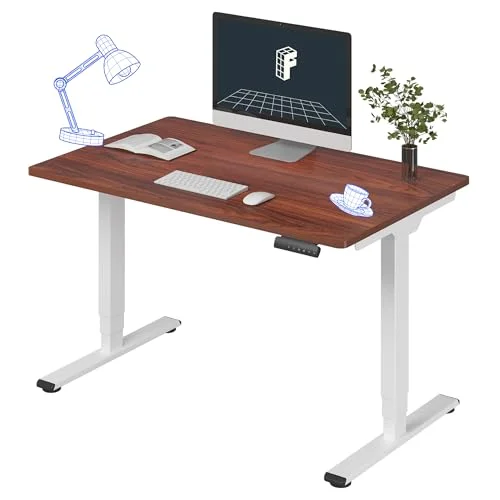
The FlexiSpot E6 is the value pick. It has three-stage legs and dual motors, and the 30-inch depth is generous. For the broader field, see our electric standing desk roundup or the FlexiSpot E5 review.
Before you buy any desk:
- Minimum height. Short users should check that the lowest setting is low enough for a seated position with feet flat.
- Depth. A 24-inch top feels tight with a large monitor. Thirty inches is easier.
- Weight capacity. Add up your monitors, arms and computer, not just the desk top.
- Clearance. Measure for legs, drawers and any wall outlets.
- Return terms. Large furniture often carries different return rules than small items.
Office Chairs: Sizing Beats Features
Chairs are risky to buy on a sale, because a chair that’s wrong for your body is wrong at any price. Check seat depth, back height and armrest range against your own measurements.
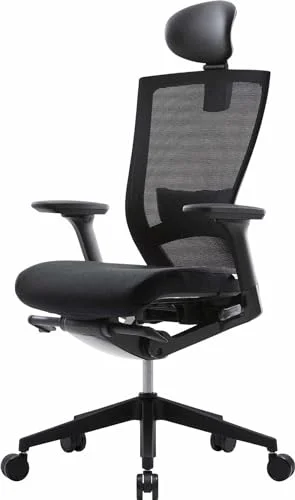
The Steelcase Series 1 is the premium option here. It’s easy to set up for different bodies and comes from a brand with a real service network. The Steelcase Series 1 review goes through who it fits. Stock can be limited, so don’t count on a specific color arriving in time.
The Nouhaus Ergo3D is the mesh alternative with a long adjustment list for the money. Mesh is breathable, but the seat can feel firm on long days, so look at the return window before committing.
Things to check on any chair:
- Seat depth, so the front edge doesn’t press behind your knees
- Whether the lumbar support is adjustable or fixed
- Armrest height and width range
- Weight limit and the stated user height range
- Who handles warranty claims, the brand or a third-party seller
Monitor Arms: Match the Arm to the Screen
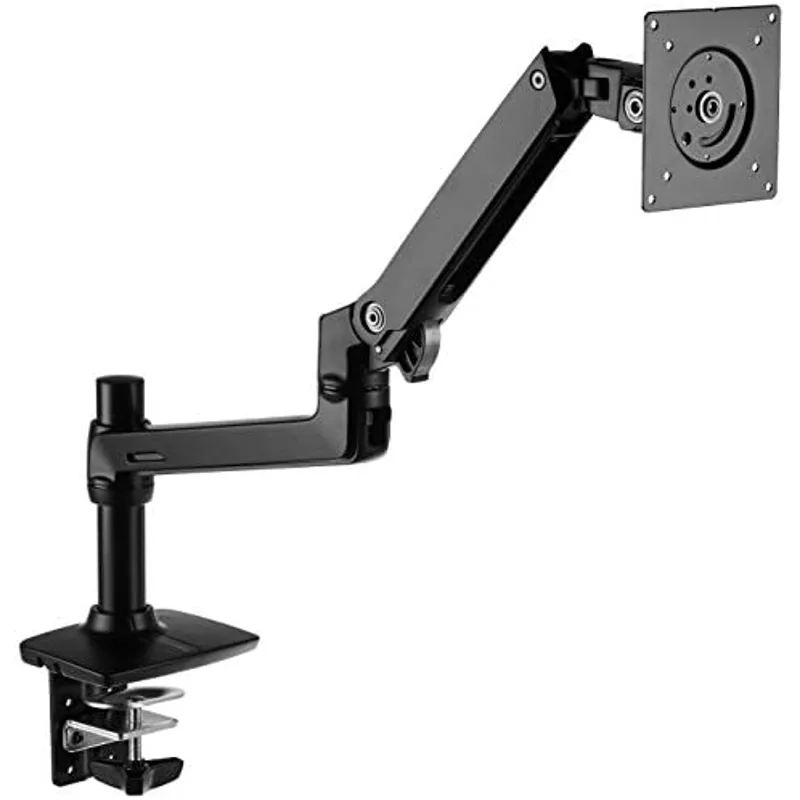
The MSI MAG MT201D is a gas-spring dual arm that covers a wide range of screen sizes. Arms are cheap to buy and annoying to return, so the checks matter more than the price.
- VESA pattern. Look for the mounting holes on the back of the monitor.
- Weight range. Each arm has a minimum and maximum, and a light monitor can drift on a strong spring.
- Desk thickness. Clamp mounts have a limit, and glass or thin desks may not work.
- Standing desk fit. A tall arm is a bad match for a low-clearance desk.
Our dual monitor arm roundup compares more options if the MSI doesn’t fit.
Keyboards and Mice: Ergonomics Is Personal
This is the category where discounts are most tempting and the risk of an unused purchase is highest. Split and vertical devices take days to adjust to.
The Logitech MX Master 4 is a comfortable all-round mouse, but it’s right-handed and large for small hands. The Logitech MX Vertical suits people who want a more neutral forearm position, and the MX Vertical review covers the adjustment period. The Kinesis Advantage360 Professional is a serious investment for heavy typists. Stock is limited, and it’s not a casual purchase.
Check these first:
- Hand size and dominant hand
- Connection type, including whether your computer has the ports or Bluetooth it needs
- Return policy, since adjustment can take more than a week
- Whether the keyboard layout matches what you type on
Footrests and Lumbar Support: Small, Easy Wins
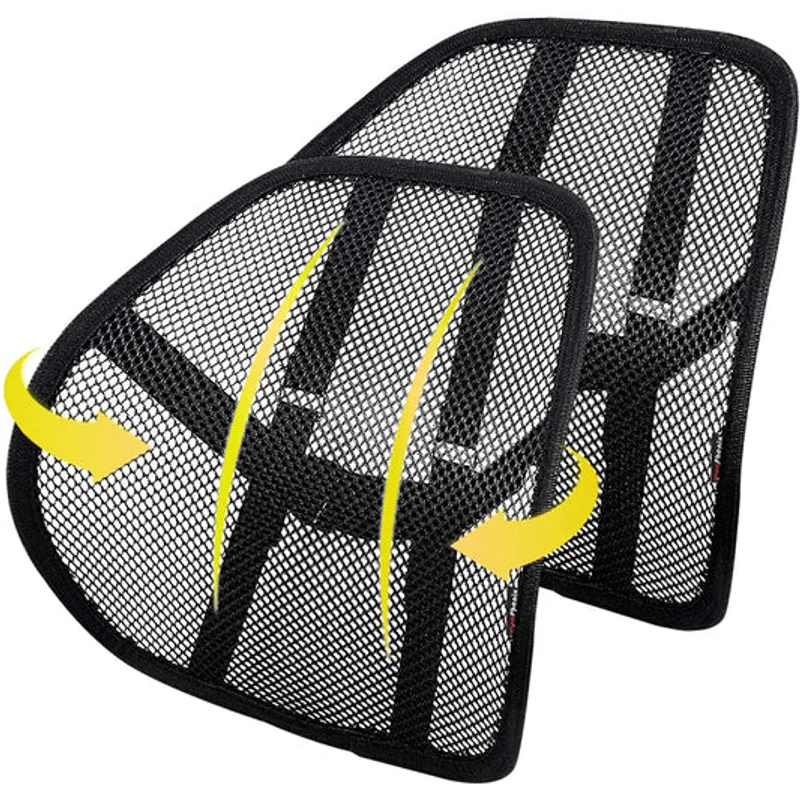
These are the least dramatic items on the list. The ErgoFoam footrest helps shorter users whose feet don’t rest flat, and the Everlasting Comfort lumbar pillow adds support to a flat chair back. Neither replaces a chair that fits. Both are about comfort, not treatment.
For the options, see our footrest guide and lumbar support cushion roundup.
Matching Categories to the Sales
Based on general seasonal patterns, desks, chairs and monitor arms are the categories to watch most closely. Small accessories like footrests and lumbar pillows are cheap to begin with, so there’s less to gain from waiting. I can’t promise any specific discount on any specific item, and I’d treat anything claiming to be a “lowest ever” as unverified until you check it yourself.
Giving Instead of Buying
If you’re shopping for someone else, our holiday gift guides cover different picks: ergonomic gifts for remote workers, desk accessory gifts under $50, gifts for someone with back or neck pain and gifts for gamers who sit all day.
A Short Pre-Purchase Checklist
- Measure your desk, your space and yourself.
- Write down the specs you need, then ignore the ones you don’t.
- Check the listing’s seller, return window and warranty.
- Look at the live price on the Check-price button, not a screenshot.
- Buy one change at a time so you can tell what helped.
How This List Was Put Together
Picks were researched from spec sheets, owner feedback and current Amazon listings, and anything out of stock was dropped. I haven’t used these products myself. A 2026 search for Black Friday desk gear turned up mostly retailer sale pages and older seasons’ coverage, so nothing here is built on a verified trend.
FAQ
Is Black Friday a good time to buy a standing desk?
Standing desks are often discounted around the holidays, so it’s a reasonable time to buy. Decide on size, height range and weight rating first, then check the live price.
Should I buy an office chair on Black Friday?
Only if you know it fits. Check seat depth, back height and return terms, since a chair that doesn’t suit your body isn’t a deal at any price.
Which ergonomic gear is worth waiting for?
Big-ticket items like desks and chairs have the most room to move. Small accessories change little, so buy those when you need them.
How do I avoid fake Black Friday deals?
Ignore “was” prices and judge the live price on the Check-price button against what you were willing to pay last week. Our picks use live listings, not remembered numbers.
Will an ergonomic setup fix my pain?
It can make sitting and working more comfortable, but it isn’t medical treatment. If you have persistent pain, talk to a clinician.
The Bottom Line
Decide what you need first, then use the sale to buy it. The UPLIFT V3 is the desk to watch, the FlexiSpot E6 is the value option, and the Steelcase Series 1 is the chair that holds up to scrutiny. Add a monitor arm or vertical mouse if they fit your setup.