Asking your boss to pay for a better chair feels awkward. It shouldn’t. Companies already buy laptops, monitors and headsets, and ergonomic gear is the same kind of purchase with a clearer payoff. In 2026, with remote and hybrid setups still common, requests like this land on HR and facilities desks all the time. The people who get a yes usually aren’t the ones who ask loudest. They’re the ones who make approval easy.
This guide covers how to ask your employer for ergonomic equipment: who to approach, what to put in writing, a template you can copy, and five items that are easy to justify. Quick pick: if you can only ask for one thing, ask for a chair that fits you. Start with the SIDIZ T50 if your budget is under $500.
One note up front. Online articles have claimed a hard 2026 OSHA deadline for employer home-office ergonomic audits. A recent industry podcast calls that deadline fabricated and says OSHA’s position on home offices has not changed in years. Don’t build your request on it. Build it on cost, comfort and getting your work done.
Step 1: Find Out What Already Exists
Before you write anything, look for a policy. Check your employee handbook, intranet, or benefits portal for words like “stipend,” “equipment,” “ergonomic assessment,” or “accommodation.” Many employers already have a home-office allowance or an approved vendor list, and a request that follows the existing process gets answered faster than a special favor.
Ask a coworker too. If someone on your team already got a monitor arm or a chair, you have a precedent. Our guide to spending a home office stipend covers what to buy first if you do have a budget.
Step 2: Pick the Right Person
Your manager is usually the first stop, because they control team budget and can sign off quickly. For bigger items, or if your company has a process, go to HR, facilities, or an office manager. If you have a medical reason, such as a diagnosed condition or a doctor’s note, that is a different route, often called a workplace accommodation request, and HR handles it. This guide is not medical or legal advice. If your discomfort is persistent, see a clinician and ask HR what documentation they need.
Step 3: Build a Short, Specific Request
Vague asks get vague answers. “My desk setup hurts” is easy to defer. “I’d like a $450 chair with adjustable lumbar and seat depth, because my current kitchen chair has neither” is easy to approve or counter.
Include four things:
- The problem, in plain words. Aching lower back by mid-afternoon, a laptop screen that sits too low, feet that don’t reach the floor.
- The specific item and price. One named product with a price range, ideally with a cheaper alternative.
- The work benefit. Fewer breaks, fewer sick days, steadier focus. Keep it honest and don’t promise results.
- The easy yes. Say whether you want it purchased by the company, reimbursed, or counted against an existing stipend.
Keep it to a few sentences. Managers approve what they can read in under a minute.
Email Template You Can Copy
Subject: Request: ergonomic equipment for my home workspace
Hi [Name],
I’ve been working from [home / my desk] full time and my current setup is causing [back and neck strain / wrist discomfort]. I’d like to request a few items to fix it:
- [Chair / monitor arm / etc.] — approx. $[price]
- [Item] — approx. $[price]
Total: about $[total]. I picked these because [one-line reason, e.g. “they adjust to my height and desk”]. If there’s a stipend or approved vendor list, I’m happy to order through that. Can we talk this week?
Thanks, [Your name]
If it’s for a remote setup, mention that you’re happy to send a photo of your current workspace. It helps the reviewer see the problem.
Five Items That Are Easy to Justify
You don’t need to ask for everything. Lead with the item that fixes your biggest problem, and add cheaper extras only if the first request goes well. These five are practical, widely reviewed, and cover the usual pain points.
A Chair That Actually Fits
The chair is the highest-impact request, and the one most likely to get a counter-offer, so name a specific model and a ceiling price. The SIDIZ T50 is a reasonable mid-priced pick: adjustable seat depth and lumbar, armrests, and a mesh back.
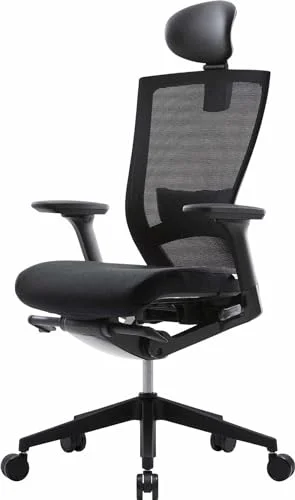
SIDIZ T50 Ergonomic Office Chair
Pros
- ✓ Adjustable seat depth, lumbar and armrests give you something concrete to point to in a request
- ✓ Fits a wide range of body sizes, including shorter users
- ✓ Priced well below the premium chairs most finance teams push back on
- ✓ Mesh back suits long workdays
Cons
- ✗ Assembly takes time and a second set of hands helps
- ✗ Seat firmness is not for everyone
- ✗ Not the right pick if you need more than 275 lbs of capacity
If your budget is tighter, our ergonomic chairs under $500 roundup lists alternatives, and the back pain chair guide helps if that’s your main issue.
A Monitor Arm
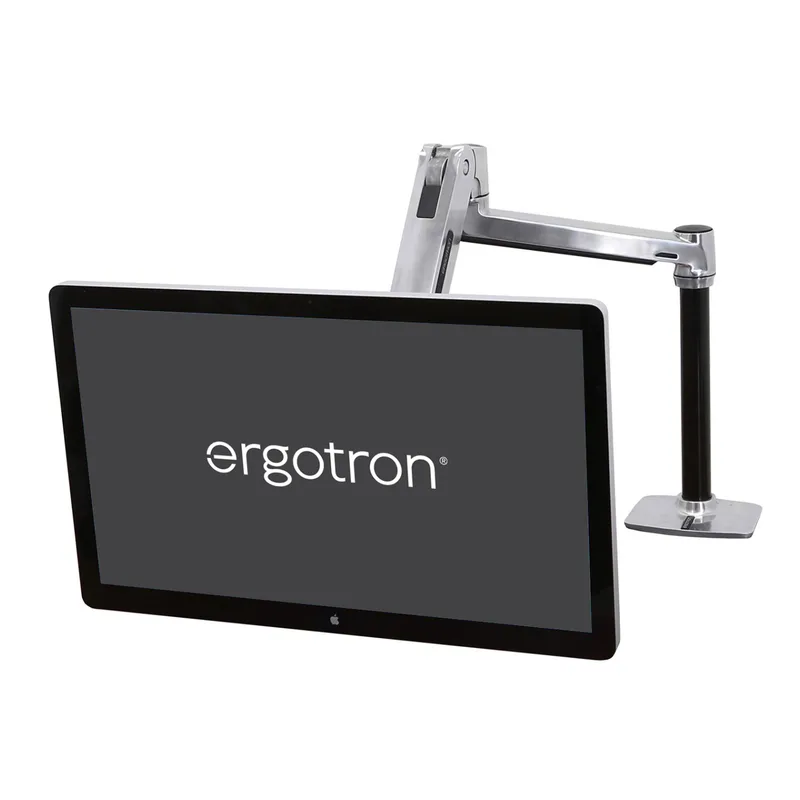
If you work on a laptop, a monitor arm plus an external display is one of the cleanest requests you can make: a screen at eye level, a cleared desk, and a price finance understands. The Ergotron LX is the sturdy standard choice.
Ergotron LX Monitor Arm
Pros
- ✓ Raises the screen to eye level without buying a new desk
- ✓ Full height, tilt and reach adjustment
- ✓ Frees up desk space, which is an easy benefit to explain
- ✓ Works with common VESA monitors
Cons
- ✗ Needs a desk edge that accepts a clamp
- ✗ Heavier ultrawide screens exceed the weight range
- ✗ Costs more than basic fixed mounts
Two screens? See our dual monitor arms roundup.
A Full-Size Keyboard You Can Share Between Devices
A decent keyboard is a low-friction request because it looks like normal office equipment. The MX Keys S pairs with up to three devices, which suits people who split time between a laptop and a desktop.
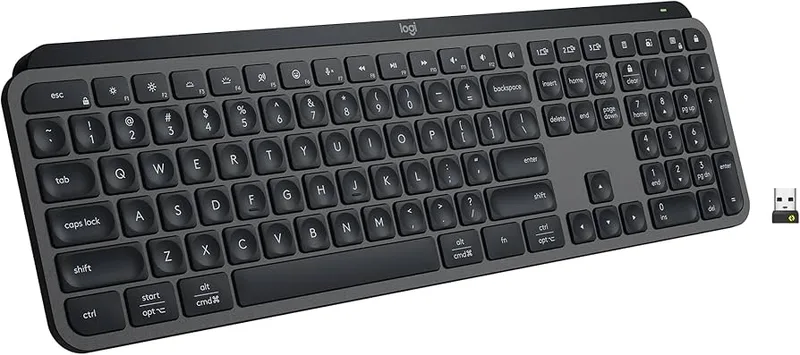
Logitech MX Keys S Wireless Keyboard
Pros
- ✓ Low profile keys keep the wrists flatter
- ✓ Switches between up to three devices, handy for hybrid setups
- ✓ Rechargeable, so no battery runs
- ✓ Easy to expense as a standard peripheral
Cons
- ✗ Standard flat layout, not a split keyboard
- ✗ Backlighting shortens battery life noticeably
- ✗ Pricier than basic keyboards
A Footrest
If your feet don’t rest flat on the floor, a footrest is a small fix that rarely gets pushback. It also makes a good add-on to a bigger request.
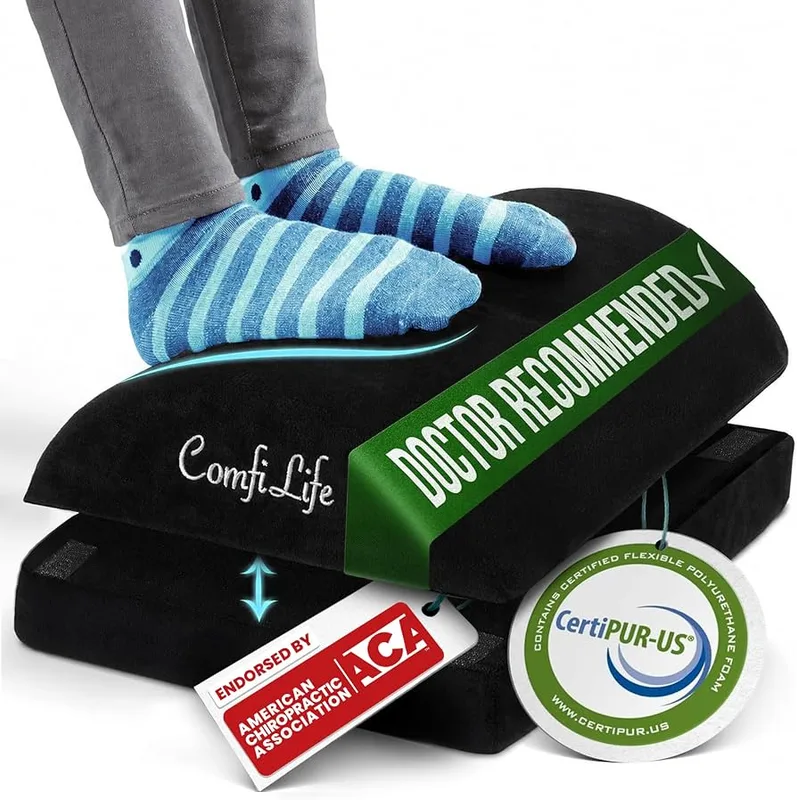
ComfiLife Adjustable Foot Rest
Pros
- ✓ Low enough in price to be approved without a long discussion
- ✓ Helps if your chair or desk height leaves your feet dangling
- ✓ Removable washable cover
- ✓ Two height settings
Cons
- ✗ Foam softens with heavy daily use
- ✗ Fixed footprint, so you cannot change the angle freely
- ✗ Does not replace a properly fitted chair
More options are in our footrests for office workers guide.
A Laptop Stand
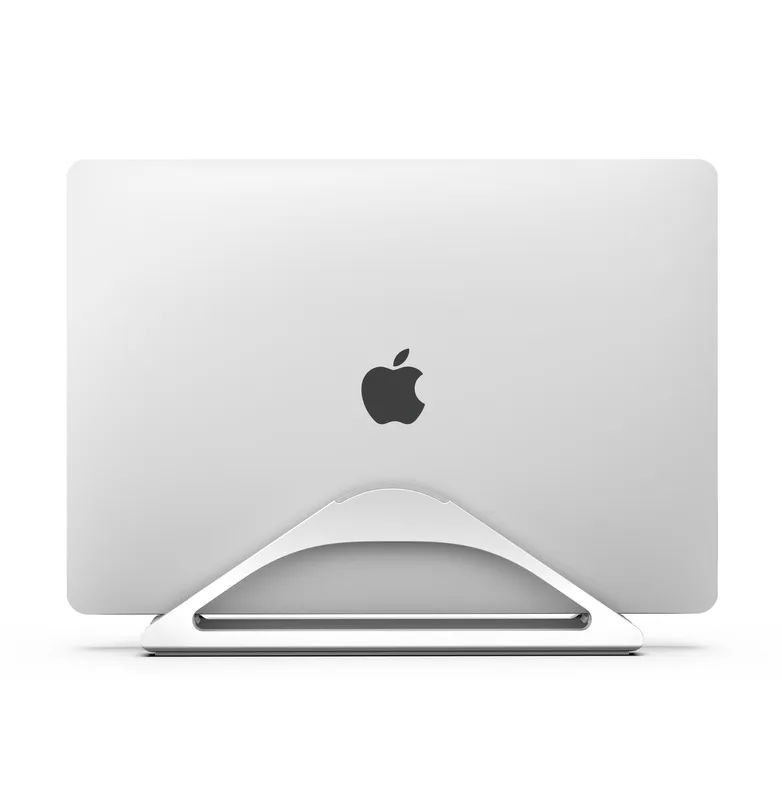
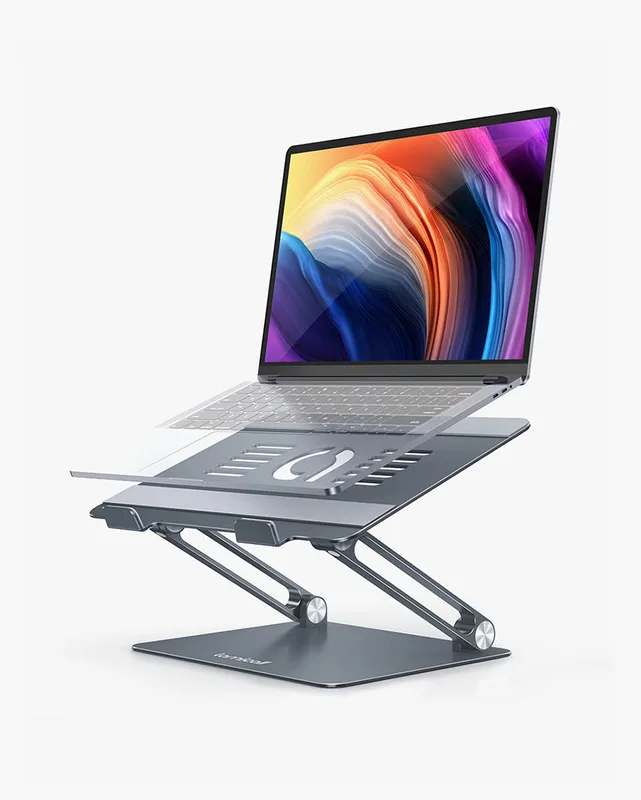
If you’re stuck on a laptop with no external monitor, a stand raises the screen. You’ll need a separate keyboard and mouse with it. It’s cheap, which makes it a good first ask if your employer is reluctant.
Rain Design mStand Laptop Stand
Pros
- ✓ Lifts a laptop screen toward eye level
- ✓ Simple, sturdy aluminum build with no moving parts
- ✓ Cheap enough to request alongside a keyboard and mouse
- ✓ Good airflow under the laptop
Cons
- ✗ Fixed angle with no height adjustment
- ✗ You need a separate keyboard and mouse to use it properly
- ✗ Larger laptops may not fit comfortably
What About a Standing Desk?
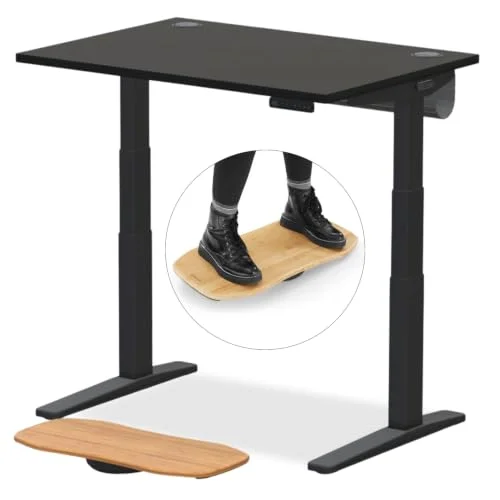
A standing desk is a bigger ticket and a harder sell. Many employers will approve one only through a formal accommodation or an existing policy. If you want to make that case, start with our explainer on whether standing desks help back pain, and compare options in the best standing desks roundup. Ask for the chair and monitor arm first.
If They Say No
A no isn’t always final. Try these:
- Ask what would change the answer. Sometimes it’s price, sometimes it’s the approval route.
- Offer a cheaper tier. A footrest and laptop stand instead of a chair.
- Ask about reimbursement or a partial split.
- Ask whether you can borrow office furniture. Some companies let remote staff take home a chair.
- Check tax and benefits rules yourself. Rules vary, so confirm with your own advisor rather than assuming.
If you end up paying yourself, our remote work ergonomic checklist shows which fixes give the most for the least, and the accessories bundle for remote workers pulls a full kit together.
Frequently Asked Questions
Can my employer be required to buy me ergonomic equipment?
It depends on where you live, your employer, and your situation. Rules for home workers vary, and a medical accommodation request is a separate process handled by HR. Check your handbook and ask HR rather than assuming either way.
Should I ask for a stipend or a specific item?
If a stipend exists, use it. If not, ask for a specific named item with a price. Specific requests get faster answers than open-ended ones.
How much should I ask for?
Start with the item that fixes your biggest problem. A chair in the $300–$500 range is common, while a monitor arm or keyboard costs less. Having a cheaper fallback ready makes approval easier.
Do I need a doctor’s note?
Not for a standard equipment request. A note may help if you’re asking for an accommodation because of a medical condition. HR can tell you what they need.
Is it okay to buy first and ask for reimbursement?
Only if your company’s policy allows it. Many require pre-approval, so ask before you order and keep receipts.
Final Recommendation
Make it easy to say yes. Check for an existing policy, ask the right person, name one specific item with a price, and keep a cheaper fallback ready. For most people the best first request is a chair that fits, followed by a monitor arm. A footrest or laptop stand makes a good low-cost add-on. If you want to compare chairs before you write the email, start with the chairs under $500 roundup.