Lower back discomfort at a desk usually isn’t about sitting or standing. It’s about staying in either one too long. That is the idea behind most sit-stand advice in 2026, and it is why the desk’s job is simple: make changing position easy enough that you actually do it. The best standing desks for lower back discomfort are the ones that make that change quick, steady and comfortable.
The 2026 market has helped. Coverage of this year’s desks, including CES 2026 launches, shows dual motors, collision detection and memory presets moving from premium tiers into mainstream models. So we ranked on what matters for your back: stability at height, a height range that fits your body, presets, anti-collision, and enough capacity that the frame never struggles.
Quick picks: the UPLIFT V3 2-Leg is our overall pick, the Progressive Desk 48x30 is the steadiest, and the FlexiSpot E6 is the best value.
A note before we start: this guide is based on spec sheets, manufacturer information and published owner feedback, not medical advice. Persistent or severe back pain deserves a conversation with a doctor or physical therapist. For the bigger picture, read our guide on whether standing desks help back pain.
UPLIFT V3 2-Leg: Editor’s Pick
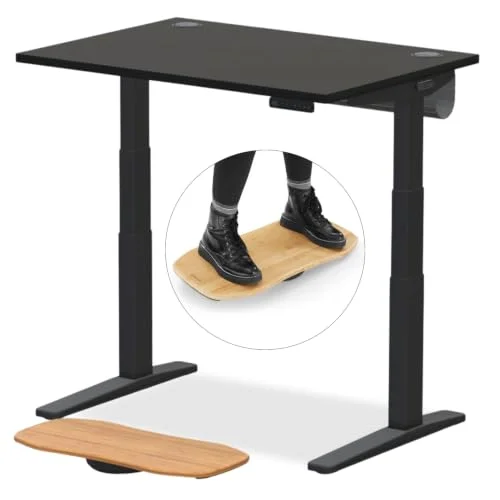
UPLIFT V3 2-Leg Standing Desk (Black Laminate)
Pros
- ✓ 355 lb capacity leaves plenty of headroom, so the frame is never working near its limit
- ✓ The 22.6 inch minimum lets shorter users sit with feet flat and elbows at a comfortable angle
- ✓ The tall 48.7 inch maximum suits users who stand at a higher keyboard height
- ✓ A 15-year warranty is the longest coverage in this group
Cons
- ✗ The base 42 inch desktop is small, and larger tops raise the price
- ✗ Costs more than the budget picks here
- ✗ Assembly takes a while
A desk should fit you, not the other way around. The UPLIFT V3 has the widest usable height window of the group: down to 22.6 inches for seated work and up to 48.7 inches for standing. That lets many people set a seated elbow height and a standing elbow height correctly, rather than shrugging or slumping to compensate.
The 355 lb capacity means the frame is never near its limit, and a 15-year warranty is the best coverage here. The base 42 inch desktop is small, so most buyers will want to configure a larger top, which adds cost. Even so, it’s the desk I’d buy for this job.
Best for: Anyone who wants the most adjustable fit and the longest warranty.
Progressive Desk 48x30: Best for Stability
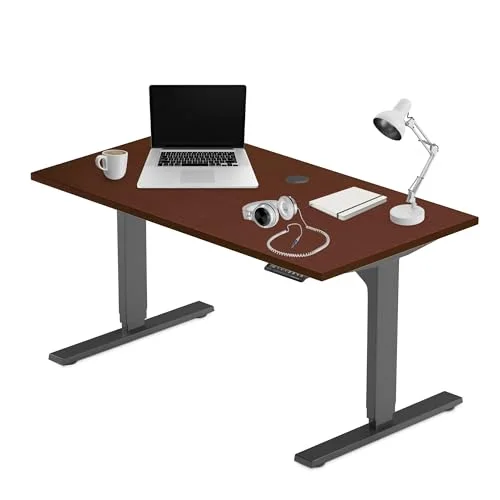
Progressive Desk 48x30 Electric Standing Desk
Pros
- ✓ Three-stage dual-motor legs hold steady at full standing height
- ✓ A 49 inch maximum gives tall users room to stand with a neutral wrist position
- ✓ 270 lb capacity handles a monitor arm and two displays
- ✓ 8-year frame and motor warranty is longer than most mid-priced desks
Cons
- ✗ The most expensive desk in this roundup
- ✗ Two boxes and a real assembly job, best done with a second person
- ✗ Amazon stock has been listed as scarce, so availability can change
If your desk wobbles when you type at standing height, you brace, and bracing is tension you don’t need. The Progressive uses a three-stage dual-motor frame with a 270 lb capacity, and it is the steadiest-feeling pick in this group based on its construction and owner feedback.
Its 23.5 to 49 inch range suits short and tall users alike. It is pricey, assembly takes two boxes and two people, and Amazon has listed stock as scarce, so check availability before you plan around it.
Best for: Heavier setups and anyone bothered by desk shake.
FlexiSpot E6: Best Value
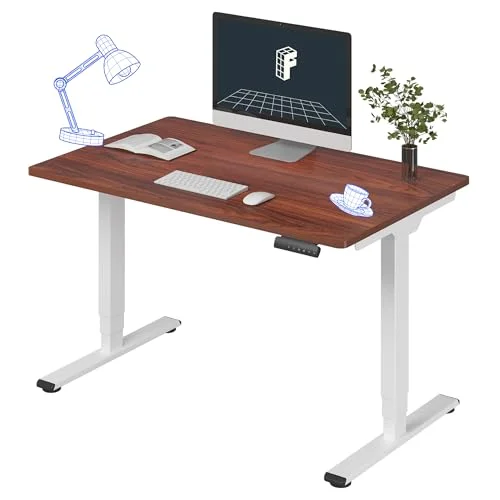
FlexiSpot E6 Electric Standing Desk
Pros
- ✓ Four memory presets make changing position a single button press
- ✓ A 23.6 to 48.8 inch range covers most users from about 5 feet up
- ✓ Anti-collision sensors stop the desk if it meets an obstacle
- ✓ Dual motors at a price well under the premium desks
Cons
- ✗ 220 lb capacity gives less margin for heavy monitor setups
- ✗ Presets store heights in inches, so you need to know your numbers
- ✗ Fewer desktop finishes than higher-priced lines
Presets matter because a desk that is annoying to adjust gets adjusted less. The E6 has four memory presets, dual motors and anti-collision sensors for a fraction of the premium price. Its 23.6 to 48.8 inch range is wide enough for most adults.
The trade-off is a 220 lb capacity. That is fine for one monitor and a laptop, but if you run a heavy dual-arm mount, leave yourself margin. Presets store in inches, so measure your ideal sitting and standing heights first.
Best for: Most home offices that want dual motors without paying premium prices.
Vari Classic 60x30: Best for Home Aesthetics
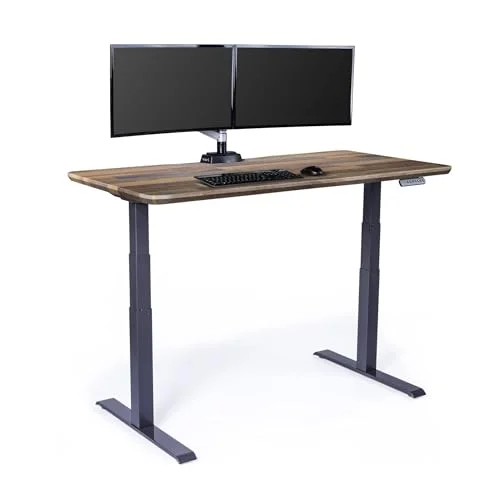
Vari Classic Electric Standing Desk (60x30, Reclaimed Wood)
Pros
- ✓ The 50.5 inch maximum is the highest in this group, which suits tall users
- ✓ A wide 60 inch top gives room to push the keyboard back and sit at a relaxed distance
- ✓ Quick assembly, typically under 30 minutes according to the manufacturer
- ✓ Reclaimed wood finish looks at home in a living space
Cons
- ✗ 200 lb capacity is modest for the price
- ✗ The 25 inch minimum is higher than the UPLIFT or Progressive, so short users should check their seated height
- ✗ Costs more than similarly specced competitors
The Vari offers a 50.5 inch maximum height, so very tall users can stand without hunching over the keyboard. The 60 inch top gives you room to sit back from the screen and keep your arms relaxed.
It is not a spec leader. A 200 lb capacity and a 25 inch minimum are both less generous than the UPLIFT and Progressive. You are paying for the finish and the wide top, so choose it if appearance matters in a shared room.
Best for: Tall users who want a good-looking desk in a living space.
ErGear 55x28: Best Budget
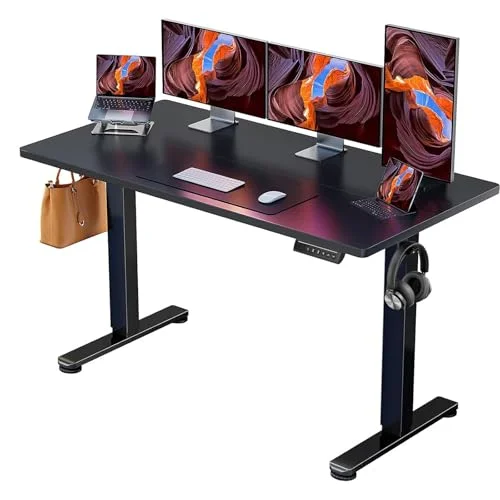
ErGear Electric Standing Desk 55x28
Pros
- ✓ A 55 inch desktop at an entry-level price
- ✓ Three memory presets for quick switching
- ✓ Steel frame rated for 100,000 lift cycles by the manufacturer
- ✓ Multiple finishes available
Cons
- ✗ The 28.4 inch minimum is too high for many users under 5'4"
- ✗ The 46.5 inch maximum can fall short for people over 6'1"
- ✗ A single motor means more noise and vibration than the dual-motor desks
For a small outlay, the ErGear gives you a large surface and three presets. It is the entry point if you just want to start alternating positions.
Be realistic about the limits. It uses a single motor, the range is only 28.4 to 46.5 inches, and capacity is 176 lbs. Shorter users may not be able to lower it enough to sit properly, and tall users may not be able to raise it enough to stand comfortably. Measure first.
Best for: Average-height users on a tight budget who want to try sit-stand.
What to Look For in a Desk for Lower Back Comfort
Height range that fits you. Seated, your elbows should sit near 90 degrees with feet flat. Standing, your forearms should be roughly level with the keyboard. Check both ends of the range against your own measurements. Our standing desk height calculator guide walks through it.
Stability at height. Dual motors and a wide frame stance reduce wobble. Wobble makes you tense up.
Memory presets. Fast switching builds the habit. Look for at least two, ideally four.
Anti-collision. It protects your chair, drawers and monitor arm, and it means you won’t hesitate to move the desk.
Capacity with headroom. Add up your monitors, arm, PC and clutter, then keep a margin.
Set It Up to Protect Your Back
The desk is half of it. Change position regularly rather than standing for hours; our guide on how long to stand at a standing desk covers pacing. A cushioned surface helps, so see our standing desk mat picks, and a footrest for standing desks lets you shift weight. When you do sit, a supportive chair matters, and our office chairs for lower back pain roundup covers that side. If your discomfort spreads upward, see why your back hurts at your desk and the neck and shoulder desk picks.
FAQ
Will a standing desk cure my lower back pain?
No. A desk is a tool, not a treatment. Alternating between sitting and standing may reduce the strain of holding one position, but if pain is persistent or severe, see a healthcare professional.
How long should I stand each day?
Build up gradually and change position often. Standing all day can be as tiring as sitting all day. Our standing duration guide has a sample schedule.
Is a dual-motor desk worth it?
For most people, yes. Dual motors lift more weight, run more smoothly and typically feel steadier at height than single-motor designs.
What desk height is right for me?
Set the seated height so your elbows are near 90 degrees with feet flat, and the standing height so your forearms are roughly level with the keyboard. Check each desk’s minimum and maximum against those numbers before you buy.
Do I need an anti-fatigue mat?
Many people find a cushioned mat more comfortable for longer standing sessions. It is optional, but easy to add.
The Bottom Line
Pick the UPLIFT V3 for the best fit and warranty, the Progressive for rock-steady construction, and the FlexiSpot E6 if value is the priority. Whichever you choose, the habit of changing position through the day is what counts, and a desk you find easy to adjust is the one you’ll use.