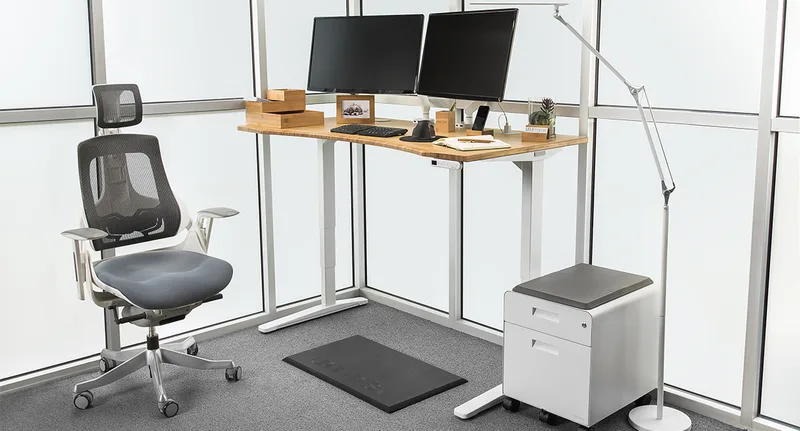
If you bought a standing desk hoping it would fix your neck and shoulder pain and it didn’t, you’re not alone, and the desk probably isn’t the real problem. Ergonomics researchers keep flagging the same mistake in 2026: people raise the desk to standing height and leave the monitor at its old sitting-height position, which forces the neck into flexion all over again — the exact strain a standing desk is supposed to relieve. Structured sit-stand schedules have also been linked in recent trials to meaningfully lower self-reported neck and shoulder discomfort, but only when the desk itself doesn’t introduce new problems: wobble at height, presets you never bother to use, or a desktop too narrow to mount a monitor arm at eye level.
That’s the lens for this list. Every desk here earned its spot on stability at full extension, real memory presets (not just a “height adjustable” claim), and desktop dimensions that actually work with a monitor arm — not on height range alone. If you want the steadiest frame with room for a proper monitor arm setup, the Progressive Desk 48x30 is our top pick. If price matters more, the FlexiSpot E6 gets you real presets and a solid frame for under $350. And if you’re specifically trying to get a monitor arm centered at eye level, the Vari ComfortEdge 60x30 has the desktop width to do it right.
Progressive Desk 48x30: Editor’s Pick
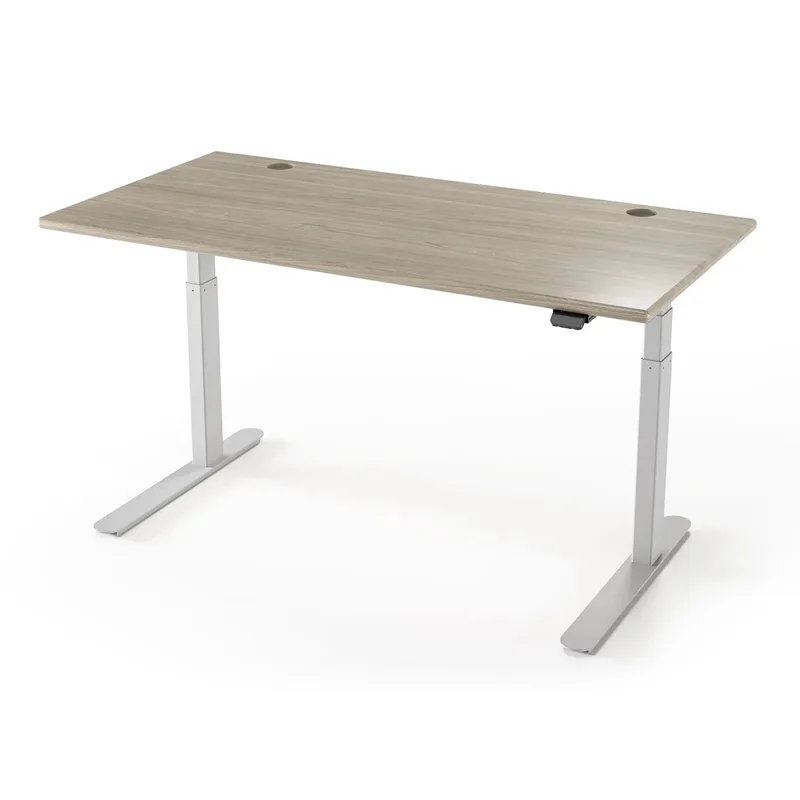
Progressive Desk 48x30 Electric Standing Desk
Pros
- ✓ Dual-motor 3-stage frame stays close to dead-still at full standing height, which matters because a desk that sways under your hands makes you unconsciously tense your shoulders to steady your typing
- ✓ 270 lb capacity has real headroom for a monitor arm plus dual displays without pushing the frame toward its rated limit
- ✓ ISO 9001 manufacturing certification is a verifiable quality standard, not a marketing badge
- ✓ 8-year warranty on frame and motor is longer than most desks in this price range
Cons
- ✗ At over $700, it's the priciest desk in this roundup
- ✗ Ships in two boxes and needs real assembly — budget 30-45 minutes with a second person
- ✗ Fewer desktop finish options than FlexiSpot's larger catalog
Neck and shoulder tension often starts with a desk that isn’t actually steady. If a frame sways or bounces slightly when you type at standing height, you compensate by bracing — shoulders creep up, neck stiffens, and you don’t even notice you’re doing it until the ache shows up hours later. The Progressive Desk 48x30 is the steadiest frame in this roundup: dual motors, a 3-stage leg design, and ISO 9001 manufacturing certification that backs up the “sturdy” claim with an actual standard instead of marketing language.
At 270 lbs of capacity, it has real room for a monitor arm and two displays without running anywhere near its rated limit — important, because a maxed-out weight rating is often where wobble starts creeping back in. The 8-year warranty on frame and motor also beats most competitors at this price. The tradeoff is cost: at over $700, it’s the most expensive desk here, and assembly takes a real 30-45 minutes with a second person.
Best for: Anyone whose main issue is a shaky desk at standing height, not just a limited height range.
FlexiSpot E6: Best Value
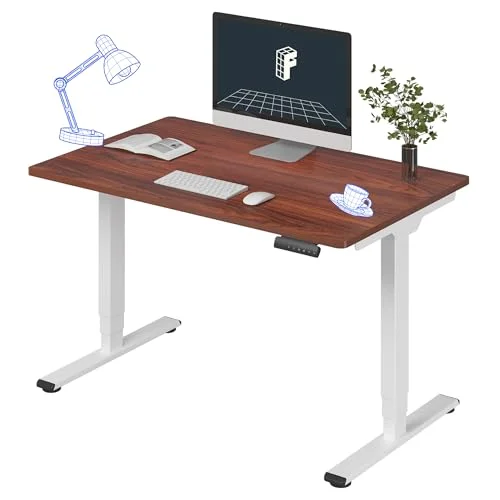
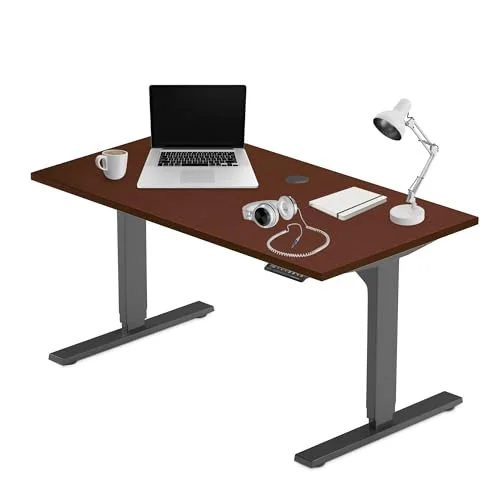
FlexiSpot E6 Electric Standing Desk
Pros
- ✓ 4 memory presets make switching sit-to-stand a single button press, which matters because people skip position changes when the desk requires fiddling to adjust
- ✓ Whole-piece desktop with rounded edges feels sturdier than the seamed tops on cheaper competitors
- ✓ Quiet dual-motor lift doesn't announce every position change in a shared space
- ✓ Anti-collision sensors stop the desk automatically if it bumps a shelf or monitor arm bracket on the way down
Cons
- ✗ 220 lb weight capacity is the lowest of the dual-motor desks here, so heavier monitor arms eat into your margin
- ✗ Control panel stores presets in inches only, so you need to know your ideal heights ahead of time
- ✗ Fewer desktop finish options than FlexiSpot's pricier E7 line
Presets only help if you actually use them, and the E6 makes that easy — four memory presets mean switching from sitting to standing is one button press, not a hold-and-wait. That matters more than it sounds like it should: research on sit-stand interventions points to structured, frequent position changes as the actual mechanism behind reduced neck and shoulder discomfort, and a desk that’s annoying to adjust gets used less over time.
The whole-piece desktop with rounded edges feels sturdier than the $339.99 price tag suggests, and the dual motors run quietly. Weight capacity tops out at 220 lbs — the lowest of the dual-motor desks in this list — so a heavy monitor arm plus two displays will eat into that margin faster than on the Progressive Desk. For a single monitor and normal desk clutter, it’s more than enough.
Best for: Budget shoppers who still want real presets and a dual-motor frame.
Vari ComfortEdge 60x30: Best for Monitor Arm Pairing
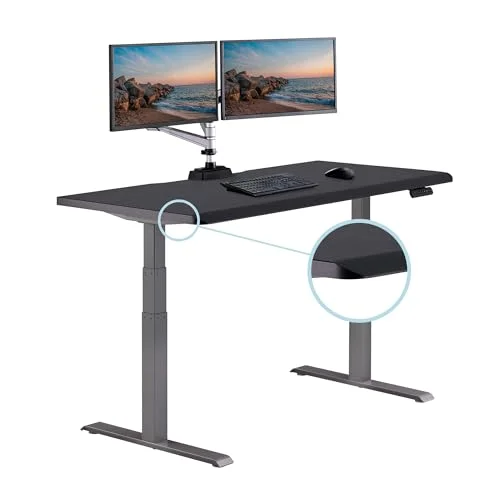
Vari ComfortEdge 60x30 Electric Standing Desk
Pros
- ✓ 60" x 30" desktop gives a clamp-mount monitor arm plenty of room to sit dead-center at eye level instead of crowded to one side, which is the single biggest lever for reducing neck flexion
- ✓ Sloped front edge reduces forearm and wrist pressure, which keeps shoulders from creeping up toward the ears to compensate
- ✓ Drop-stop safety sensor freezes the desk immediately if it detects an obstruction underneath
- ✓ 4 memory presets and a quiet lift make frequent height changes genuinely easy to stick with
Cons
- ✗ 200 lb weight capacity is the lowest of the full desks in this roundup — budget carefully if you're running a heavy dual-arm mount
- ✗ $899 puts it above every other desk here except by a small margin
- ✗ 25" minimum height runs slightly higher than the Progressive Desk, which matters if you're under 5'2"
The single biggest fix for desk-related neck pain is usually the monitor, not the desk — raising a screen to actual eye level so you’re not tilting your chin down for six hours a day. That’s easiest on a wide, deep-enough desktop, and the ComfortEdge’s 60” x 30” surface gives a clamp-mount monitor arm room to sit dead-center instead of crowded off to one side. Pair it with our monitor arm buying guide for standing desks to get the clamp positioned correctly on this desktop size.
The sloped front edge is a smaller but real detail — it reduces pressure on the forearms and wrists, which stops you from unconsciously hiking your shoulders to keep weight off a sharp desktop edge. The catch is weight capacity: at 200 lbs, it’s the lowest full-size desk in this roundup, so if you’re running a heavy dual-monitor arm mount, do the math before you buy.
Best for: Anyone building their setup around a monitor arm rather than adding one as an afterthought.
Progressive Desk 55x28: Best for Dual Monitors
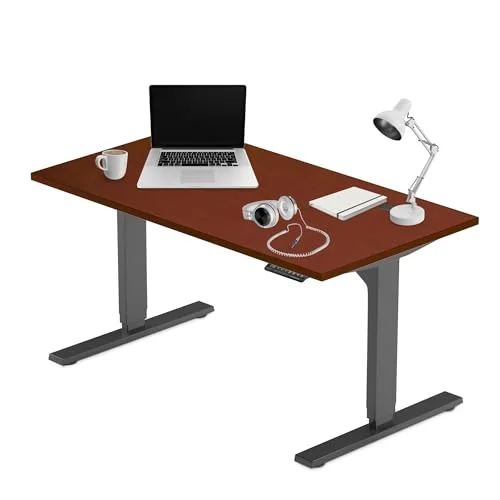
Progressive Desk 55x28 Electric Standing Desk
Pros
- ✓ 55" of width fits two monitors side by side without crowding your neck into a constant side-turn to check the second screen
- ✓ 28" depth keeps both displays within a comfortable arm's-length viewing distance instead of pushed back against the wall
- ✓ Same 270 lb capacity and 8-year warranty as the Progressive Desk 48x30
- ✓ Same 23.5" minimum height, so shorter users don't lose the low sitting height by upgrading to a wider desktop
Cons
- ✗ Stock has run scarce on this size — check current availability before committing to it over the 48x30 version
- ✗ 55" needs a genuine stretch of wall space
- ✗ Same two-box assembly as the smaller Progressive Desk
Constantly turning your head to check a second monitor crammed too close to your primary display is its own neck and shoulder strain pattern, separate from height. The 55x28 shares the Progressive Desk 48x30’s frame, motors, and 270 lb capacity, but trades some depth for width — 55 inches across, 28 inches deep — so two monitors sit side by side without forcing a constant side-turn, and the shallower depth keeps both screens within a comfortable arm’s-length viewing distance.
Everything that makes the 48x30 stable carries over here: dual motors, ISO 9001 certification, 8-year warranty. The main caution is availability — stock on this size has run scarce, so confirm the listing before you commit to it over the narrower version.
Best for: Dual-monitor setups where head-turning, not just desk height, is the source of neck strain.
Branch Standing Desk: Best Design
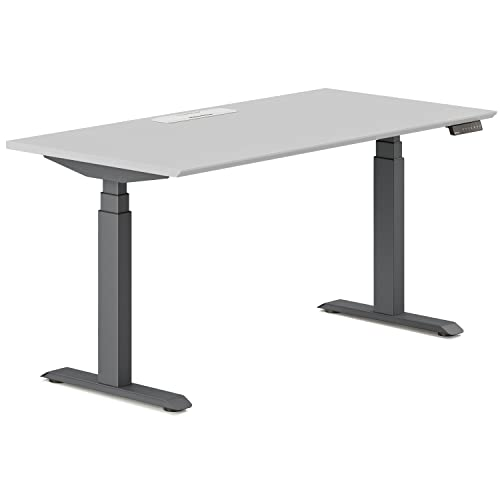
Branch Standing Desk
Pros
- ✓ Frameless, crossbar-free legs give you a straight, upright leg position instead of angling your knees around a support bar, which indirectly keeps your whole posture chain — hips through shoulders — more neutral
- ✓ 275 lb capacity and 4 memory presets rival desks costing far more
- ✓ App-connected controls let you set reminders to actually change position instead of sitting or standing for hours straight
- ✓ Integrated cable management channel keeps cords from snagging when you raise and lower the desk
Cons
- ✗ 25.5" minimum height is the tallest of the full desks here — workable for most people 5'0" and up, but not as low as the Progressive Desk
- ✗ $749 puts it in direct competition with higher-capacity desks
- ✗ Branch ships direct, so returns and support go through their own system rather than Amazon's
Branch’s frameless leg design does something most roundups don’t credit: it removes the crossbar most desks have between the legs, so you’re not angling your knees or feet around a support bar all day. That sounds unrelated to neck and shoulder pain, but posture is a chain — if your hips and knees are twisted to avoid a crossbar, your spine compensates up through your shoulders. A straighter lower-body position supports a straighter upper body.
275 lbs of capacity and 4 memory presets hold up well against pricier desks, and the app-connected controls can actually remind you to change position — useful if the real problem is that you plant yourself in one posture for four hours straight. The minimum height, 25.5”, is the tallest full desk in this list, so it’s a better fit for users 5’0” and up. Branch also ships and supports directly rather than through Amazon.
Best for: Anyone who wants a design-forward desk with genuine legroom and built-in reminders to move.
FlexiSpot EN1: Best Budget
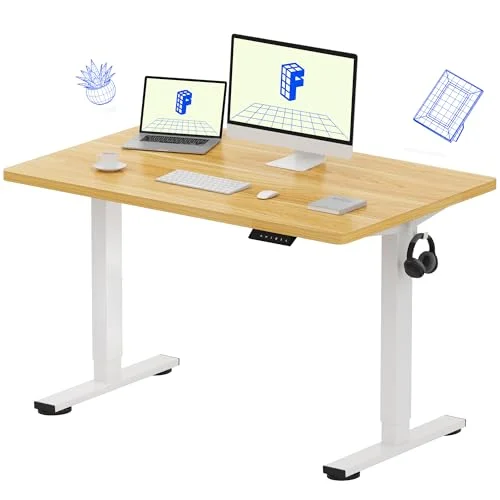
FlexiSpot EN1 Electric Standing Desk
Pros
- ✓ 4 memory presets at this price point are unusual — most budget single-motor desks make you hold a button down
- ✓ One-piece seamless desktop feels sturdier than the price suggests
- ✓ Anti-collision protection is included even on the entry-level model
- ✓ Lightest frame in this roundup, which makes solo assembly realistic
Cons
- ✗ 176 lb weight capacity is the lowest here — a monitor arm plus two displays can eat most of that margin fast
- ✗ 29" minimum height is noticeably taller than every other desk in this list, a problem if you're under 5'4"
- ✗ Less stable at full 48.6" extension than the dual-motor desks above it, which can reintroduce the wobble-driven shoulder tension you're trying to fix
At $209.99, the EN1 is the cheapest desk here by a wide margin, and it still includes four memory presets and anti-collision protection — features that used to be reserved for pricier lines. The one-piece seamless desktop also feels sturdier than the price suggests, and the lighter frame makes solo assembly realistic.
The honest tradeoff is stability at full extension. With a 176 lb weight capacity and a taller 29” minimum height, it’s noticeably less planted at max height than the dual-motor desks above it — which can reintroduce the exact wobble-driven shoulder tension this whole list is trying to solve. It’s a legitimate starting point if budget is the deciding factor, but if neck and shoulder pain is already a real problem, the Progressive Desk or FlexiSpot E6 are worth the extra cost.
Best for: Tight budgets where any sit-stand desk beats staying seated all day, with the understanding that stability is the tradeoff.
What Actually Reduces Neck and Shoulder Pain
Height range gets all the marketing attention, but three other factors matter more for neck and shoulder pain specifically:
Stability at standing height. A desk that sways slightly when you type forces you to unconsciously brace with your shoulders and neck to keep steady. Dual-motor frames with a wider stance generally beat single-motor desks here, especially at full extension.
Real memory presets you’ll actually use. The research on sit-stand desks points to frequent position changes, not just “having the option to stand,” as the mechanism behind pain reduction. A desk that takes 15 seconds of button-holding to adjust gets used far less than one with a single-press preset.
Monitor height, not desk height. The most common mistake is raising the desk to standing height and leaving the monitor exactly where it was at sitting height, which reintroduces neck flexion immediately. Pair any desk on this list with a proper monitor arm set to eye level — top of the screen at or just below eye height — rather than trusting the desk alone to fix your posture.
An anti-fatigue mat also matters more than people expect: standing flat-footed on a hard floor for long stretches causes people to shift weight unevenly, which travels up through the hips and shoulders the same way a bad chair does. For the full setup, our complete standing desk setup guide covers monitor height, keyboard position, and chair pairing in more detail, and our neck pain guide for desk workers and shoulder pain guide go deeper on stretches and posture habits that a desk alone can’t fix.
FAQ
Will a standing desk alone fix my neck and shoulder pain?
Not by itself. A standing desk changes your posture options, but if the monitor stays at the wrong height or you never actually use the sit-stand presets, the pain often persists. Pairing the desk with a properly positioned monitor arm and an actual habit of switching positions matters as much as the desk itself.
How often should I switch between sitting and standing?
Most ergonomics guidance points toward alternating every 30-60 minutes rather than standing for hours straight, which can create its own fatigue and compensatory slouching. A desk with quick, reliable memory presets — like the ones in this roundup — makes that easier to stick with.
Does desk stability actually matter for neck and shoulder pain, or is that just marketing?
It matters. A desk that wobbles or bounces when you type or rest your hands on it causes you to brace against the movement, and that bracing shows up as shoulder and neck tension over a workday. Dual-motor desks with a wider leg stance are generally steadier at full height than single-motor frames.
Do I need a monitor arm, or can I just set the monitor on the desk?
A monitor arm makes it far easier to get the top of your screen at eye level, especially since that ideal height changes when you switch from sitting to standing. A monitor propped directly on the desktop is usually too low when standing, which forces your neck to tilt down.
What weight capacity do I actually need?
Add up your monitor arm (often 15-20 lbs before the monitor), your monitor(s), and anything else that lives on the desktop full-time. If that total gets close to a desk’s rated capacity, wobble and long-term motor strain become more likely — leave real margin rather than buying to the limit.
Is a more expensive desk always more stable?
Generally dual-motor desks with wider leg stances are steadier than single-motor budget frames, and that does track with price. But within the dual-motor category, the differences are smaller — the Progressive Desk 48x30 and the FlexiSpot E6 are both genuinely stable at standing height despite a $400 price gap.
Bottom Line
If your neck and shoulder pain hasn’t improved since switching to a standing desk, look at three things before blaming the desk itself: is the frame actually stable at your standing height, are you using the presets often enough to matter, and is your monitor set to eye level rather than wherever it landed on the desktop. The Progressive Desk 48x30 is the steadiest option here and our top pick. The FlexiSpot E6 gets you real memory presets and a stable frame for under $350. And if a monitor arm is the missing piece, the Vari ComfortEdge 60x30 has the desktop width to mount one dead-center at eye level.