A flat mouse asks your forearm to twist palm-down for eight hours. The Logitech MX Vertical is built to stop that, and for medium to large right hands it is the vertical mouse I’d look at first. It is not for everyone, and I’ll say who should skip it below.
This review is based on Logitech’s spec sheet, our other vertical mouse research, and owner feedback. We have not physically used the unit. A quick check of 2026 coverage found no recall, safety notice, or new MX Vertical successor, so this is still Logitech’s flagship vertical mouse. No mouse is a medical device, and none will fix pain by itself. If you have persistent numbness or pain, see a professional.
Quick pick: large right hand, want rechargeable, want it to feel like a premium mouse: buy it. Small or medium hand: get the Lift instead. Left-handed: look elsewhere.
What the MX Vertical actually does
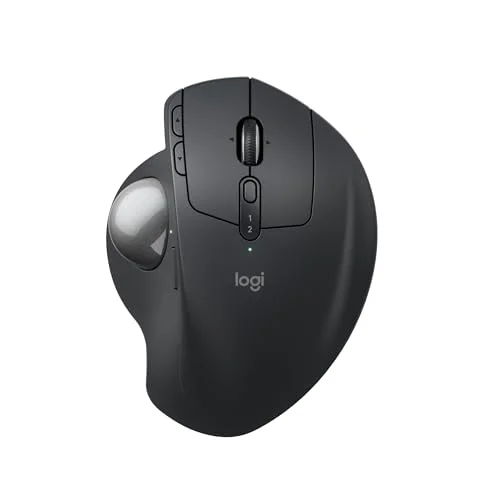
Logitech designed it to keep the wrist in a handshake position. The body sits at a 57° angle, so your thumb rides on top and your palm faces inward rather than down. That is the whole idea, and it is the same idea behind every mouse in our best vertical mice roundup.
Beyond the tilt, the spec sheet is strong. Sensor resolution goes up to 4000 DPI with a dedicated button to switch on the fly. It charges over USB-C, connects over Bluetooth or a USB receiver, and can hold connections to up to three computers. For a desk shared between a work laptop and a personal machine, that matters.
Who it fits
The MX Vertical is a large mouse. Owners with big hands tend to like the generous thumb rest and the way the full palm sits on the body. Owners with smaller hands commonly report stretching to reach the side buttons, and a heavier mouse gets tiring over a day. If that sounds like you, the Lift is sized for small to medium hands and is the better buy. Our ergonomic mice for small hands guide covers the sizing, and the large hands roundup goes deeper on the other end.
The adjustment period
Expect a rough week. Vertical mice move differently: precision tasks like selecting small text or detailed photo work feel clumsy at first. Most owner feedback says it settles within a week or two. If you give up on day three, that is a normal reaction, not proof the mouse is bad. Try it for at least two weeks before judging.
Vertical mouse or trackball?
Both aim to reduce forearm strain, in different ways. A vertical mouse still moves your whole arm. A trackball stays put while your thumb or fingers move the ball. If sweeping arm motion bothers you more than wrist rotation, read our vertical mouse vs trackball comparison and the MX Ergo S review before you buy.
Pros and cons at a glance
The strengths are the size, the rechargeable battery, the multi-device pairing and the DPI button. The weaknesses are the size too (it is a pro for big hands, a con for small ones), right-handed only, and the learning curve. Nothing else on the spec sheet is a surprise.
Buying advice
- Measure your hand first. Hand size decides whether this mouse is comfortable. Medium to large is the target.
- Check the price on the day. Street price swings between color options, so use the button on the card rather than relying on any number you saw last month.
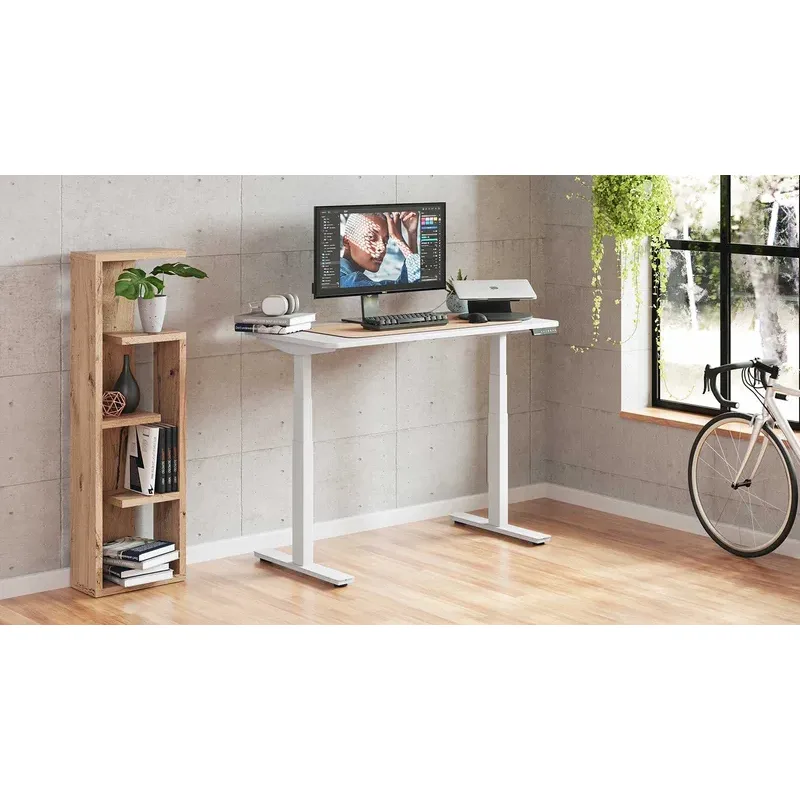
- Pair it with the rest of the desk. A mouse can’t fix a keyboard that’s too high. Keep your elbows near 90° and the mouse close to the keyboard, and see our wrist pain from typing guide for setup basics.
FAQ
Is the Logitech MX Vertical good for wrist pain?
It is designed to keep the wrist in a handshake position, which reduces forearm twisting compared with a flat mouse. It is not a medical device and won’t resolve pain on its own. Persistent symptoms deserve a professional opinion.
Is the MX Vertical or the Logitech Lift better?
It depends on hand size. The MX Vertical suits medium to large hands. The Lift is sized for small to medium hands and runs on a AA battery. Check both in the vertical mice roundup.
Is the MX Vertical available for left-handed users?
No. It is right-handed only. The Lift has a left-handed version, covered in the roundup.
How long does it take to get used to a vertical mouse?
Owner reports commonly put it at one to two weeks. Cursor precision feels worse at first and then improves.
Does the MX Vertical work with more than one computer?
Yes. It pairs over Bluetooth or a USB receiver and can connect to up to three devices, per Logitech’s specs.
Verdict
The MX Vertical earns its Best for Large Hands badge. If your hand is medium to large and you use a right-hand mouse, it is a polished, rechargeable way to try a handshake grip. If your hand is small, buy the Lift. If your wrist trouble comes from sweeping arm motion, try a trackball. Give any of them two weeks.