Lower back pain affects up to 80% of adults at some point in their lives, and for office workers sitting 8+ hours daily, the question is urgent: can a standing desk help?
The answer is nuanced. Standing desks can help back pain — but not the way most people expect. Simply replacing sitting with standing doesn’t solve the problem. In fact, prolonged standing creates its own back pain issues. The solution lies in understanding why back pain occurs and how to use a sit-stand desk effectively.
Quick take: Yes, a standing desk helps — if you actually alternate positions. The
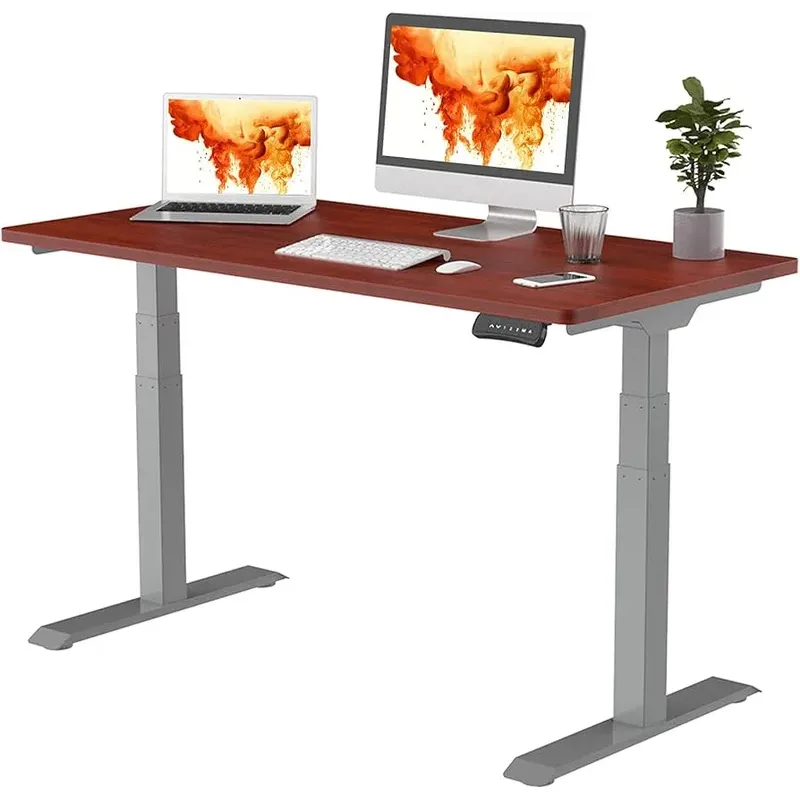
FlexiSpot E7 Pro
Pros
- ✓ Best stability in class — under 1/4" wobble at standing height
- ✓ Dual motors run dead silent at <45 dB
- ✓ 440 lb weight capacity handles any demanding setup
- ✓ Memory presets eliminate friction from switching positions
Cons
- ✗ Frame only — desktop sold separately
- ✗ Max height of 51.6" not ideal for users over 6'4"
- ✗ Some assembly required (~30 minutes)
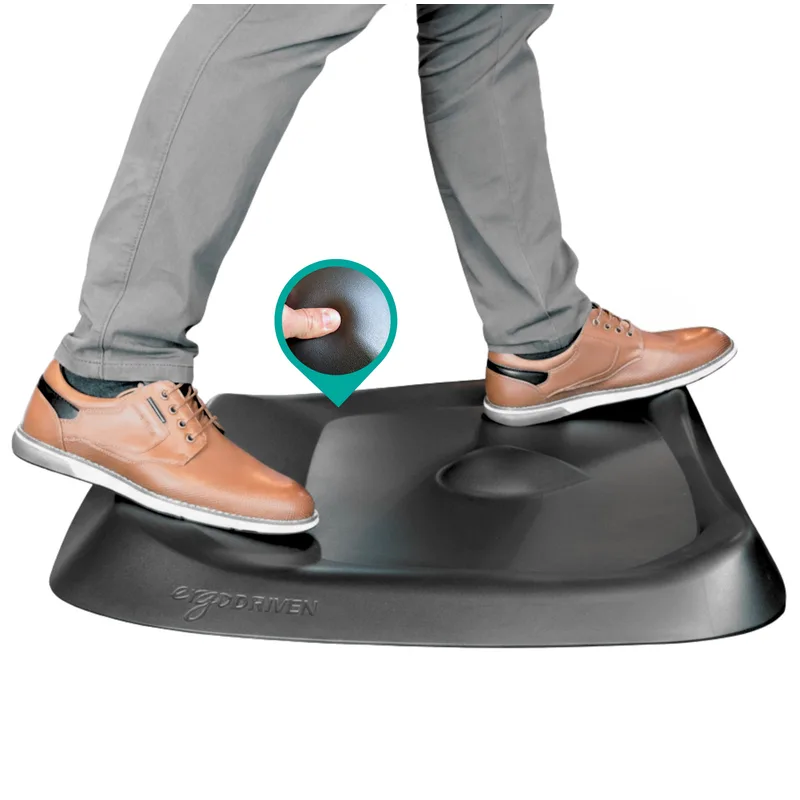
Ergodriven Topo
Pros
- ✓ Textured terrain encourages micro-movements while standing
- ✓ PVC-free and PFA-free — no off-gassing concerns
- ✓ Seven-year manufacturer warranty
- ✓ Reduces standing fatigue better than a flat mat
Cons
- ✗ More expensive than flat mats
- ✗ Textured terrain takes a few days to adapt to
- ✗ Not suitable for rolling office chairs
The Quick Answer
Yes, sit-stand desks can reduce lower back pain — but only when used correctly.
Research shows:
- Up to 50% reduction in back pain with proper sit-stand desk use
- 32% improvement in lower back and neck pain in workplace studies
- Alternating positions is the key mechanism — standing alone doesn’t help
The critical factor: It’s not sitting or standing that causes pain — it’s staying in any single position for too long.
What Research Actually Shows
Evidence Supporting Standing Desks
Multiple studies demonstrate back pain reduction with sit-stand desk use:
Randomized Trial (46 employees with chronic LBP)
- Significant reduction in current pain (p = 0.02)
- Significant reduction in worst pain episodes (p = 0.04)
- Benefits appeared within weeks of consistent use
2018 Sedentary Behavior Study
- 50% decrease in low back pain for sit-stand users
- Combined with counseling on sedentary behavior
- Control group showed no improvement
Systematic Review and Meta-Analysis
- Sit-stand workstations may reduce low back pain
- Benefits attributed to postural variation
- More research needed on optimal dosing
2026 Griffith University Trial A new randomized trial published in 2026 compared fixed and personalized sit-stand ratios in desk workers. The key finding: participants using a 30:15 ratio (30 minutes sitting, 15 minutes standing) showed greater reductions in worst lower back pain than those using their own self-selected ratio. Improvements extended to neck pain, stress, and concentration. This is the most specific dosing guidance the research has produced to date.
The Important Caveats
Research also reveals critical limitations:
Standing Isn’t a Cure-All
- Prolonged standing is associated with its own back pain
- Replacing sitting with standing (without alternation) doesn’t help
- Serious conditions (disc problems, scoliosis) require medical treatment
Mechanism Matters
- Breaking up prolonged sitting provides immediate benefits
- Alternating postures reduces pain better than any single position
- Movement and variation are the actual mechanisms
Why Prolonged Sitting Causes Back Pain
Understanding the problem helps explain the solution.
Spinal Disc Compression
When you sit, especially with poor posture:
- Lumbar discs experience up to 40% more pressure than standing
- Sustained load reduces disc nutrition (discs require movement for fluid exchange)
- Over time, this leads to disc degeneration and bulging
Muscle Deactivation
Sitting deactivates key stabilizing muscles:
- Core muscles disengage
- Hip flexors shorten and tighten
- Gluteal muscles weaken
- Back muscles compensate, leading to strain
Static Loading
Maintaining any position creates sustained stress:
- Muscles fatigue from constant low-level engagement
- Blood flow decreases to loaded tissues
- Metabolic waste accumulates
- Pain signals increase
Why Standing Also Causes Back Pain
Here’s what standing desk marketing doesn’t tell you: prolonged standing can cause just as much back pain as sitting.
Lumbar Strain
Standing for extended periods:
- Increases lumbar lordosis (lower back curve)
- Compresses posterior spinal structures
- Strains muscles that maintain upright posture
Joint Loading
Unlike sitting, standing loads your joints continuously:
- Hip joints bear full body weight
- Knee and ankle joints under constant stress
- Feet absorb cumulative impact
Research Warning
A systematic review specifically warned: “Replacing seated desk work postures with standing for prolonged periods would not be recommended.”
The point is clear: Neither sitting nor standing all day is healthy. The solution is alternation.
How Standing Desks Actually Help
The benefit of a standing desk isn’t standing — it’s having options.
Postural Variation
Alternating between sitting and standing:
- Distributes load across different muscle groups
- Allows recovery while maintaining productivity
- Prevents the cumulative strain of any single position
Encouraged Movement
Position changes prompt additional movement:
- Walking to adjust desk height
- Shifting weight while standing
- Natural stretching during transitions
Breaks from Static Loading
Even brief standing breaks interrupt the sustained loading that causes pain:
- Spinal discs rehydrate during position changes
- Muscles reset from fatigue
- Blood flow normalizes
The Optimal Sit-Stand Ratio for Back Pain

Research suggests these guidelines:
| Pattern | Sitting | Standing | Movement |
|---|---|---|---|
| 30:15 Rule (2026 trial) | 30 min | 15 min | 2 min |
| 20-8-2 Rule | 20 min | 8 min | 2 min |
| Traditional | 45-60 min | 15-20 min | 5 min |
Key Principles
- Change positions before pain starts — Reactive position changes are less effective than proactive ones
- Include actual movement — Standing still is better than sitting still, but walking beats both
- Listen to your body — Pain signals mean you’ve already waited too long
- Start conservatively — If you have existing pain, begin with shorter standing intervals
Additional Factors That Matter
A standing desk alone may not solve back pain if other factors aren’t addressed.
Ergonomics (Sitting and Standing)
Sitting ergonomics:
- Feet flat on floor
- Thighs parallel to ground
- Lumbar support in chair
- Screen at eye level
Standing ergonomics:
- Desk at elbow height
- Screen 20-26 inches from eyes
- Weight distributed evenly
- Slight knee bend (not locked)
If you also use your desk for gaming, our Gaming Posture Guide covers how to set up your station to prevent back and neck pain during longer gaming sessions.
Anti-Fatigue Mat
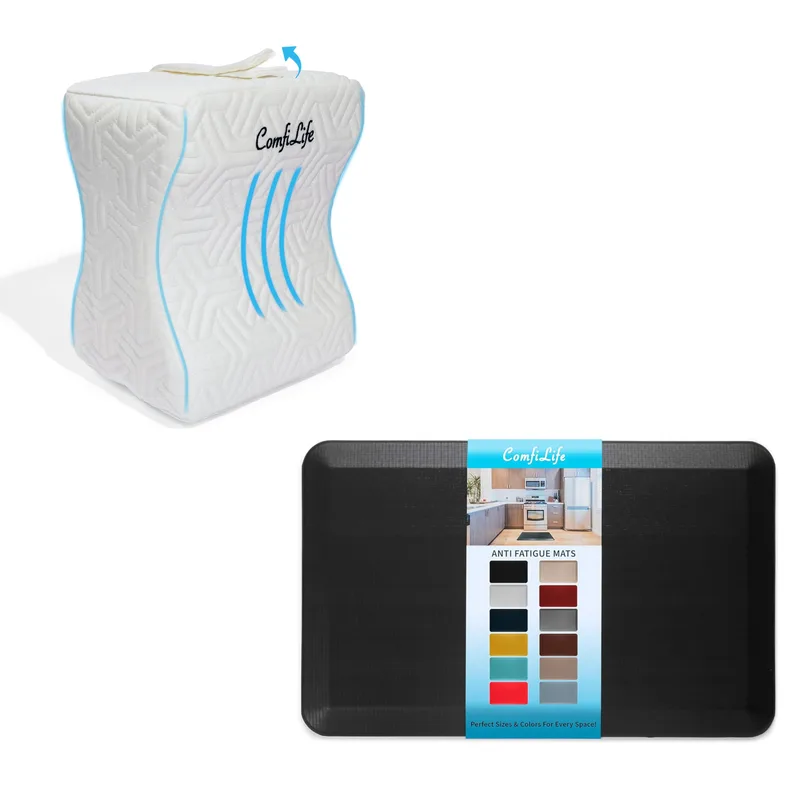
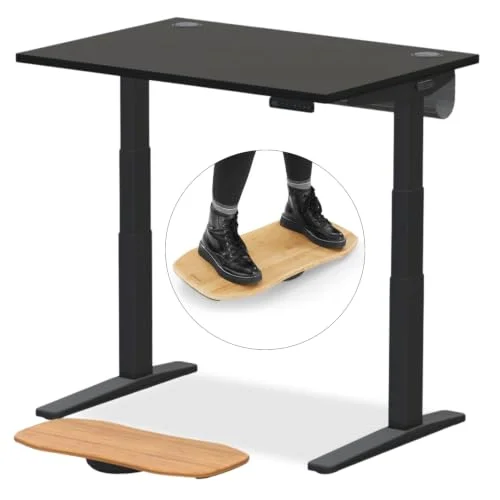
Standing on hard floors dramatically increases back fatigue. The
Ergodriven Topo
Pros
- ✓ Textured terrain encourages micro-movements while standing
- ✓ PVC-free and PFA-free — no off-gassing concerns
- ✓ Seven-year manufacturer warranty
- ✓ Reduces standing fatigue better than a flat mat
Cons
- ✗ More expensive than flat mats
- ✗ Textured terrain takes a few days to adapt to
- ✗ Not suitable for rolling office chairs
Footwear
Standing in dress shoes with hard soles or heels increases back strain. Supportive footwear or going barefoot on a mat is better.
Core Strength
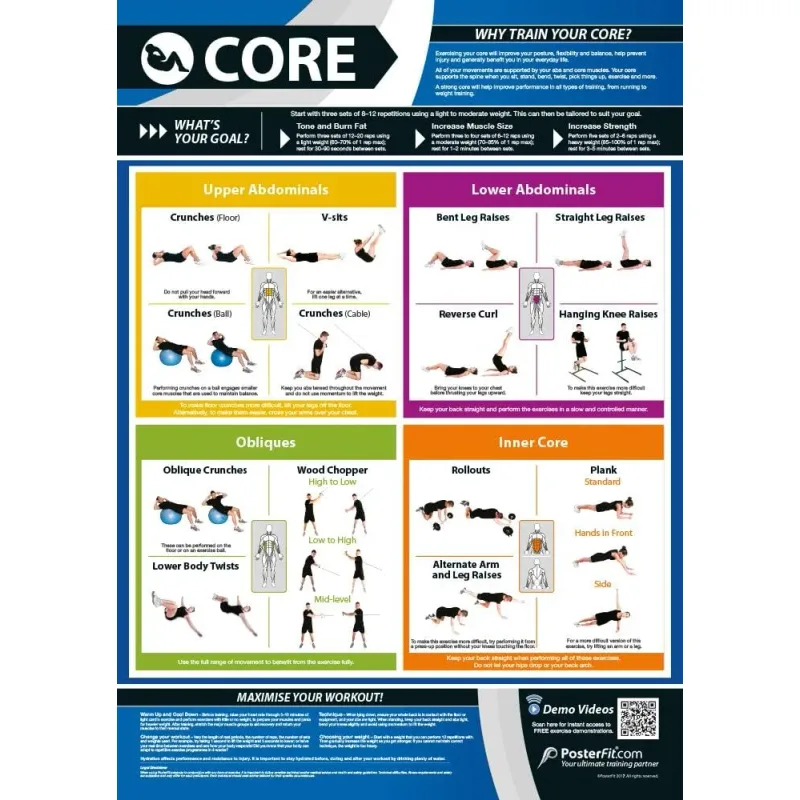
Weak core muscles can’t support proper posture in any position. A resistance band set like the Fit Simplify Resistance Loop Bands ($12.95) is enough to add short strengthening breaks between sit-stand transitions, and a TriggerPoint Grid foam roller helps release the hip flexor and glute tightness that builds up from either sitting or standing too long. Our best stretches for desk workers guide has a full routine built around both.
Chair Quality
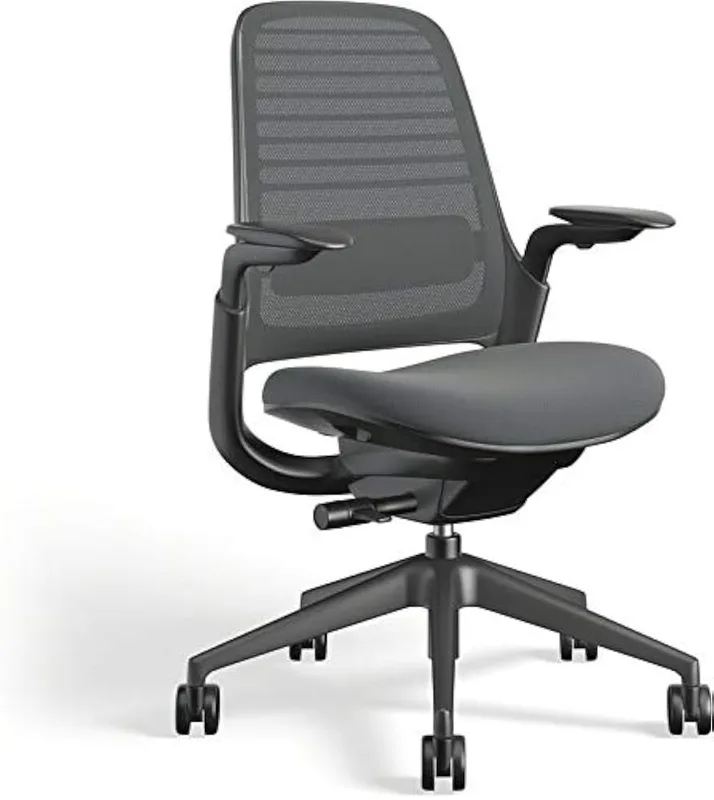
For sitting intervals, your chair matters. Poor lumbar support negates the benefits of alternating positions. The
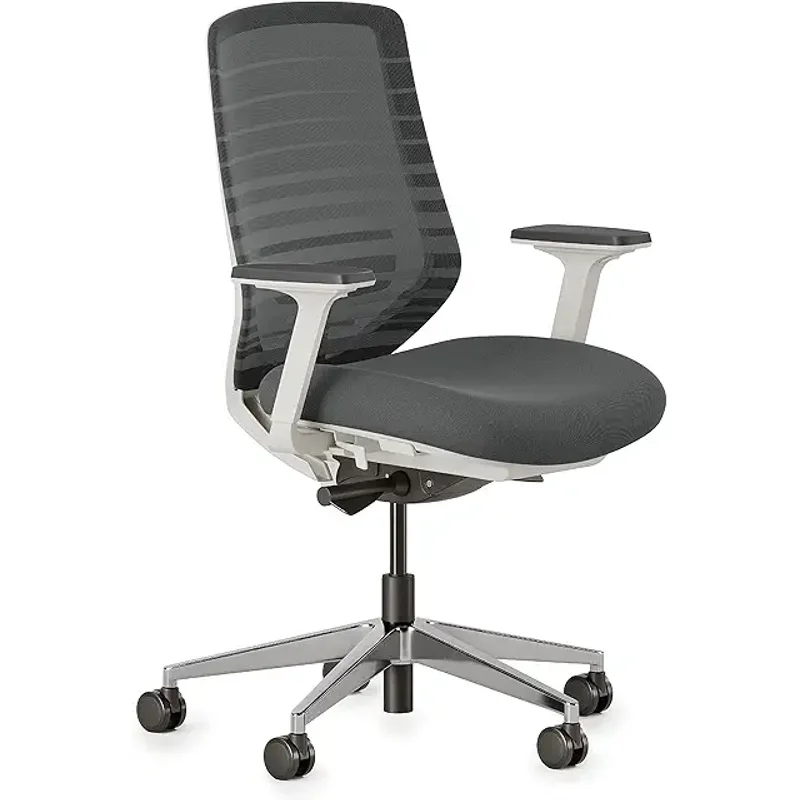
Branch Ergonomic Chair
Pros
- ✓ 8-point adjustability is unusually thorough for a chair under $300
- ✓ Adjustable lumbar height lets you dial in support instead of a fixed curve
- ✓ Breathable mesh back holds up on long sitting intervals
- ✓ 7-year warranty beats most chairs in this price range
Cons
- ✗ 275 lb weight capacity is lower than several premium alternatives
- ✗ No headrest on the base model
- ✗ Armrests feel less sturdy than the rest of the chair under heavy use
When Standing Desks Won’t Help
Standing desks aren’t appropriate for all back pain conditions.
Seek Medical Advice For:
- Disc herniation or bulging — May require specific positioning guidance
- Spinal stenosis — Standing can worsen symptoms
- Sciatica — Position effects vary; needs individual assessment
- Scoliosis — Structural issues require professional treatment
- Acute injuries — Rest may be needed before position changes help
Red Flags (See a Doctor)
- Pain radiating down legs
- Numbness or tingling
- Weakness in legs or feet
- Bladder or bowel changes
- Pain that wakes you at night
- Pain after trauma or injury
Frequently Asked Questions
How long until a standing desk helps my back pain?
Most studies show improvement within 4-8 weeks of consistent use. Some people notice relief within days, while others take longer. If pain worsens or doesn’t improve after 2-3 months, consult a healthcare provider.
Should I stand more or sit more with back pain?
Neither. Research consistently shows that alternating positions helps more than prolonged sitting or standing. The 2026 Griffith University trial found a 30:15 ratio (30 minutes sitting, 15 standing) produced the best outcomes. Start with more sitting and gradually increase standing intervals as tolerated.
Can standing too much make back pain worse?
Yes. Prolonged standing causes its own back pain, particularly in the lower back. Keep standing intervals under 30 minutes and use an anti-fatigue mat.
Is a standing desk better than a new office chair?
They serve different purposes. A standing desk provides postural variety; a chair provides sitting support. For back pain, you ideally want both — a quality chair for sitting intervals and a standing desk for variation.
Will insurance cover a standing desk for back pain?
Sometimes. With a doctor’s recommendation documenting medical necessity, some insurers or employers will cover standing desks as workplace accommodations. Check your specific policy.
Do I need an expensive standing desk for back pain benefits?
No. The back pain benefits come from the ability to change positions — not from premium features. A budget electric desk like the FEZIBO 48x24 ($179) provides everything you need. Spend more only if you want better stability, quieter motors, or longer warranties.
Buying Guide: What to Look for in a Standing Desk for Back Pain
If you’re buying a standing desk specifically to address back pain, here’s what actually matters — and what’s marketing noise.
Electric vs. Manual
Electric (recommended for back pain). Manual crank desks work, but the friction of cranking makes position changes feel like a chore. You’ll stand less often. With an electric desk, switching positions takes two seconds. That ease of use is directly tied to how often you actually change positions — and that frequency is what drives back pain relief.
Height Range
Your desk needs to comfortably reach both your seated elbow height and your standing elbow height. For most people, that means a range of roughly 26” to 50”. Taller users (6’2”+) should specifically check the max height, not just the range — some desks cap at 47”-48”, which isn’t enough.
Programmable Memory Presets
This matters more than most people expect. When your desk remembers your exact sitting and standing heights, position changes take one button press. Without presets, you’re guessing and adjusting every time, and you’ll do it less often. Look for at least 3 memory positions.
Stability
Wobble at standing height is annoying, but it’s also a real ergonomic problem — an unstable surface increases neck and shoulder tension as you compensate. For back pain purposes, look for a dual-motor frame with crossbar stabilization. Read reviews from users around your height; wobble increases significantly at higher desk positions.
Anti-Fatigue Mat Budget

Factor this into your total cost. A quality mat ($50-$150) is nearly as important as the desk itself for back pain relief. Don’t buy a premium desk and then stand on bare hardwood.
What We Recommend
For the full breakdown of tested models, see our best standing desks of 2026 roundup.
FlexiSpot E7 Pro
Pros
- ✓ Best stability in class — under 1/4" wobble at standing height
- ✓ Dual motors run dead silent at <45 dB
- ✓ 440 lb weight capacity handles any demanding setup
- ✓ Memory presets eliminate friction from switching positions
Cons
- ✗ Frame only — desktop sold separately
- ✗ Max height of 51.6" not ideal for users over 6'4"
- ✗ Some assembly required (~30 minutes)
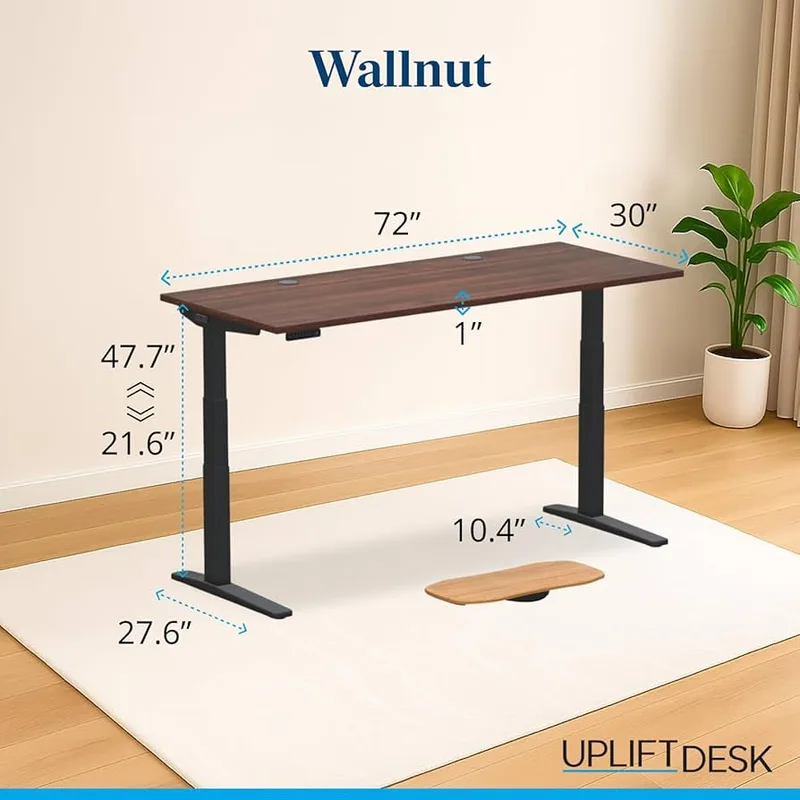
UPLIFT V3
Pros
- ✓ C-frame design eliminates side-to-side wobble common on dual-leg frames
- ✓ Quietest motor of the desks in this guide, under 40 dB
- ✓ Lifetime warranty on the frame
- ✓ Extensive desktop customization options at checkout
Cons
- ✗ $699 starting price before adding a desktop
- ✗ 355 lb capacity is lower than the FlexiSpot E7 Pro's 440 lbs
- ✗ Longer lead time — built to order, not shipped from stock
Ergodriven Topo
Pros
- ✓ Textured terrain encourages micro-movements while standing
- ✓ PVC-free and PFA-free — no off-gassing concerns
- ✓ Seven-year manufacturer warranty
- ✓ Reduces standing fatigue better than a flat mat
Cons
- ✗ More expensive than flat mats
- ✗ Textured terrain takes a few days to adapt to
- ✗ Not suitable for rolling office chairs
Branch Ergonomic Chair
Pros
- ✓ 8-point adjustability is unusually thorough for a chair under $300
- ✓ Adjustable lumbar height lets you dial in support instead of a fixed curve
- ✓ Breathable mesh back holds up on long sitting intervals
- ✓ 7-year warranty beats most chairs in this price range
Cons
- ✗ 275 lb weight capacity is lower than several premium alternatives
- ✗ No headrest on the base model
- ✗ Armrests feel less sturdy than the rest of the chair under heavy use
The Bottom Line
Standing desks can help back pain. But the mechanism isn’t what most people expect. The benefit comes from postural variation — the ability to change positions throughout the day — not from standing itself.
What works: Alternating between sitting and standing on a consistent schedule, changing positions before pain sets in, using an anti-fatigue mat, and maintaining proper ergonomics in both positions. The research-backed target is roughly 30 minutes sitting followed by 15 minutes standing.
What doesn’t work: Replacing sitting with prolonged standing, expecting a desk to cure structural spinal conditions, or ignoring chair quality, ergonomics, and floor support.
Who should buy one for back pain:
- Desk workers with non-specific chronic lower back pain — high likelihood of improvement
- People who sit 6+ hours daily — scheduled position breaks will help
- Anyone whose pain eases on a walk — if movement helps, position variation is almost certainly the issue
Who should hold off:
- Anyone with diagnosed disc herniation, stenosis, or sciatica — get professional guidance before changing your workstation setup
- People who already take frequent breaks and still have pain — a standing desk alone likely won’t move the needle without addressing other factors
For most office workers with chronic back pain, a standing desk is one of the most direct interventions available. Not because standing heals your spine — but because it gives you the ability to stop sitting, consistently, throughout the day.
Start with the FlexiSpot E7 Pro above if you want a reliable entry point. Add a Topo mat. Set a 30-minute timer. That combination — not the desk alone — is what the research actually supports.
See our complete standing desk setup guide for ergonomics and positioning recommendations once you have your desk. For the full picture of how your desk, chair, and workspace work together, the ergonomic workstation setup guide is the companion resource. For the technology side of your home office — monitors, webcams, and accessories — see SetupRanked’s complete remote work setup guide.