Disclosure: PostureRanked is reader-supported. When you buy through links on our site, we may earn an affiliate commission at no additional cost to you. Our recommendations are based on independent research and testing.
PostureRanked is reader-supported. When you buy through links on our site, we may earn an affiliate commission at no additional cost to you.
You can spend hours reading spec sheets for standing desks and still not know which one to actually buy. The Autonomous SmartDesk Pro sits at $649–$999 depending on size — right in that mid-range sweet spot where you expect solid build quality without paying premium tax.
After cross-referencing lab tests, long-term user reports, and hands-on reviews, here’s the honest take: the SmartDesk Pro is a good desk with real strengths and some frustrating blind spots. If you’re between 5’8” and 6’4” and want a clean-looking desk without spending UPLIFT money, it belongs on your shortlist. Everyone else should keep reading before pulling the trigger.
Quick verdict: Solid mid-range standing desk for taller users who prioritize aesthetics. The FlexiSpot E7 Pro beats it on value, and the UPLIFT V3 beats it on stability — but the SmartDesk Pro holds its own if you like the look and your height falls in its sweet spot. For our full market overview, see the best standing desks of 2026.
Autonomous SmartDesk Pro: Full Breakdown
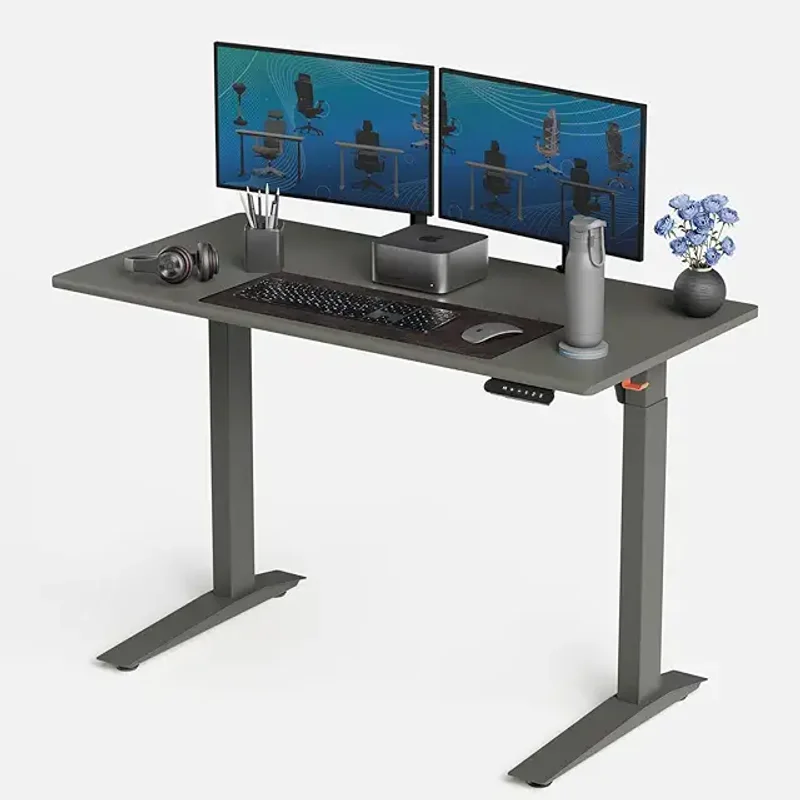
Autonomous SmartDesk Pro
Pros
- ✓ Tall max height (52") suits users up to 6'4"
- ✓ 310 lb capacity handles heavy multi-monitor setups
- ✓ Quiet dual-motor operation
- ✓ Multiple desktop finishes and sizes
Cons
- ✗ Wobble at max standing height
- ✗ No anti-collision sensor
- ✗ 26.2" minimum too tall for shorter users
What You Get for $649–$999
Three desktop sizes are available:
- Small (43” × 24”) — $649. Works for a laptop and single monitor. Feels cramped with a full desktop setup.
- Medium (53” × 29”) — $699. The sweet spot. Nine finish options at this size, including walnut and bamboo.
- XL (70” × 30”) — $999. Genuinely expansive. If you run dual monitors plus a laptop, this is the one. Corner setups for multi-monitor rigs might also benefit from our best L-shaped gaming desks for multi-monitor setups guide.
The medium is where most people should land. It gives you enough space for dual monitors without the price jump to XL, and Autonomous offers the widest color selection at this size.
Design and Build Quality
The SmartDesk Pro looks good. Full stop. Solid steel legs, wide stabilizing feet, and clean lines that don’t scream “office furniture” the way some competitors do. The powder-coated MDF desktop comes in enough finishes — white, black, walnut, bamboo, and others — to match most home offices.
The 310 lb weight capacity is more than you’ll realistically need. Even a heavy dual-monitor setup with a desktop PC, speakers, and a pile of books won’t come close. That headroom means the frame isn’t straining under normal loads, which contributes to longevity.
One complaint: the desktop surface scratches more easily than you’d expect at this price. A desk pad is practically mandatory if you want it looking new after six months.
Assembly: Plan for an Hour
This is where the SmartDesk Pro loses goodwill. Assembly runs 45–60 minutes and requires more patience than skill. The instructions read like they were translated three times, pre-drilled holes don’t always line up perfectly, and there are enough screws and wire connections to make you wish you’d paid for white-glove delivery.
A second pair of hands helps, especially when flipping the assembled desk upright. It’s not deal-breaking, but when competitors like UPLIFT have simplified their assembly process significantly, Autonomous feels a step behind here.
Motor and Height Adjustment
The dual-motor system adjusts from 26.2” to 52” — a wider range than most competitors. That 52” max height is the Pro’s best selling point for tall users. If you’re 6’2” or taller, many standing desks simply don’t go high enough. The SmartDesk Pro does.
The flip side: that 26.2” minimum height is too tall for users under about 5’6”. Your feet won’t sit flat on the floor at the lowest setting, which defeats the purpose of an ergonomic desk. Shorter users should look at the FlexiSpot E7 Pro, which bottoms out at 25”.
Transit speed clocks in at roughly 1.3 inches per second in real-world testing. Autonomous markets it as faster, but independent measurements tell a different story. It’s adequate — you won’t be waiting around — but it’s not the quickest in this price range.
The motor itself runs quietly. Height changes won’t interrupt a video call or wake up your dog. Four programmable presets on the digital control panel let you switch between sitting and standing heights with one touch.
Stability: Good Until You Push It
At normal sitting and mid-range standing heights, the SmartDesk Pro is solid. No complaints. The dual-stage frame and wide feet do their job.
Push it to 48” and above, though, and wobble creeps in. At full 52” extension, the desk sways noticeably with typing. This is the tradeoff of that tall max height — the higher the column extends, the less stable it becomes.
If you’re tall enough to need the desk at max height regularly, this matters. The UPLIFT V3 handles stability at max height noticeably better thanks to its cross-support design. If stability at full extension is your top priority, the UPLIFT is worth the premium.
For users who stand at 44”–48”, though? The SmartDesk Pro is perfectly stable.
What’s Missing from the Control Panel
The four-preset digital panel covers the basics, but it’s missing features that competitors include at this price:
- No anti-collision sensor. The desk won’t stop if it hits something on the way down. You’ll need to be careful around keyboard trays, cable management boxes, or anything stored under the desk.
- No child lock. Households with kids should note this.
- No Bluetooth or app control. Some competitors offer sit/stand reminders and usage tracking through companion apps. Autonomous doesn’t.
- Hold-to-move buttons. You can’t tap and release — you hold the button the entire time the desk moves.
The anti-collision omission is the most notable. At $649+, most competitors include it as standard.
SmartDesk Pro vs. the Competition
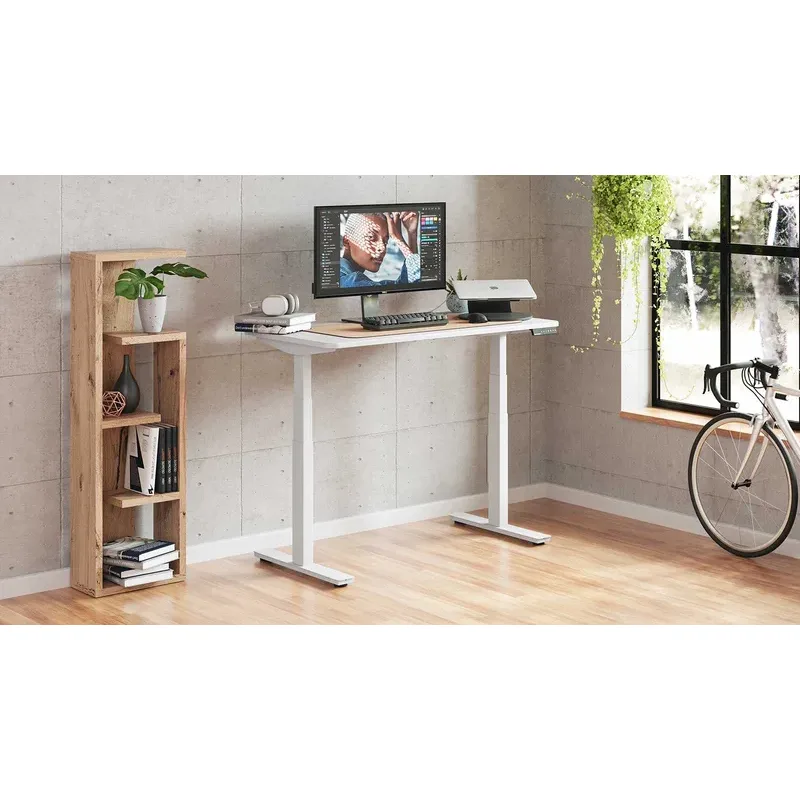
| Feature | SmartDesk Pro | FlexiSpot E7 | UPLIFT V3 | SmartDesk Core |
|---|---|---|---|---|
| Price | $649–$999 | $479–$599 | $599–$929 | $399–$599 |
| Height Range | 26.2”–52” | 25”–50.6” | 25.3”–50.9” | 29.4”–48” |
| Weight Capacity | 310 lbs | 355 lbs | 355 lbs | 265 lbs |
| Anti-Collision | No | Yes | Yes | No |
| Warranty (frame) | 7 years | 15 years | 15 years | 5 years |
| Stability at Max | Average | Good | Excellent | Below Average |
| Assembly | 45–60 min | 30–40 min | 30–45 min | 30–40 min |
vs. FlexiSpot E7 ($479–$599)
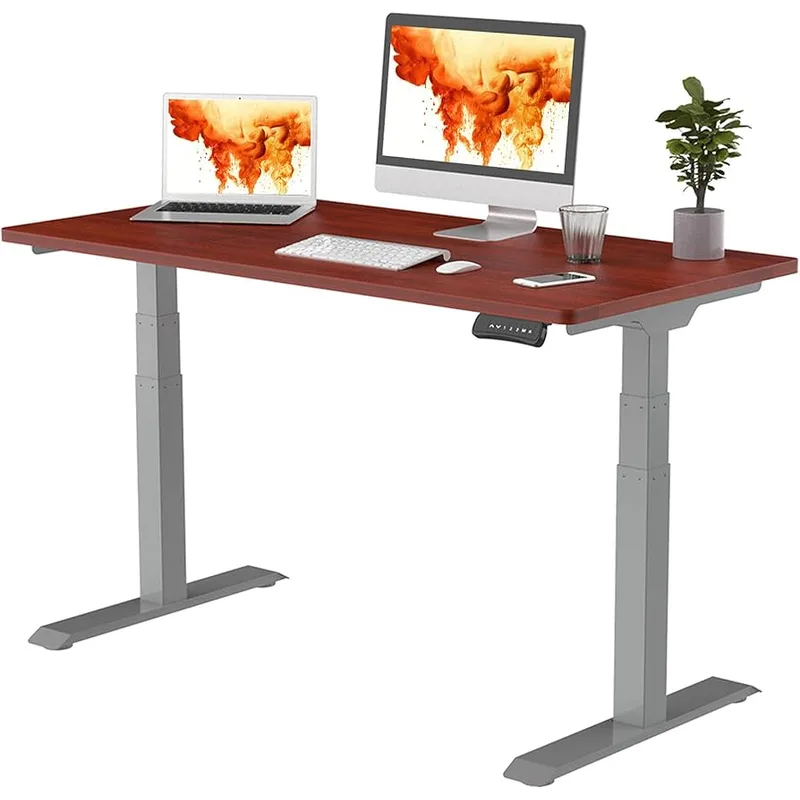
The FlexiSpot E7 is the value champion in this category. For $150–$200 less, you get higher weight capacity (355 lbs), anti-collision, a 15-year frame warranty, better stability thanks to the T-frame design, and easier assembly. The SmartDesk Pro’s advantages are limited to a slightly taller max height and arguably better aesthetics. On pure specs and value, the E7 wins. Read our full FlexiSpot E7 Pro review for the deep dive.
vs. UPLIFT V3 ($599–$929)
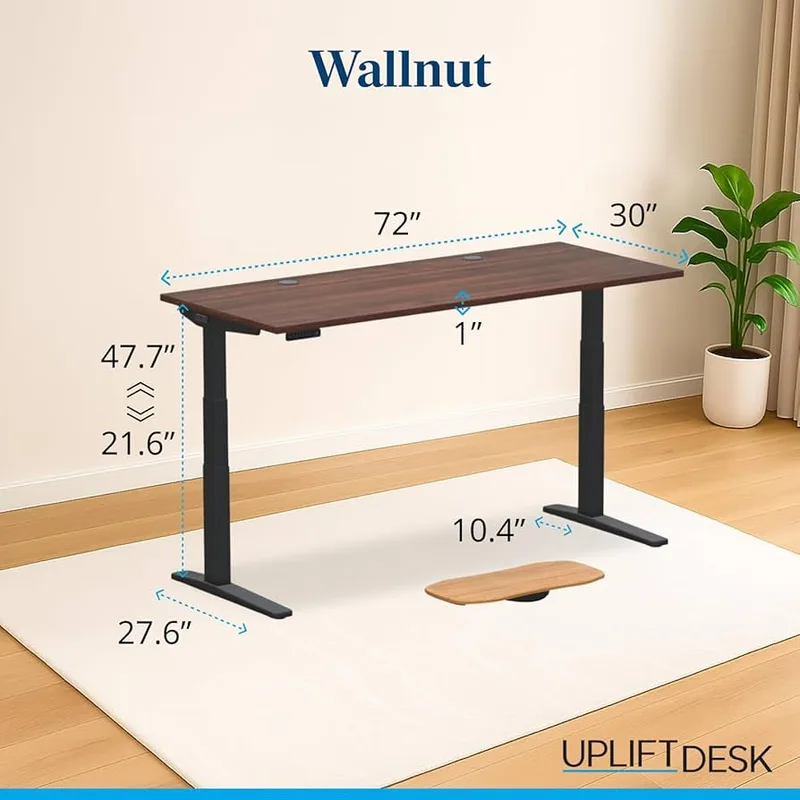
The UPLIFT V3 costs about the same but offers superior stability (especially the Commercial version), a 15-year warranty, more customization options, and better customer support. The SmartDesk Pro only wins on max height. If stability and long-term support matter to you, the UPLIFT is the better buy. Compare more standing desks in our 2026 best standing desks roundup.
vs. SmartDesk Core ($399–$599)
The Core-to-Pro upgrade gets you a dual-stage frame, 310 vs 265 lb capacity, taller max height (52” vs 48”), and a longer warranty (7 vs 5 years). For taller users or heavier setups, the Pro is worth the step up. For everyone else, the Core does the job and saves you $200+.
Buying Guide: What to Look for in a Standing Desk
Shopping for a standing desk? These five factors separate a great buy from buyer’s remorse:
Height range. Check both the min and max. If you’re tall, you need 50”+. If you’re short, you need sub-25”. Most desks don’t do both well.
Weight capacity. A dual-monitor setup with a PC runs 60–80 lbs. You want at least 200 lbs of capacity, but more headroom means less stress on the motor and frame over time.
Stability at standing height. This is the spec nobody puts on the box. Read reviews that specifically test wobble at max extension. A desk that looks great on paper can be unusable if it shakes while you type.
Warranty length. Frame warranties range from 5 to 15 years. The motor and electronics are where failures happen, so check what’s covered separately. Longer isn’t always better — check the claims process too.
Anti-collision. If you have anything under or around your desk (a PC tower, cable tray, pet bed), anti-collision prevents the motor from crushing it. Most desks over $500 include this. It should be standard.
For a broader look at setting up your workspace, check our complete standing desk setup guide.
Frequently Asked Questions
Is the Autonomous SmartDesk Pro worth the upgrade from the Core?
Only if you need the extra height or weight capacity. The Pro reaches 52” vs the Core’s 48”, and holds 310 lbs vs 265 lbs. If you’re over 6’ tall or running a heavy multi-monitor setup, the Pro earns the price premium. Average-height users with standard setups should save the cash and stick with the Core.
Does the SmartDesk Pro wobble?
At mid-range heights (30”–45”), it’s stable and solid. Above 48”, wobble becomes noticeable, and at full 52” extension, the sway is significant enough to feel while typing. This is common with desks that push max height limits, but the UPLIFT V3 handles it better. If you’ll frequently stand at near-max height, factor this in.
Why doesn’t the SmartDesk Pro have anti-collision?
Autonomous chose to keep the control panel simple — four presets, up/down buttons, and a height display. No anti-collision, no app, no child lock. This keeps costs down, but it’s a surprising omission at the $649+ price point when competitors like FlexiSpot and UPLIFT include it standard. Be mindful of objects under the desk during adjustments.
How long does assembly take?
Plan for 45–60 minutes. The instructions aren’t great, and some pre-drilled holes may need minor adjustment. Having a second person makes the process much easier, especially when flipping the desk upright. It’s manageable solo, but not fun.
Is the SmartDesk Pro good for tall people?
Yes — this is one of its strongest points. The 52” max height comfortably accommodates users up to about 6’4”. Most competitors top out at 48”–50”. If you’ve struggled to find a standing desk tall enough, the Pro delivers. Just be aware of the stability tradeoff at maximum height. See our best standing desks for tall people roundup for more options.
What accessories should I pair with this desk?
An anti-fatigue mat is essential for standing comfort. A desk pad protects the MDF surface from scratches. A cable management solution keeps the wiring clean, and a monitor arm frees up desk real estate.
Final Verdict
The Autonomous SmartDesk Pro is a solid mid-range standing desk that earns a 7.5/10. It looks great, runs quietly, and its 52” max height is a genuine advantage for taller users.
But the competition is fierce at this price. The FlexiSpot E7 offers better value — more features, better stability, lower price. The UPLIFT V3 delivers better build quality and a 15-year warranty for roughly the same money.
Buy the SmartDesk Pro if: You’re between 5’8” and 6’4”, you like the Autonomous aesthetic, and you’ve found a good deal on it. It’s a genuinely good desk.
Skip it if: You want the best bang for your buck (get the FlexiSpot E7 Pro), you need rock-solid stability at standing height (get the UPLIFT V3), or you’re under 5’6” (the min height won’t work for you). See our FlexiSpot vs Autonomous comparison for a detailed head-to-head breakdown.
The SmartDesk Pro isn’t the best standing desk in its price range. But it’s a good one, and for the right user — tall, aesthetics-conscious, moderate budget — it makes sense. If you’re also evaluating desks designed for gaming setups, our best gaming desks in 2026 roundup covers options optimized for multi-monitor builds.