Smart desks were a big theme at CES 2026, and Autonomous has pushed in that direction too: its current Desk Pro line now includes a Pro AI version with built-in air and presence sensors. That makes the UPLIFT V2 vs Autonomous Desk Pro question more interesting than a plain spec-sheet match.
A quick note on naming. Searches for the “Autonomous SmartDesk Pro” turn up older listings that are no longer in stock on Amazon, and the maker’s current flagship page is the Desk Pro. We compare the desk you can buy today, and our earlier SmartDesk Pro review covers the older model.
Quick pick: the UPLIFT V2 is the desk I’d buy for heavy loads, shorter users, and desktop choice. The Autonomous Desk Pro is the better fit if you want a lifetime frame warranty and a quiet, uncluttered C-frame.
UPLIFT V2 Standing Desk
UPLIFT V2 Standing Desk
Pros
- ✓ 355 lb capacity covers heavy multi-monitor setups with headroom
- ✓ 15-year frame warranty and a separate 5-year desktop warranty
- ✓ Wide choice of desktop materials and sizes, from laminate to solid wood
- ✓ Anti-collision sensing stops the desk if something is in the way
Cons
- ✗ Sold direct only, so there is no Amazon listing or showroom to try it first
- ✗ Premium desktop materials and the advanced keypad push the total up
- ✗ Owners report some front-to-back wobble at full height with wide, loaded tops
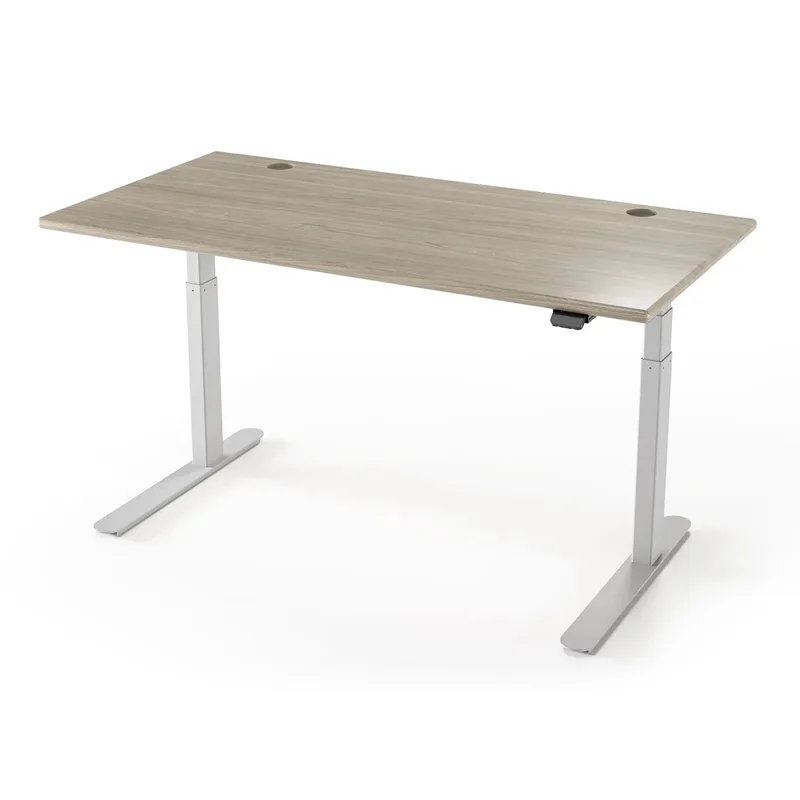
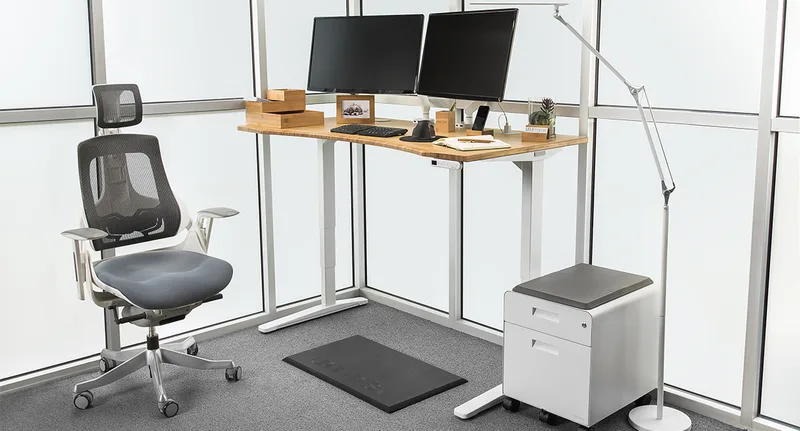
The V2 is the reference point many other desks get compared against. It rises from 25.3” to 50.9”, which covers a wide range of heights, and the 355 lb rating leaves room for dual monitors, an arm, and a PC tower. The customization is the real draw: sizes, frame colors, and desktop materials from basic laminate to solid wood.
Warranty coverage is strong. The frame and motors carry 15 years, and the desktop has its own 5-year cover. That second number matters if you pay extra for a nice top.
The downsides are real. UPLIFT sells direct only, so you cannot look at one in person. Fancy desktops and the advanced keypad add up. And owner reports describe some front-to-back wobble at full height on wide, loaded tops, which is common to standard two-leg desks.
Our full take is in the UPLIFT V2 review.
Autonomous Desk Pro
Autonomous Desk Pro
Pros
- ✓ Lifetime frame warranty is the longest in this comparison
- ✓ Listed noise level under 30 dB, quieter than most dual-motor desks
- ✓ C-shaped frame leaves the front open, so there is no crossbar to bump
- ✓ Pro AI version raises capacity to 450 lbs and widens the range to 24.25" – 53.5"
Cons
- ✗ 29.5" minimum height is too tall for many shorter users on the standard Pro
- ✗ Desktop warranty is only 2 years
- ✗ Newer brand with a shorter track record than UPLIFT
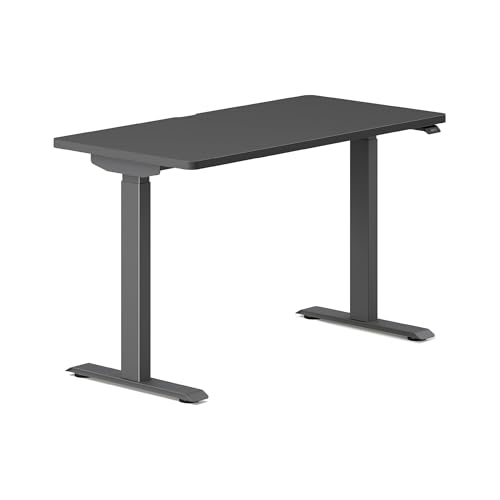
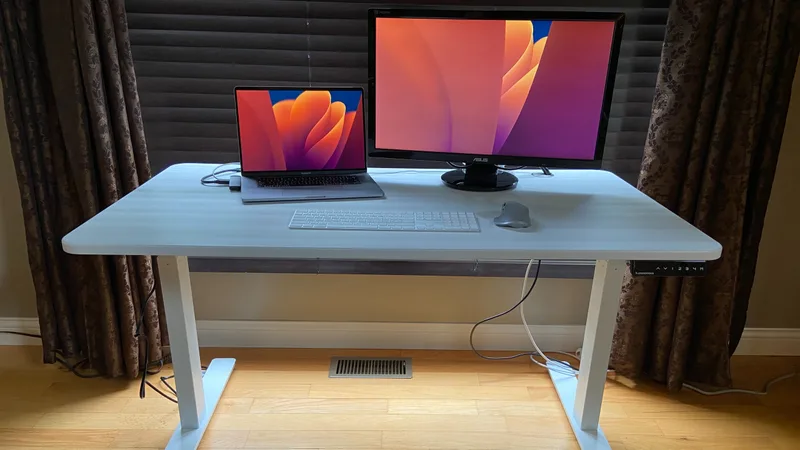
Autonomous lists the Desk Pro at 29.5” to 48.5”, with a 330 lb capacity, dual motors, and a lift speed of 1.2 inches per second. The frame has a C shape with no front crossbar, and the keypad is embedded under the desktop, so the surface stays clean. The listed noise level is under 30 dB.
The headline number is the warranty: a lifetime frame warranty with a 2-year desktop warranty, according to the manufacturer. Autonomous also says the desk was rated for 50,000 cycles. That is a manufacturer claim, not something we can confirm.
The Pro AI version is the unusual one. It lists 450 lbs of capacity, a 24.25” to 53.5” range, and six sensors that measure things like CO2, particulates, VOCs, noise, presence, and distance. Whether you want a desk reporting on your air quality is personal. The range is useful, though: it fits both shorter and taller users.
The weak point on the standard Pro is the 29.5” floor. If you are on the shorter side and want your elbows at 90 degrees while seated, that minimum can be too high without a footrest and a higher chair. At 48.5” the top end also tops out sooner than the UPLIFT for very tall users.
If you are still choosing among brands, see our FlexiSpot vs Autonomous comparison.
Head-to-Head
Height range
The UPLIFT V2 goes lower and higher on the standard model (25.3” to 50.9” vs 29.5” to 48.5”). If you are under about 5’4” or over about 6’3”, this decides it, unless you step up to the Autonomous Pro AI version.
Winner: UPLIFT V2
Weight capacity
The UPLIFT’s 355 lbs beats the standard Autonomous Pro at 330 lbs. The Pro AI at 450 lbs beats both, but it is a different, higher tier.
Winner: UPLIFT V2 (standard models)
Warranty
Autonomous offers a lifetime frame warranty against UPLIFT’s 15 years. UPLIFT covers the desktop for 5 years against Autonomous’s 2. Which matters more depends on whether the frame or the top is more likely to fail on your desk. For most buyers a 15-year frame warranty is already longer than the desk’s useful life.
Winner: Tie (lifetime frame vs longer desktop cover)
Noise
Autonomous lists under 30 dB. UPLIFT’s published figure is under 45 dB. Both are quiet enough for a shared room, but on paper Autonomous is quieter.
Winner: Autonomous Desk Pro
Customization
UPLIFT has the deeper menu of sizes and desktop materials. Autonomous offers fewer sizes (53” x 29” and a wider 70.5” x 29” Expanse).
Winner: UPLIFT V2
Where you can buy
Both are sold direct. Check each brand’s page for the current price, since sales and configuration costs change the total. Amazon listings for the older Autonomous models were out of stock when we checked, so we did not feature them.
What to Check Before You Buy Either One
Match the range to your body
A standing desk only helps if both ends of the range fit you. A common rule of thumb is to set the desk so your elbows sit at about 90 degrees with your wrists straight. Measure your elbow height seated and standing in your usual shoes, then compare those numbers with each desk’s minimum and maximum. Our standing desk height calculator guide walks through the math.
Think about the whole load
Capacity ratings are for the weight the frame lifts, and they assume the load is spread sensibly. Add up your monitors, arms, PC, speakers, and anything else that lives on the desk. Both of these desks leave plenty of margin for a typical dual-monitor workstation. Heavy tower PCs and stacked monitor arms are where the extra capacity of the UPLIFT or the Autonomous Pro AI helps.
Plan the desktop separately
The frame is half the decision. A deeper or wider top changes how the desk feels at full height, because a wide, loaded surface leverages the legs more. If stability is the priority, a smaller top on a taller-rated frame will usually feel steadier than a huge one. Solid wood tops are heavier, which uses up some of the rated capacity.
Pair it with the right floor and chair
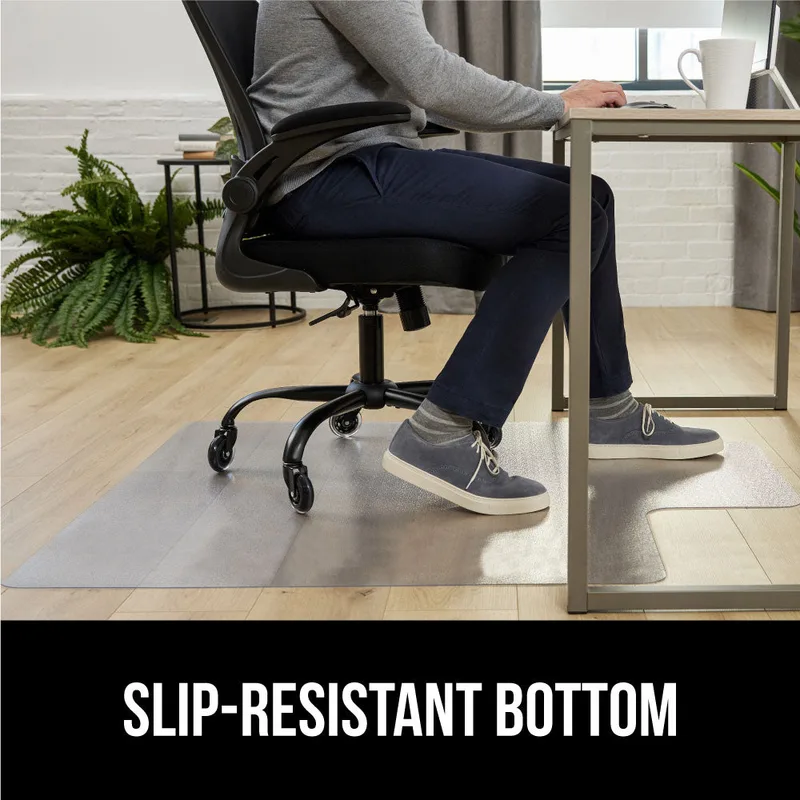
Standing all day is no better than sitting all day. Plan to alternate, and add an anti-fatigue mat for the standing stretches. If you sit for long periods, a properly adjustable chair matters as much as the desk. See our best standing desks roundup for desk alternatives and our guide to choosing a standing desk for the basics.
Check the return and assembly terms
Both desks arrive in boxes and need assembly. Before ordering, read each brand’s current return window and shipping terms on its own page, because they can change and we have not confirmed them. If you cannot easily return a large desk, that is a reason to pick the one whose range you are most sure about.
Who Should Buy Which
Choose the UPLIFT V2 if:
- You are shorter than about 5’4” or taller than about 6’3”
- You run heavy equipment and want the extra capacity
- You want a specific desktop material or size
Choose the Autonomous Desk Pro if:
- A lifetime frame warranty is a priority
- You want a quiet motor and a clean C-frame with no front crossbar
- You fall in the middle of the height range, or you want the Pro AI sensors
For more options, see the best standing desks of 2026 and the standing desk buying guide. If you are also weighing FlexiSpot, read FlexiSpot E7 Pro vs UPLIFT V2.
Frequently Asked Questions
Is the UPLIFT V2 better than the Autonomous Desk Pro?
For most people the V2 comes out ahead on height range, capacity, and customization. The Autonomous Desk Pro wins on listed noise and frame warranty length.
What happened to the Autonomous SmartDesk Pro?
Older SmartDesk Pro listings on Amazon were out of stock when we checked. Autonomous’s current flagship page is the Desk Pro, so that is the model we compared.
Which desk is better for short users?
The UPLIFT V2, with a 25.3” minimum height. The standard Autonomous Desk Pro starts at 29.5”. The Pro AI model starts at 24.25” and is the Autonomous option for shorter users.
Which has the better warranty?
Autonomous gives a lifetime frame warranty and a 2-year desktop warranty. UPLIFT gives 15 years on the frame and motors and 5 years on the desktop.
Can either desk hold dual monitors?
Yes. Both rated capacities (330 and 355 lbs) are well above what a dual-monitor setup, arms, and a PC weigh.
Conclusion
Buy the UPLIFT V2 if height range, capacity, and desktop choice matter most. Buy the Autonomous Desk Pro if you want a lifetime frame warranty and a quiet, open C-frame. For shorter or taller users, the V2 is the safer default.