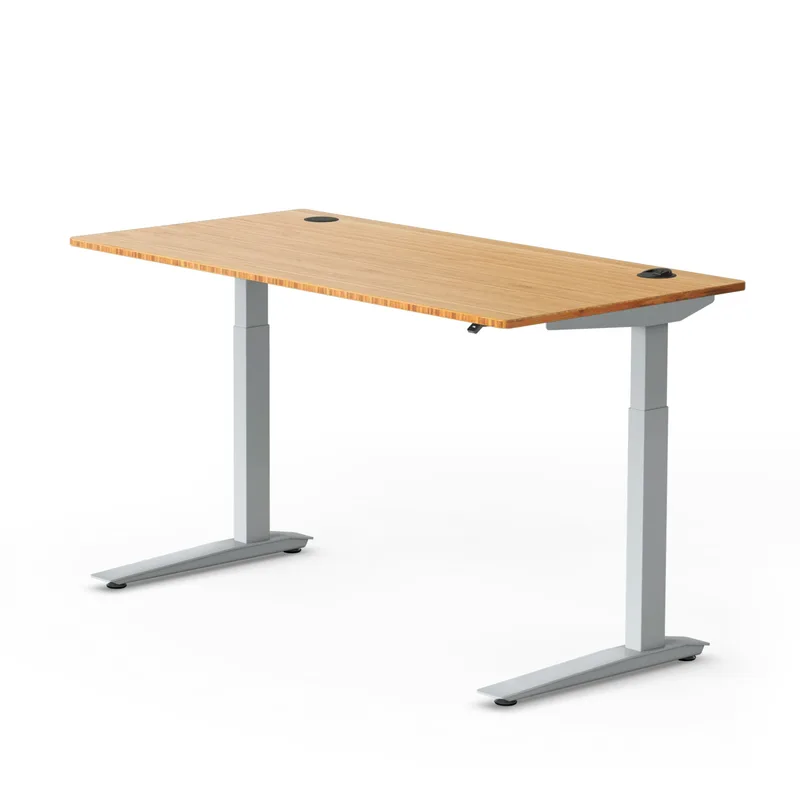
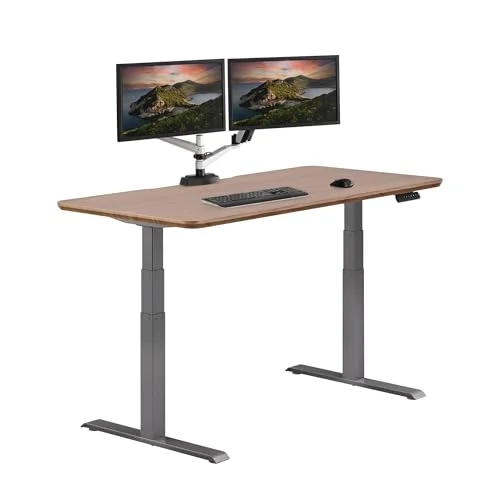
The Dual-Motor Desk Everyone Recommends at This Price
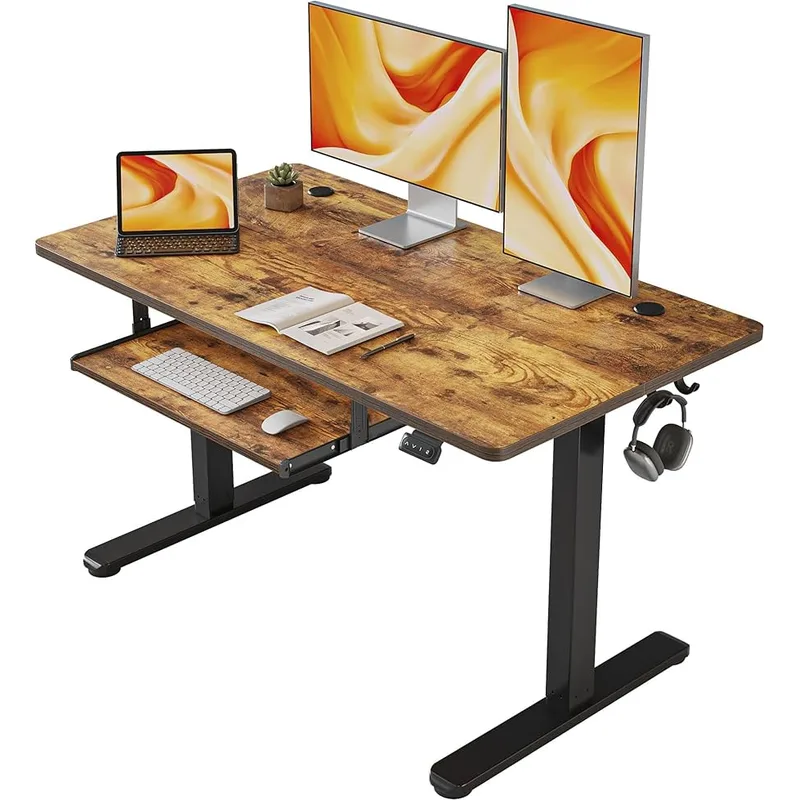
If you’ve spent any time researching standing desks under $400, you’ve seen the FlexiSpot E5 come up. Repeatedly. There’s a reason for that. At $299 for a complete desk, it does something most competitors at this price refuse to do: run two motors.
Single-motor desks dominate the sub-$350 market because they’re cheaper to build. They work — but one motor pulls one leg up first, and the whole frame rocks slightly with every adjustment. Over thousands of adjustments, that adds up. Dual-motor frames lift both legs simultaneously. No rocking, no uneven lift, noticeably more stable while you’re typing at standing height.
The V3 model — current as of 2026 — adds a four-preset keypad (up from three on earlier versions), anti-collision detection, and the updated inverted 3-stage frame. Add a 10-year warranty and a 23.6”–49.2” height range that fits users from 4’6” to 6’4”, and you have a desk that punches above its price class.
Quick take: For single-monitor home office setups and first-time standing desk buyers, the E5 is the clearest pick under $400.
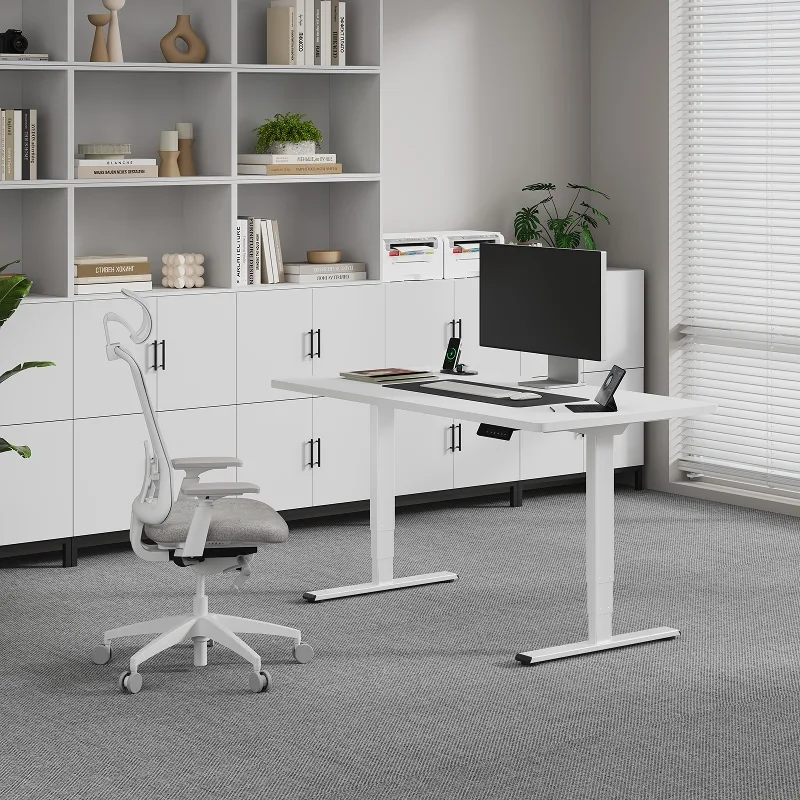
FlexiSpot E5 Standing Desk
Pros
- ✓ Dual motor at a price where most competitors still use single-motor frames
- ✓ 10-year warranty covers frame, motor, and electronics — outstanding for this tier
- ✓ 23.6" low end accommodates shorter users who most desks leave behind
- ✓ 4 memory presets on the current V3 keypad — one-touch height switching
Cons
- ✗ Sold direct through FlexiSpot.com — no Amazon Prime delivery or one-click returns
- ✗ 220 lb capacity limits heavy dual-monitor or tower PC configurations
- ✗ Assembly runs 60–90 minutes, longer than the manufacturer's 30-minute claim
Build Quality and Frame Design
The E5 uses an inverted 3-stage frame — the inner column slides down into the outer column as height increases. It’s the same core mechanism FlexiSpot uses across most of their lineup, and it works reliably based on years of owner reports.
At typical standing heights (38”–44”), the frame is solid. Lateral stability front-to-back is genuinely good. Side-to-side wobble is minimal. Where the E5 shows its limits is at maximum height (49.2”) on wider desktops. Reviewers and owners consistently note a torsional gap in the V3 crossbeam that produces minor vibration when typing at full extension on a 60”+ desktop. Not a dealbreaker for most users, but something to know going in.
On a 48” × 30” desktop at a standard standing height, you won’t notice the wobble. If you’re planning a 72” wide desk and you stand at max height, consider the FlexiSpot E7, which uses an upright column mount for up to 42% better lateral stability.
Height Range
23.6” to 49.2” covers a wide range of users.
The 23.6” low end is genuinely useful. A lot of desks in this price range bottom out at 27”–28”, which is too high for users under 5’4” when seated. At 23.6”, the E5 reaches users sitting low — around 4’6” — without requiring an adjustable chair to compensate. The 49.2” high end works for users up to approximately 6’4” at standing height.
Four memory presets let you store your exact seated and standing positions. Set it once, hit the button, done. This is the feature that makes switching from sit to stand a genuine habit instead of a chore.
Motor Performance
Dual motors, 1.5” per second lift speed. Quiet enough for a home office — roughly equivalent to a mid-range appliance running. Not whisper-quiet like the E7 Pro, but well within acceptable range for most work environments.
Anti-collision detection stops the motor automatically if it encounters resistance during adjustment — a cable, a drawer, anything in the path. According to owner reports, the detection works reliably and has prevented more than a few crushed items.
Assembly
Plan for 60–90 minutes, not the 30 minutes on the packaging. The instructions are clear, the parts are labeled, and the process isn’t complicated — but attaching the crossbar, mounting the legs, routing the motor wiring, and securing the top adds up. Most people finish solo. Having a second person to flip the assembled frame upright is genuinely helpful.
One piece of feedback that comes up repeatedly in owner reports: the included Allen key strips easily. Bring your own hex keys and save yourself the frustration.
Keypad and Controls
The V3 keypad has four memory presets, up/down buttons, and that’s mostly it. No display showing your exact height in inches, no USB charging port. It’s functional and simple.
If you want a display readout showing “42.5 inches,” that’s on the E7 and E7 Pro. For most users, the four preset buttons are all they actually need.
What the E5 Is Missing
The E5 is primarily sold through FlexiSpot.com. No Amazon Prime. Delivery typically takes 5–10 business days, and returns go through FlexiSpot directly rather than Amazon’s return system. If you’ve been spoiled by Prime, this is a real adjustment.
Cable management is limited to the included basic tray — a simple shelf underneath the frame. Functional, but not the magnetic clip cover system you get on premium models. Pair it with cable ties or an aftermarket under-desk cable tray if a clean setup matters to you.
Who Should Buy the E5
The E5 is the right desk for:
- First-time standing desk buyers who want proven build quality without a premium price
- Single-monitor setups where 220 lbs capacity is more than sufficient
- Users between 4’6” and 6’4” who need the wide height range
- Budget-conscious buyers who still want a 10-year warranty and dual-motor stability
If you’re running two large monitors, a tower PC, and a monitor arm, the weight adds up toward that 220 lb limit. In that case, the E7’s 355 lb capacity is worth the $150 premium.
Complete the Setup
The desk is only half the equation. Two accessories make the biggest difference in how much you actually use it once it’s assembled.
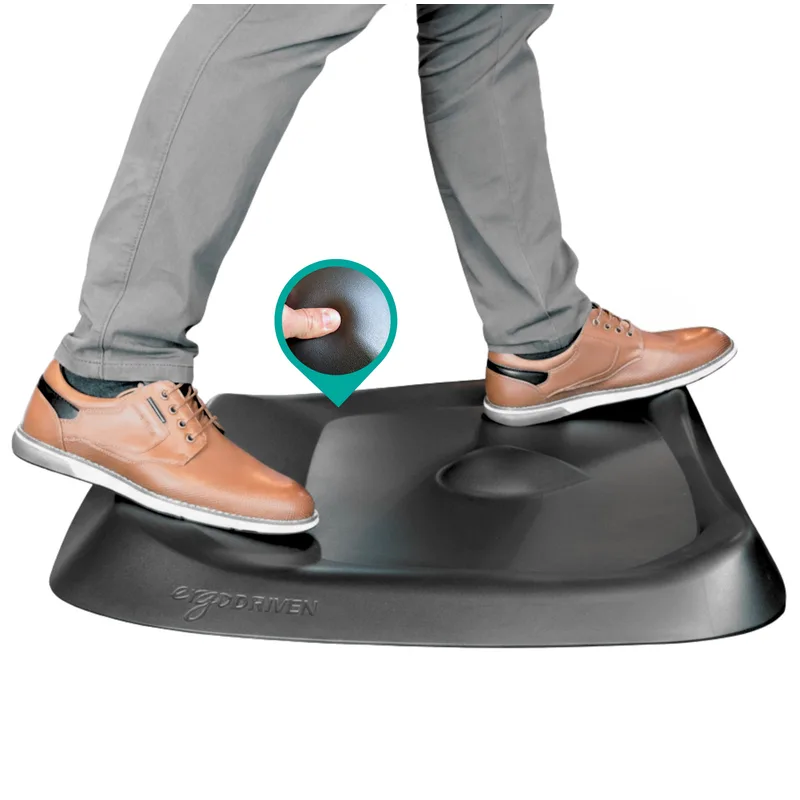
Topo by Ergodriven
Pros
- ✓ Calculated terrain encourages micro-movements
- ✓ Medical-grade polyurethane holds up for years
- ✓ 7 distinct zones for foot positioning
- ✓ NYT Wirecutter's top pick since 2016
Cons
- ✗ Requires a 2-3 week adjustment period
- ✗ Too small for users over 6'5"
- ✗ Not ideal with stiletto heels
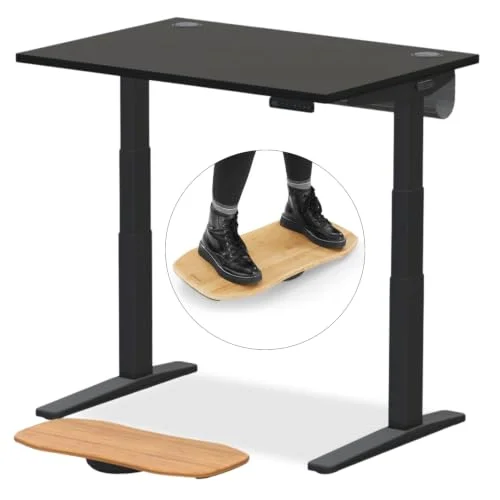
Standing still on a flat surface for 20 minutes is uncomfortable no matter how good the desk is — your feet and lower back tell you to sit back down. A textured anti-fatigue mat like the Topo fixes that by forcing small foot movements that keep blood flowing, and it’s the accessory that most reliably turns “I own a standing desk” into “I actually stand at my desk.”
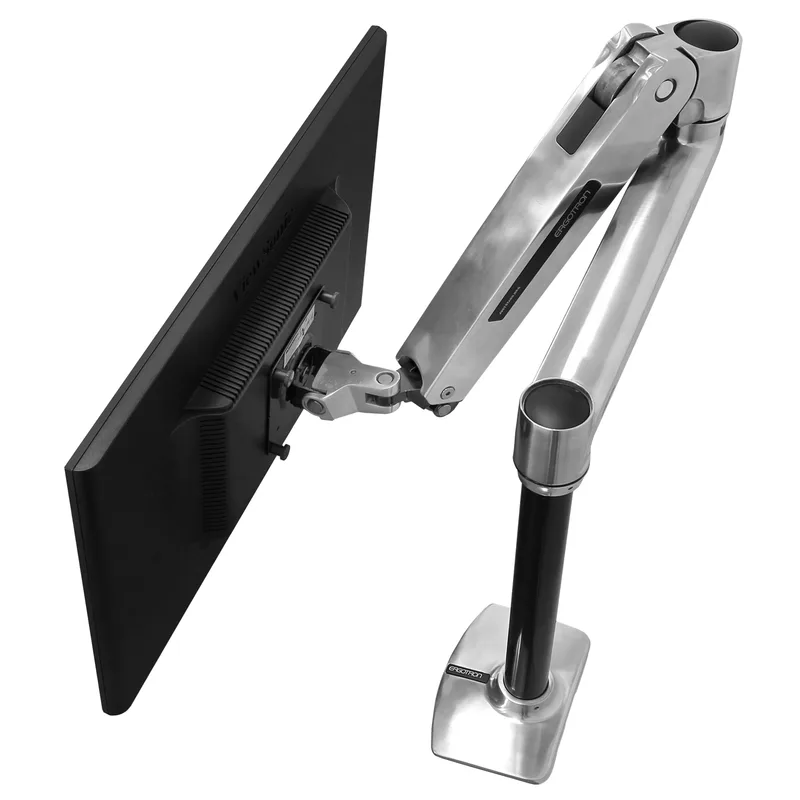
Ergotron LX Monitor Arm
Pros
- ✓ Smooth gas spring handles heavy monitors with ease
- ✓ 10-year warranty — best in class for the price
- ✓ 360-degree rotation for portrait mode
- ✓ Frees up desk space for a cleaner standing setup
Cons
- ✗ $209 is a real investment for a single arm
- ✗ 25 lb capacity won't hold large ultrawide monitors
- ✗ Requires desk clamp or grommet clearance
The E5’s 220 lb weight capacity comfortably supports a monitor arm, and moving your display off a stand frees up real desk space — especially useful on the smaller 42” desktop configurations. A single-monitor arm like the Ergotron LX also makes it easier to match monitor height to eye level at both sitting and standing positions, which a fixed stand can’t do.
If you’re prone to slouching once you sit back down, pair the E5 with a proper chair rather than whatever came with the desk bundle — the Branch Ergonomic Chair is a solid mid-range option that won’t undo the posture benefits of standing. And if your workspace runs dim in the evenings, a clamp-on task light like the BenQ ScreenBar Halo 2 sits on top of the desktop instead of taking up desk space. For buyers who decide the E5’s 220 lb capacity is too limiting after all, the UPLIFT V3 is a well-regarded premium alternative worth comparing before you commit.
How It Compares
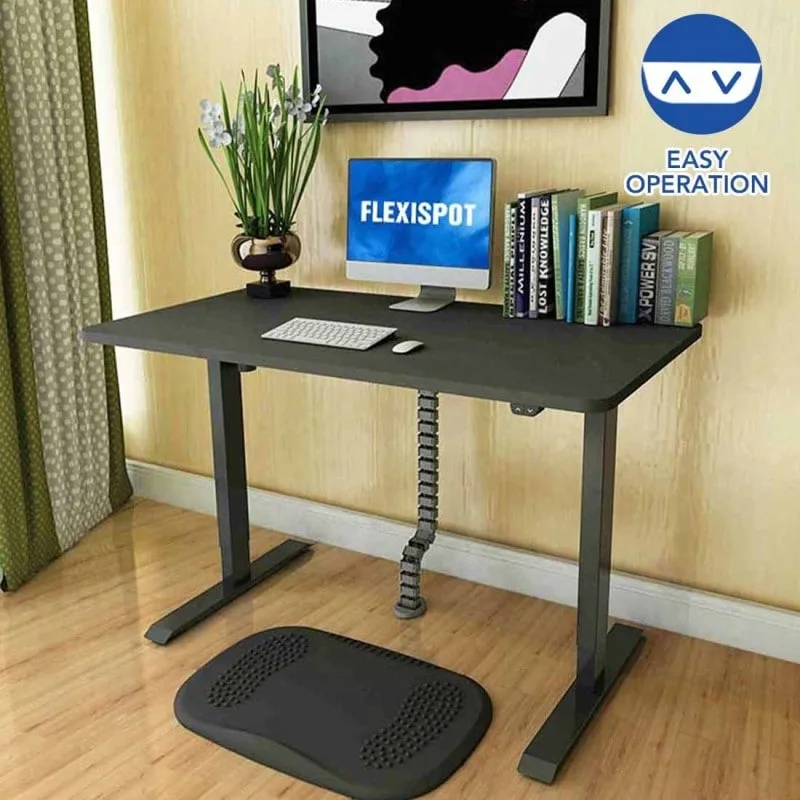
FlexiSpot EC1 Standing Desk
Pros
- ✓ FlexiSpot build quality at the lowest entry price in the lineup
- ✓ 5-year frame and motor warranty outclasses budget no-name alternatives
- ✓ Quiet motor suited to shared workspaces and apartments
- ✓ Available on Amazon with Prime shipping
Cons
- ✗ No memory presets — manual hold required to reach your preferred height every time
- ✗ 154 lb capacity restricts monitor and equipment options
- ✗ Single motor introduces more rocking and wobble than dual-motor frames
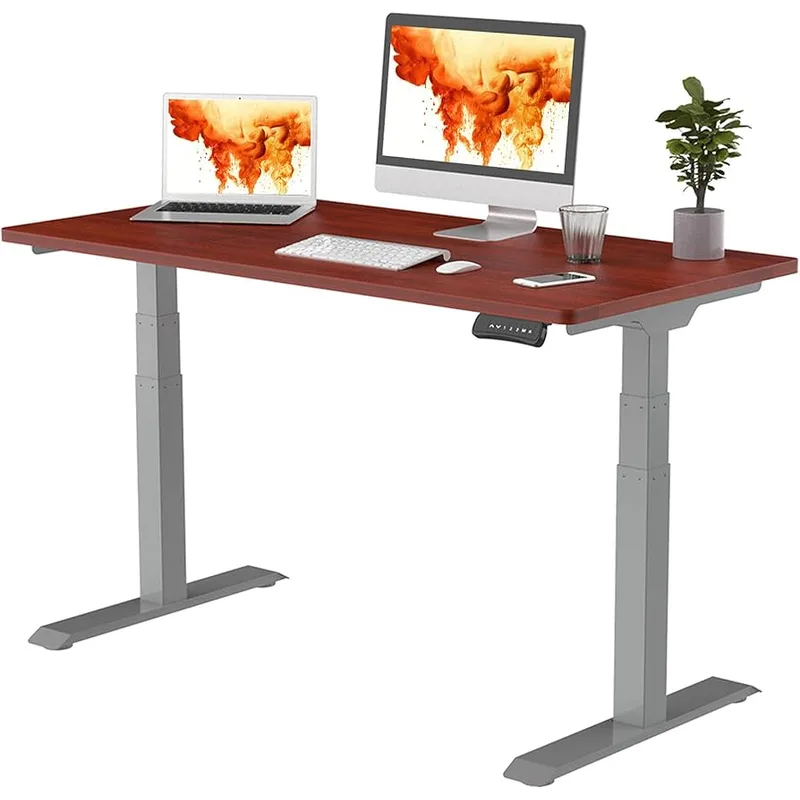
FlexiSpot E7 Standing Desk
Pros
- ✓ 355 lb capacity handles heavy dual-monitor and tower PC setups
- ✓ 15-year warranty — 5 more years than the E5
- ✓ Upright column mount delivers up to 42% better lateral stability than the E5
- ✓ Seven desktop sizes and multiple finish options
Cons
- ✗ T-frame crossbeam reduces under-desk legroom
- ✗ $150 more than the E5 — a meaningful gap for budget-focused buyers
- ✗ Max height of 48.4" falls short for users over 6'3"
Side-by-Side Comparison
| FlexiSpot EC1 | FlexiSpot E5 | FlexiSpot E7 | |
|---|---|---|---|
| Price | $169 | $299 | $449 |
| Motor | Single | Dual | Dual |
| Height Range | 28”–47.6” | 23.6”–49.2” | 22.8”–48.4” |
| Weight Capacity | 154 lbs | 220 lbs | 355 lbs |
| Memory Presets | None | 4 | 4 |
| Warranty | 5 years | 10 years | 15 years |
| Rating | 8.1 | 9.1 | 8.8 |
EC1 vs E5: Is $130 Worth It?
The EC1 is available on Amazon for $169. For that price, you get a single-motor frame with no memory presets and a 28” minimum height — which excludes shorter users. The E5’s dual-motor stability, 4-preset keypad, lower minimum height, and 10-year warranty are each meaningful upgrades.
For most buyers, the $130 gap is worth closing. But if budget is genuinely the binding constraint and your setup is simple, the EC1 is a legitimate option within the FlexiSpot family. See our full budget standing desk guide for a broader look at what’s available at each tier.
E5 vs E7: When to Spend More
The E7 costs $150 more. What you’re paying for: 42% better lateral stability (upright vs. inverted column mount), a capacity jump from 220 to 355 lbs, and a warranty that extends from 10 to 15 years.
For a single-monitor setup — monitor, laptop, keyboard, peripherals — that totals somewhere in the 40–70 lb range. The E5’s 220 lb limit is comfortable. The stability difference at typical heights (not max) is minor.
For heavy configurations — dual 27”+ monitors, a monitor arm, a desktop PC, and full peripherals — you’re looking at 80–130 lbs. The E7 has real headroom that the E5 doesn’t. If you’re building a heavy rig, the E7 is the better foundation. See the E7 vs E7 Pro comparison if you’re deciding between the two.
Buying Guide: What Matters at This Price
If you’re evaluating standing desks in the $200–$500 range, these are the specs that actually affect your daily experience:
Motors: Dual over single, always. The difference in stability is noticeable from day one and compounds over years of use.
Height range: Check your own measurements. Seated height = elbow height when sitting upright. Standing height = elbow height when standing. Most people need 26”–28” seated and 40”–44” standing. The E5’s range covers this easily.
Weight capacity: Add up your monitor(s), arm(s), computer, and peripherals. Single-monitor setups typically run 40–70 lbs. The E5’s 220 lb limit handles this with margin.
Warranty: The E5’s 10-year warranty is best-in-class at this price. It’s a meaningful indicator of manufacturer confidence in the product’s longevity.
For a broader look at how to evaluate standing desks, see the complete standing desk buying guide.
FAQ
Is the FlexiSpot E5 dual motor?
Yes. The E5 uses two motors — one per leg — for simultaneous, balanced lifting. This separates it from most single-motor desks at the same price and directly improves stability at standing height.
What is the weight capacity of the FlexiSpot E5?
220 lbs. That comfortably handles a single monitor, laptop, keyboard, and standard peripherals. For heavy dual-monitor rigs with a desktop PC and monitor arm, consider the E7 (355 lb capacity).
Does the FlexiSpot E5 wobble?
Minor wobble is present at maximum height (49.2”) on wider desktops (60”+). At typical standing heights of 38”–44” on a 48”–55” wide desktop, the frame is solid. The vast majority of users on standard-size desktops won’t find the wobble noticeable.
Can the FlexiSpot E5 fit a custom desktop?
Yes. The E5 frame supports desktops 42”–80” wide. It’s designed for a build-your-own configuration — buy the frame and add your own desktop. IKEA butcher block countertops are a popular pairing and cost significantly less than FlexiSpot’s own tops.
Is the FlexiSpot E5 available on Amazon?
The E5 is primarily sold through FlexiSpot’s own website, not Amazon. This means no Prime delivery — allow 5–10 business days. Returns go through FlexiSpot directly. For Amazon availability, the FlexiSpot EC1 is their entry-level model available on Prime.
What is the FlexiSpot E5 V3?
The V3 is the current production version of the E5 (2026 standard). It includes a 4-preset keypad (the older version had 3), the updated inverted 3-stage frame, and anti-collision detection. If you’re buying new, you’ll receive the V3.
Verdict
The FlexiSpot E5 earns its reputation. Dual motors at $299, a 10-year warranty, and a height range that actually fits most users. Assembly takes longer than advertised, Prime delivery isn’t available, and heavy setups should look at the E7. But for the typical home office — single monitor, standard peripherals, a user who wants to actually stand — the E5 is the desk to beat under $400.
If you’re still comparing options, see our full standing desk roundup for a broader view of what’s available across every price tier.
Pair the E5 with an anti-fatigue mat — it’s the single most impactful accessory for making standing sessions comfortable long-term.