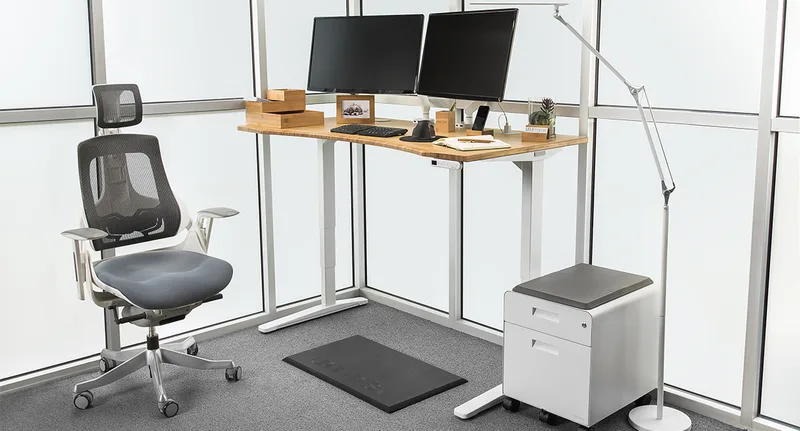
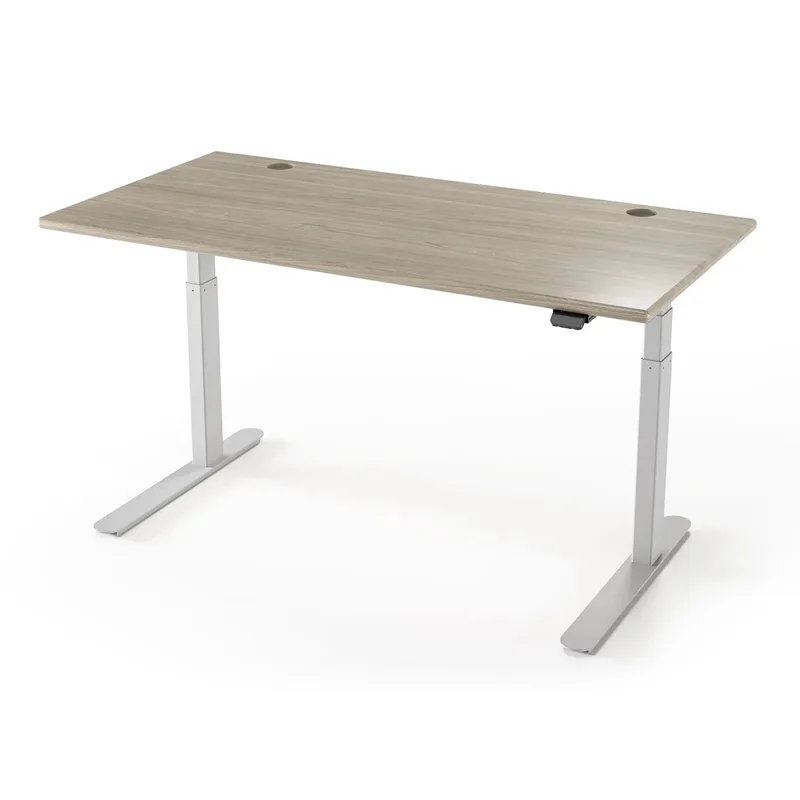
Standing desks have gotten genuinely better in 2026. One thing worth knowing before you buy: Uplift launched the V3 this year with half the assembly screws and 33% faster motors than the V2. If you’ve been watching the category for a while, the gap between mid-range and premium has narrowed considerably—you can now get a dual-motor, 3-stage frame with the desktop included, and real cable management, under $500.
The best electric standing desks for home use right now range from $169 to $699. Here’s the quick answer: the FlexiSpot E6 is the all-around pick for most people—a dual-motor, 3-stage frame with the 48” x 30” desktop included, 4 memory presets, and a 23.6” to 48.8” height range, without asking you to spend Uplift money. If you’re tall (6’4” or above), the Branch Standing Desk is the one to beat at $519 with a 52” max height.
1. FlexiSpot E6 — Editor’s Pick
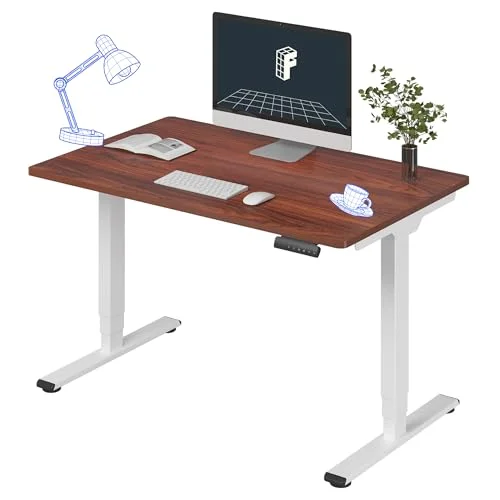
FlexiSpot E6 Electric Standing Desk
Pros
- ✓ Dual-motor, 3-stage frame with the 48 x 30 desktop included
- ✓ 23.6" minimum height works for users under 5'4"
- ✓ 4 memory presets on the keypad
- ✓ Lowest price of the dual-motor desks on this list
Cons
- ✗ 220 lbs listed capacity — the lowest of the dual-motor desks here
- ✗ One desktop size and finish on this listing
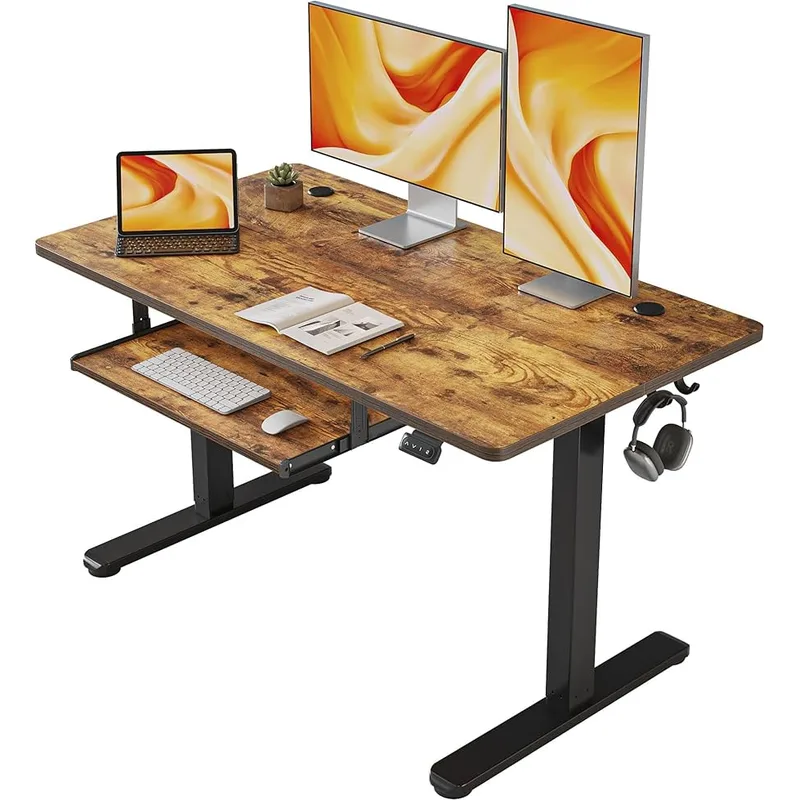
The E6 is a dual-motor, 3-stage frame with the 48” x 30” desktop included, which is why it is the pick for a home office: there is no separate top to buy. The listed height range is 23.6” to 48.8”, with four memory presets on the keypad.
The listed weight capacity is 220 lbs — the lowest of the dual-motor desks on this list. That covers a monitor, a laptop dock and accessories; check the total if you run dual ultrawides on a heavy arm, and look at the UPLIFT V3 (355 lbs) if you need the headroom.
If you’re under 5’4”, the 23.6” minimum works at seated height. The 48.8” maximum is a touch above the UPLIFT V3’s 48.7”.
Best for: Most home office users who want a dual-motor desk with the top included without paying Uplift prices.
2. UPLIFT V3 Standing Desk — Best for Customization
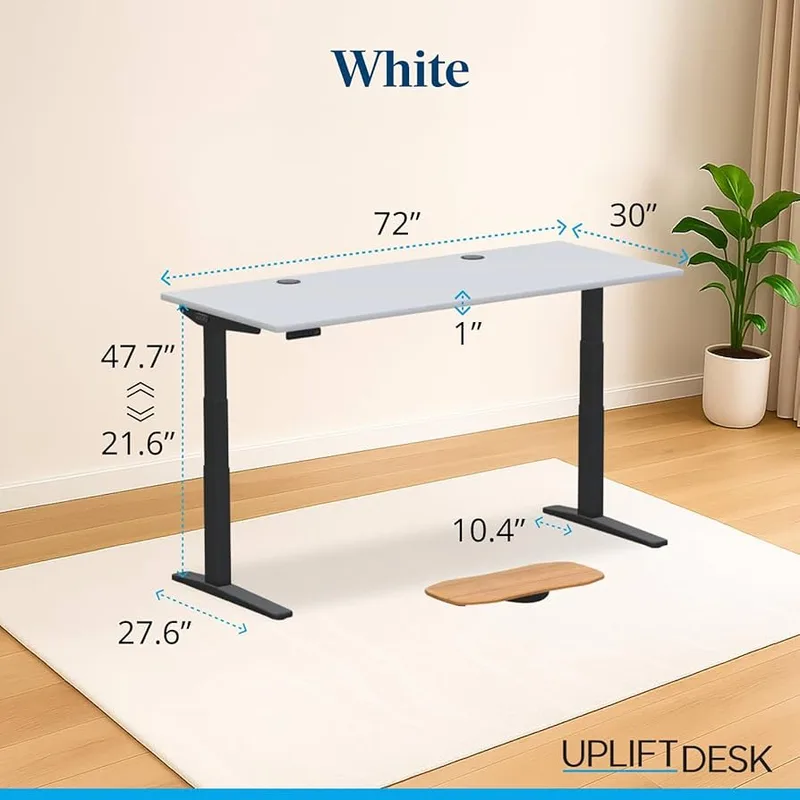
UPLIFT V3 Standing Desk
Pros
- ✓ 15-year warranty is among the best in the industry
- ✓ 22.6" minimum suits petite users and very short seated positions
- ✓ V3 assembly: 16 screws vs 32 on the V2—much faster setup
- ✓ Hundreds of desktop size, material, and color combinations
Cons
- ✗ 48.7" max height is limiting for users over 6'3"
- ✗ Premium desktop options push total price well above $800
- ✗ Custom configurations can have longer lead times
The Uplift V3 is the 2026 refresh of the V2, and the upgrades matter. Assembly dropped from 32 screws to 16 (one-tool required), the motors are 33% faster, and a new stability plate reinforces the frame at full extension. The 15-year warranty still covers everything.
The V3’s height range runs 22.6” to 48.7”. That 22.6” minimum is excellent—useful for users on the shorter side or anyone who prefers a lower seated desk position. The 48.7” max is where it shows a limitation: users over 6’3” may find it just barely enough, whereas the Branch clears 50”.
Where the Uplift wins is customization. You can configure it in dozens of desktop materials (solid wood, bamboo, laminate, white or grey laminate), multiple sizes, and several accessory bundles. If you’re building a specific aesthetic for a home office and want it to look premium, Uplift’s options are unmatched. Just know that once you add a solid wood top and accessories, you’re often looking at $900+.
Best for: Home office buyers who want extensive customization options and the backing of a 15-year warranty.
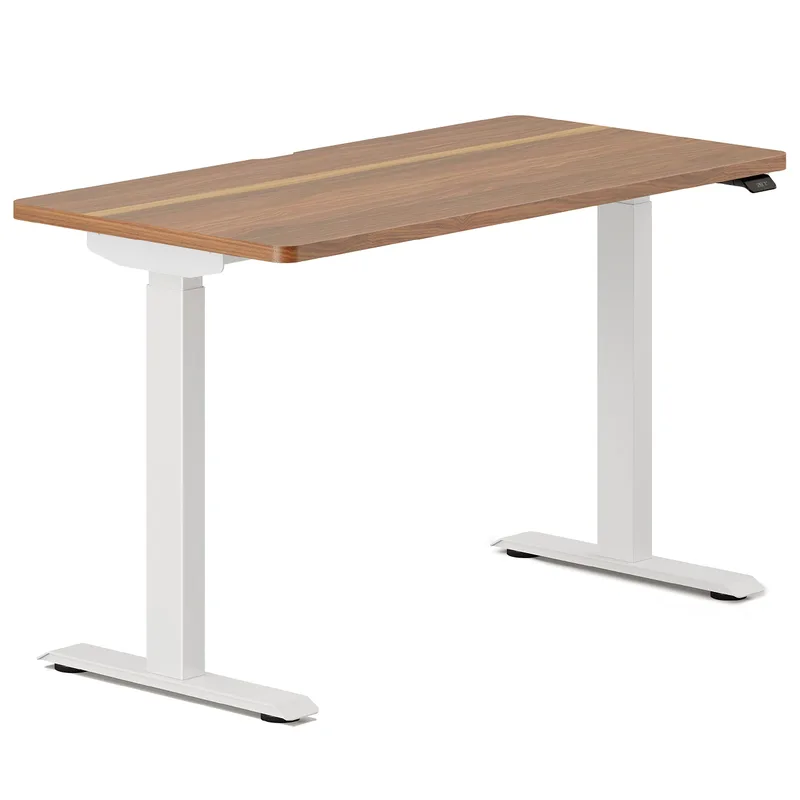
3. Branch Standing Desk 48” — Best Value
Branch Standing Desk 48"
Pros
- ✓ 52" max height is the best on this list for tall users (6'4" and above)
- ✓ Three-stage lift keeps wobble minimal even at full extension
- ✓ BIFMA certified—built to commercial durability standards
- ✓ Clean, minimal design fits home office decor better than most
Cons
- ✗ 26" minimum is slightly high for users under 5'2"
- ✗ Limited desktop finish options compared to Uplift
- ✗ No built-in USB charging on the base configuration
The Branch Standing Desk hits the 26”–52” height range, which is the widest spread on this list. That 52” ceiling makes it the best choice for tall users—6’4” and above will have room to stand comfortably without maxing the frame. The three-stage lift keeps wobble in check even at full extension, and the BIFMA certification means it’s built to commercial durability standards.
At $519 with a clean, office-appropriate design, it’s strong competition for the FlexiSpot E6. The tradeoffs: the 26” minimum is a touch high for users under 5’2”, there’s no built-in USB port, and the desktop finish options are more limited than Uplift or Vari. But if the specs work for your height, this is an honest $520 desk.
Best for: Tall users and buyers who want maximum height range at the $500 price point.
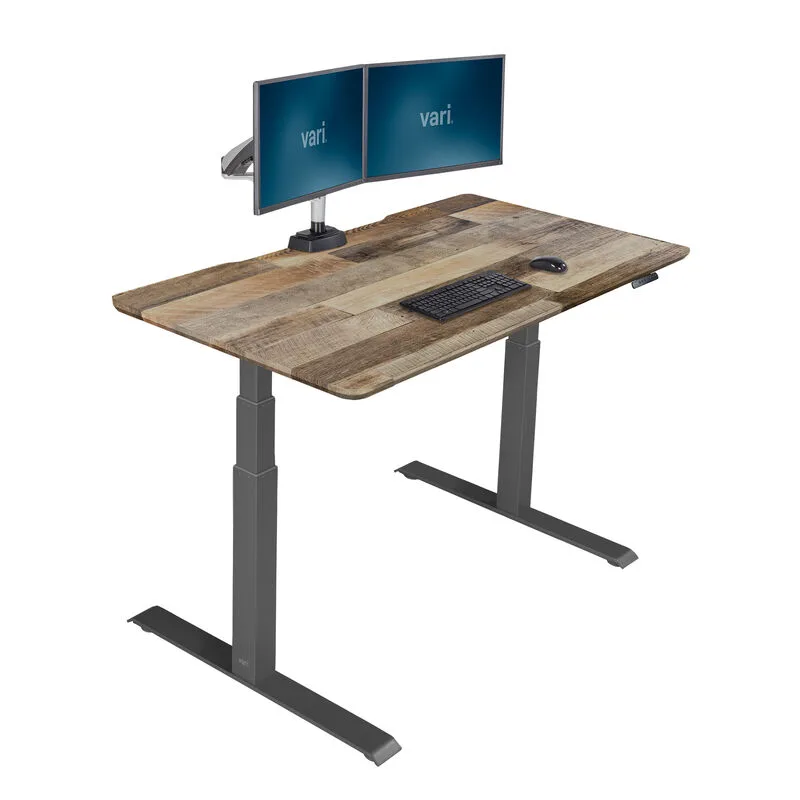
4. Vari Electric Standing Desk 60x30 — Best for Home Aesthetics
Vari Electric Standing Desk 60x30
Pros
- ✓ 60" wide desktop is excellent for dual-monitor home setups
- ✓ Reclaimed wood and premium finish options look great in living spaces
- ✓ Stable T-style legs—minimal wobble at standing height
- ✓ Fast assembly—typically under 30 minutes
Cons
- ✗ 200 lbs capacity is below average for a $695 desk
- ✗ More expensive than similarly-specced competitors
- ✗ Fewer memory preset buttons than FlexiSpot or Uplift
The Vari Electric costs more than it needs to for the specs—200 lbs capacity at $695 is below the UPLIFT V3 (355 lbs) and the FlexiSpot E6 (220 lbs), both of which cost less. But there’s a real reason people buy it: it looks good in a home. The reclaimed wood finish and other premium surface options don’t look like a tech company sent you office furniture. If your standing desk is in a living room or visible space, that matters.
The 60” width is the other selling point. Most desks in this roundup top out at 55” wide. That extra 5” is meaningful for a dual-monitor home setup where you want some actual desk space on the sides.
Performance is solid: T-style legs, dual motors, 25”–50.5” height range. It does the job well. You’re paying a premium for aesthetics and brand trust.
Best for: Buyers where visual design matters and who want a wider desktop for multi-monitor home use.
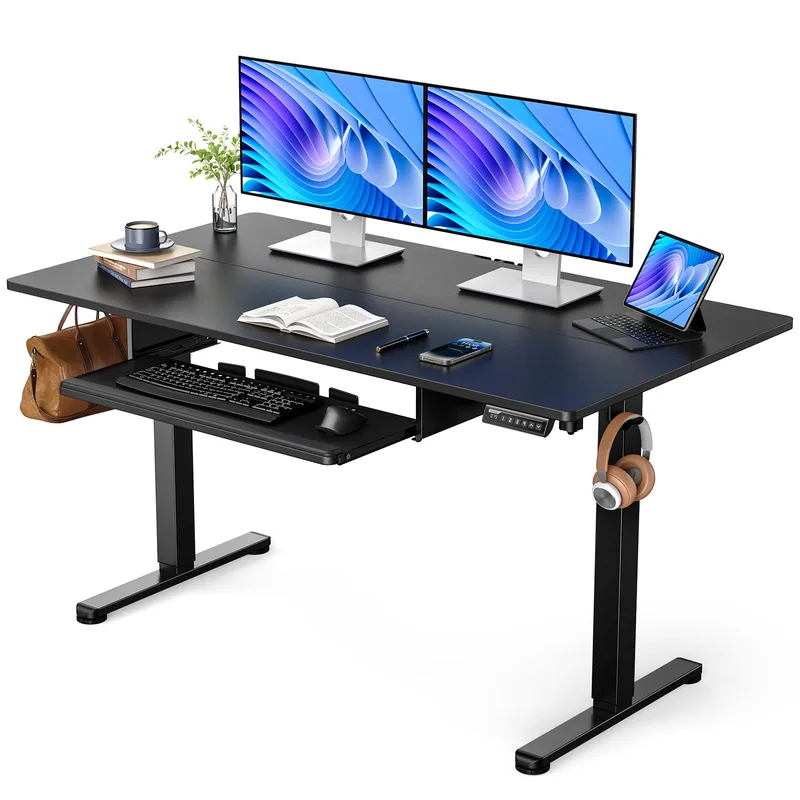
5. ErGear Electric Standing Desk 55x28 — Best Budget Under $250
ErGear Electric Standing Desk 55x28
Pros
- ✓ Large 55 x 28" surface is impressive for the price
- ✓ 3 memory presets for quick height switching
- ✓ Aerospace-grade steel frame rated for 100,000 lift cycles
- ✓ Available in black, walnut, and vintage brown finishes
Cons
- ✗ 28.4" minimum may be too high for users under 5'4"
- ✗ 46.5" max is limiting for users over 6'1" who stand
- ✗ Single motor creates more vibration and noise than dual-motor alternatives
For $229, the ErGear 55x28 delivers a surprisingly large desktop with 3 memory presets and a steel frame rated for 100,000 lift cycles. The catch is in the height range: 28.4” to 46.5” is limited. That 46.5” ceiling means anyone over 6’1” will struggle to stand comfortably. And the 28.4” minimum is higher than most premium desks, which can be an issue for shorter users.
It’s a single-motor design, which means more vibration than a dual-motor desk and a somewhat less smooth ride. For a laptop, single monitor, or light desktop setup under a desk that doesn’t need to stretch far in either direction, this works well. For anything more demanding, it’s worth saving up for the FlexiSpot E6 or UPLIFT V3.
Best for: Light home users or anyone who wants a large-surface electric desk under $250 and falls in the 5’4”–6’1” height range.
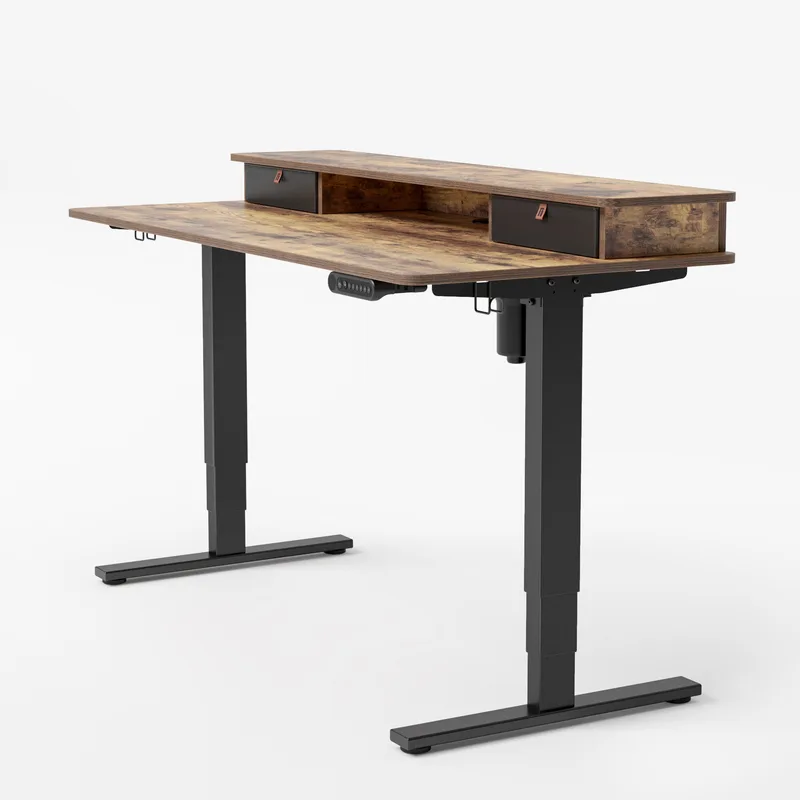
6. FEZIBO Electric Standing Desk 48x24 — Best Entry-Level
FEZIBO Electric Standing Desk 48x24
Pros
- ✓ Most affordable electric standing desk on this list
- ✓ 3 programmable memory presets—a rare feature at this price
- ✓ Anti-collision technology stops the desk if it hits an obstacle
- ✓ Good starting point for a laptop or single-monitor setup
Cons
- ✗ 45.5" max height won't work comfortably for users over 6'1"
- ✗ 176 lbs capacity limits multi-monitor configurations
- ✗ 1-year warranty is far shorter than premium alternatives
At $169, the Fezibo is the cheapest functional electric standing desk worth recommending. Memory presets at this price are unusual—most budget desks make you manually hold a button to adjust. The anti-collision tech is also included, which stops the desk from accidentally crushing cables or a cat if it hits something while moving.
The height range (27.3”–45.5”) and 176 lbs capacity are the limitations that keep this in entry-level territory. Anyone planning to run two monitors, a monitor arm, and accessories should look higher. But for a laptop, a single lightweight monitor, and a home user who wants to try standing before committing serious money—it works.
The 1-year warranty is the real caution. Budget desks sometimes have motor issues, and if yours fails in month 14, you’re on your own.
Best for: First-time standing desk buyers or anyone on a tight budget who needs a simple desk for a laptop or single-monitor setup.
Comparison Table
| Desk | Price | Height Range | Capacity | Motor | Warranty |
|---|---|---|---|---|---|
| FlexiSpot E6 | $339.99 as of Oct 18, 2026 | 23.6”–48.8” | 220 lbs | Dual, 3-stage | Not listed |
| UPLIFT V3 | $648.00 as of Oct 18, 2026 | 22.6”–48.7” | 355 lbs | Dual | 15 years |
| Branch Standing Desk | Unavailable | 26”–52” | 275 lbs | Dual, 3-stage | 5 years |
| Vari Electric 60x30 | $829.00 as of Oct 18, 2026 | 25”–50.5” | 200 lbs | Dual | 5 years |
| ErGear 55x28 | $159.98 as of Oct 18, 2026 | 28.4”–46.5” | 176 lbs | Single | 3 years |
| Fezibo 48x24 | Unavailable | 27.3”–45.5” | 176 lbs | Single | 1 year |
What to Look for When Buying an Electric Standing Desk
Height Range
The most important spec most people ignore. For comfortable seated use, you want a minimum height around 25”–26” if you’re under 5’6”, and you need a maximum height of at least 48”–50” for standing above 6’0”. Budget desks often top out at 45”–46”, which simply doesn’t work for taller users.
Dual vs. Single Motor
Dual-motor desks are smoother, quieter, and more stable at full height. Single-motor desks are cheaper but show their limits with heavier loads or at maximum extension. For any setup with two monitors or heavier equipment, dual motor is worth the extra cost.
Weight Capacity
Budget desks typically cap at 176 lbs. A dual-monitor setup with a monitor arm, laptop, keyboard, speakers, and accessories can easily hit 60–80 lbs. The more headroom you have in capacity, the more stable and quiet the desk will be under load.
Warranty
A standing desk motor and electronics are the most likely failure points. A 15-year warranty (Uplift) signals confidence in the build. A 1-year warranty (Fezibo) is a caution. For a desk you plan to use daily for years, warranty length matters more than it might seem.
Desktop Size
The standard home office desk is 55”–60” wide. If you’re working from a smaller room or corner, 48” is workable. Go below 40” and single-monitor-only becomes your only practical option.
For help choosing the right desk for your space and setting it up correctly, see our complete standing desk setup guide and don’t forget to pair your new desk with a good anti-fatigue mat.
FAQ
What’s the best electric standing desk under $600?
The FlexiSpot E6 is the pick for most homes: a dual-motor, 3-stage frame, the 48” x 30” desktop included, 4 presets, and a 23.6” to 48.8” range. If you need more than its listed 220 lbs of capacity, the UPLIFT V3 is rated for 355 lbs. The Branch Standing Desk at $519 is worth considering if you’re on the taller side—its 52” max is unbeaten in this price range.
Are single-motor standing desks worth buying?
For very light setups (laptop only, or a single lightweight monitor), a single-motor desk like the ErGear or Fezibo can work fine. But for any setup with two monitors, heavier peripherals, or anyone who adjusts their desk multiple times per day, dual-motor desks are noticeably smoother and more durable.
How high should a standing desk be?
As a rough guide: elbow height while standing, with your shoulders relaxed. For most people that’s 40”–45” when standing. Use your desk’s memory presets to save your exact sitting and standing positions rather than measuring each time. Our standing desk setup guide has the full ergonomic details.
Is the UPLIFT V2 still worth buying now that the V3 is out?
If you can find the V2 on sale significantly below the V3 starting price, it’s still a capable desk with the same 15-year warranty. The V3’s main improvements are faster assembly and 33% faster motors—meaningful but not revolutionary. The V2 was a great desk and remains one.
What’s the minimum height I should look for in an electric standing desk?
If you’re under 5’5”, look for a desk with a minimum height of 25”–26”. Most budget desks start at 27”–28”, which can be uncomfortable for sitting if you’re shorter. The Uplift V3’s 22.6” minimum is the lowest on this list and works well for petite users.
Do I need a mat with a standing desk?
Yes. Standing on a hard floor for extended periods causes foot, knee, and lower back fatigue. A quality anti-fatigue mat reduces that significantly. See our picks for the best anti-fatigue mats for standing desks.
Final Recommendations
For most people: FlexiSpot E6. A dual-motor, 3-stage frame with the desktop included, at the lowest price of the dual-motor desks here.
For tall users (6’4”+): Branch Standing Desk at $519 — the 52” ceiling is what you need.
For maximum customization or a longer warranty: Uplift V3 at $599.
For a budget first desk: Fezibo at $169 — understand the limitations (height range, capacity, 1-year warranty), but it’s a real working standing desk.
Whatever you choose, pair it with a quality anti-fatigue mat and check out our complete standing desk setup guide to get the ergonomics right from day one.