Disclosure: PostureRanked is reader-supported. When you buy through links on our site, we may earn an affiliate commission at no additional cost to you. Our recommendations are based on independent research and testing.
Disclosure: PostureRanked is reader-supported. When you buy through links on our site, we may earn an affiliate commission at no extra cost to you. Learn more
FlexiSpot’s E7 lineup has dominated the mid-range standing desk market for years. In early 2026, the E7 Pro got a meaningful hardware refresh — enhanced self-locking dual motors, a wider height range, and a bump in weight capacity to 440 lbs — which makes the upgrade question more pressing than ever. Is $150 extra worth it?
For most buyers: yes. The E7 Pro’s C-frame gives you real legroom, the 440 lb capacity handles heavy multi-monitor rigs without straining the motors, and the built-in cable management system alone saves an hour of zip-tie frustration. But the standard E7 is genuinely the smarter buy for one specific group — anyone under 5’4” or planning to roll the desk on casters.
Quick take: Get the FlexiSpot E7 Pro if you’re 5’4” or taller and running a normal desk setup. Get the standard E7 if you’re petite, adding wheels, or watching the budget closely.
At a Glance: E7 vs E7 Pro
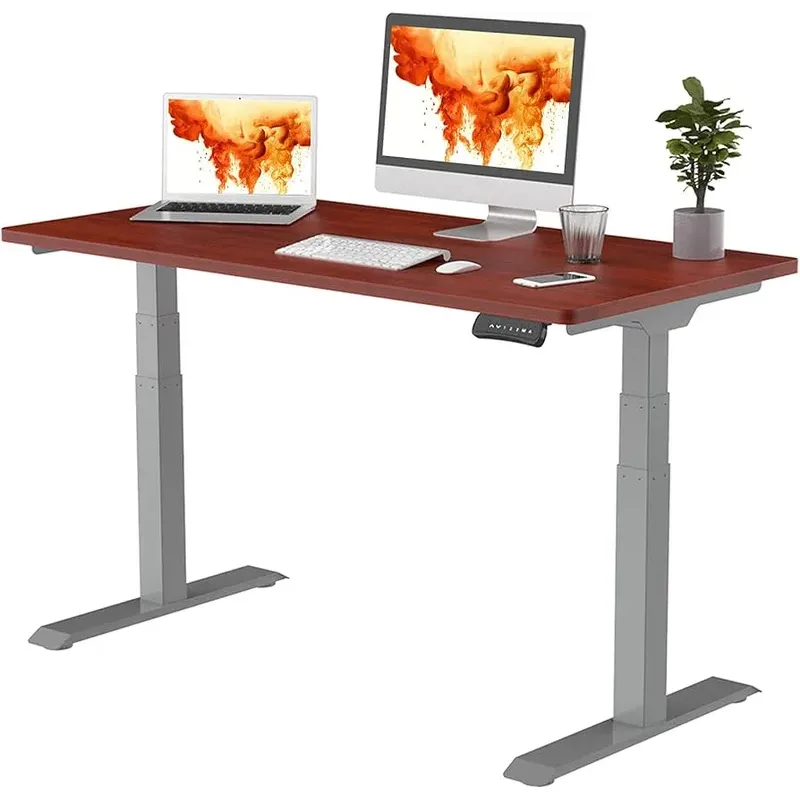
FlexiSpot E7 Pro Standing Desk
Pros
- ✓ C-frame gives noticeably more legroom and under-desk space
- ✓ 440 lbs capacity handles multi-monitor rigs without strain
- ✓ 50.6" standing height works for users up to 6'2"
- ✓ Magnetic cable cover and integrated clips for a clean look
Cons
- ✗ 25" minimum height is too high for short users adding wheels
- ✗ $150 more than the standard E7
- ✗ C-frame geometry doesn't work with standard caster wheel kits
| Spec | FlexiSpot E7 | FlexiSpot E7 Pro |
|---|---|---|
| Price (with desktop) | $449 | $599 |
| Height Range | 22.8” – 48.4” | 25” – 50.6” |
| Weight Capacity | 355 lbs | 440 lbs |
| Frame Style | T-frame | C-frame |
| Lift Speed | 1.5”/sec | 1.57”/sec |
| Cable Management | Basic tray | Tray + magnetic cover + clips |
| Anti-Collision | No | Yes |
| Warranty | 15 years | 15 years |
| Rating | 8.8/10 | 9.3/10 |
FlexiSpot E7 — The Desk That Earns Its Keep
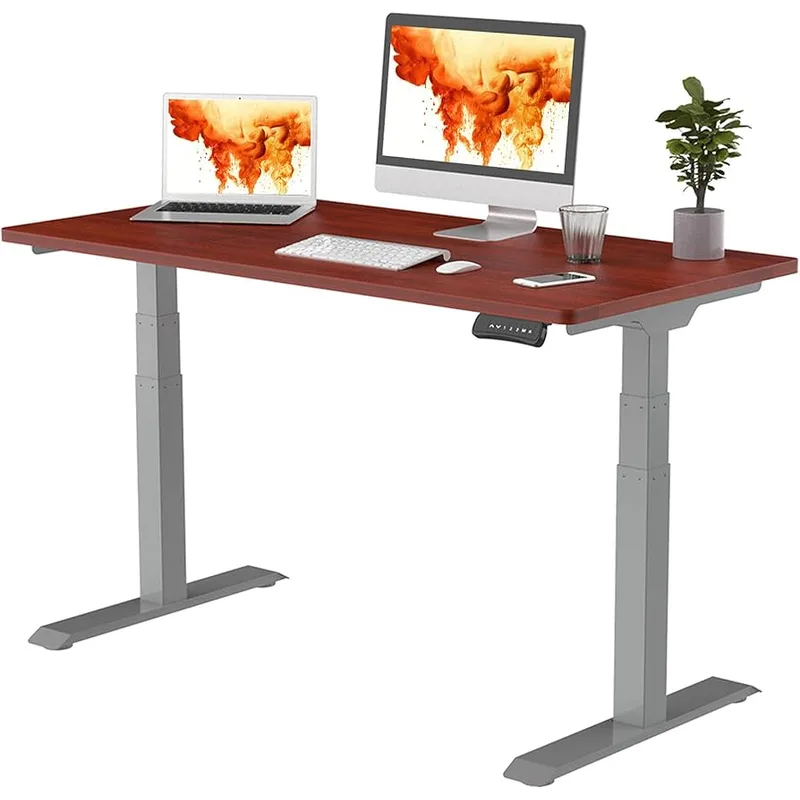
FlexiSpot E7 Standing Desk
Pros
- ✓ Lowest minimum height (22.8") — critical for shorter users and wheels
- ✓ T-frame works with aftermarket caster wheel kits
- ✓ Same 15-year warranty as the Pro
- ✓ 355 lbs capacity handles most desk setups
Cons
- ✗ T-frame crossbeam reduces legroom and under-desk storage
- ✗ Basic cable management — no magnetic cover or integrated clips
- ✗ 48.4" max height limits users over 6'2"
The E7 isn’t a budget desk dressed up in mid-range clothing. At 355 lbs capacity and a 15-year warranty, it’s engineered to outlast the average office renovation cycle by a wide margin. The T-frame design has been refined over several generations to the point where stability complaints at this price range are rare.
The case for the E7 comes down to two things: minimum height and wheels.
Minimum height matters more than it looks on a spec sheet. The E7 bottoms out at 22.8 inches. The E7 Pro’s lowest point is 25 inches — a 2.2-inch gap. For a 5’8” user sitting in a standard task chair, that gap is invisible. For a 5’2” user, or anyone adding 2–3” of caster wheels to roll the desk around, that difference becomes the entire decision.
On casters, an E7 Pro’s minimum height jumps to 27–28 inches. That’s too high for comfortable sitting ergonomics for most people under 5’6”. On casters, the E7’s 22.8” baseline keeps you in a usable range.
The T-frame also plays better with aftermarket wheel kits. The E7 Pro’s C-frame geometry wasn’t designed for standard caster kits. The E7’s straight crossbeam T-frame is the configuration caster kits are built for.
What the T-frame costs you is legroom and under-desk storage. The crossbeam runs straight across between your legs at floor level. It’s not in the way during normal use, but you can’t push a rolling file pedestal or tower PC fully under the desk without working around it. And the basic cable management tray works, but there’s no way to neatly hide cables once they leave the tray without buying separate cable management accessories.
The E7 is the right call if: you’re under 5’4”, planning to add wheels, running a single-monitor or laptop setup, or the budget is a firm constraint.
FlexiSpot E7 Pro — More of Everything That Matters
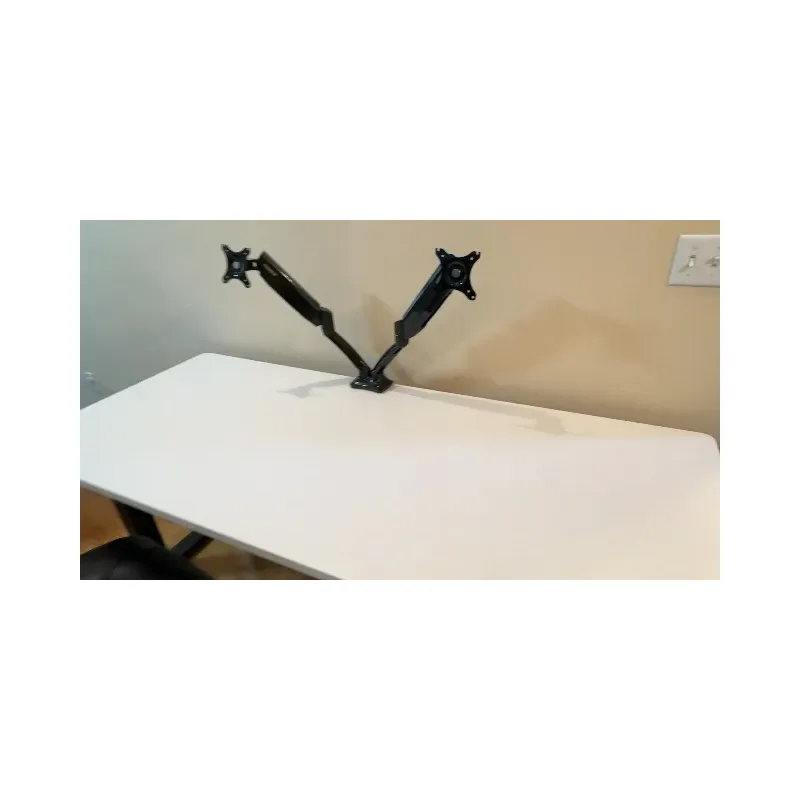
The E7 Pro costs $150 more and wins on nearly every measurable spec. Here’s what that money buys.
The C-frame changes daily life in small ways that compound. Instead of the crossbeam running through your leg space, the E7 Pro’s legs sit further back, toward the rear of the desktop. You can push your chair all the way in without hitting a frame brace. Roll a tower PC directly underneath. Store a pedestal drawer unit. The ergonomic benefit is subtle but real: sitting closer to your monitors without a frame obstacle is simply more comfortable over an eight-hour day.
440 lbs handles anything short of a server rack. Most setups — dual monitors, a laptop dock, speakers, and peripherals — run 50–80 lbs of load. The extra capacity headroom matters for motor longevity more than raw load safety. Motors running at 20% of their rated capacity last longer than motors pushed to 60%. If you’re adding a third monitor or a large desktop PC, the E7 Pro handles it without working up a sweat.
Anti-collision detection is a genuine quality-of-life upgrade. If someone rolls a chair under the desk while it’s moving down, the E7 Pro’s motor detects the obstruction and stops. The standard E7 will keep pushing until it stalls — which is harder on both the motor and whatever’s in the way. Households with kids, pets, or home offices shared with others will notice this quickly.
Cable management is genuinely better. The E7 Pro ships with a cable tray, a magnetic cable cover, and integrated cable clips. Getting to a clean desk look takes about 10 minutes. On the standard E7, the same result requires another $20-30 in cable management accessories and an afternoon. This sounds trivial. Over years of daily use, a clean desk is easier to stay organized on.
The E7 Pro is the right call if: you’re 5’4” or taller, running two or more monitors, want anti-collision protection, care about cable aesthetics, or plan to keep this desk for a decade.
Head-to-Head: The Differences That Actually Matter
Height Range
The E7 spans 22.8” to 48.4”. The E7 Pro spans 25” to 50.6”.
At the sitting end: the E7’s 22.8” minimum is better for shorter users or any caster wheel setup. At the standing end: the E7 Pro’s 50.6” ceiling handles users up to about 6’2” comfortably. Users over 6’3” should look beyond both models — the Fully Jarvis Bamboo reaches 51” and the UPLIFT V3 Commercial extends further still.
For anyone between 5’4” and 6’2”, both desks cover the full sitting-to-standing range without issue.
Frame Design and Legroom
The C-frame wins on daily usability. If you’ve ever bumped a T-frame crossbar with your knee or tried to slide a drawer unit under a desk and had it catch on the brace, you’ll notice the difference within a day. It’s not a dealbreaker on the E7 — millions of people use T-frame desks without complaint — but the Pro’s layout is cleaner for real work environments.
Weight Capacity
355 lbs vs 440 lbs. The practical implication isn’t just about whether your gear fits — it’s about motor health over time. Both desks will physically support a typical dual-monitor setup. The E7 Pro’s extra 85 lbs of headroom means the motors run at a lower percentage of their rated load on any given day, which adds up to less wear over thousands of adjustment cycles.
Cable Management
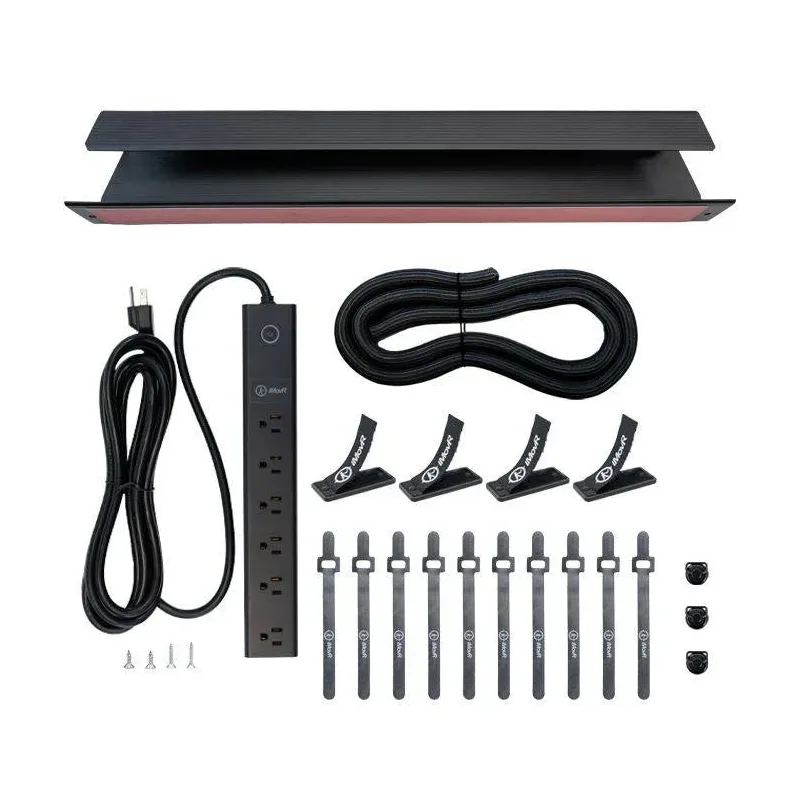
This one’s cleaner than it sounds. The E7 Pro’s magnetic cover and cable clips result in a genuinely tidy desk with minimal effort. The E7’s basic tray does the job but leaves cables visible. If you’ve ever looked at a clean workspace and wondered how people manage it, a good cable management system built into the desk is most of the answer.
Price
$449 vs $599. The $150 gap is real. For most buyers it’s worth it — the Pro’s advantages are meaningful day-to-day, not just impressive on paper. But if you’re building a complete home office setup and the monitor arm or chair has already pushed the budget, saving $150 here for a desk that still carries a 15-year warranty is a defensible call.
What to Look for in Any Standing Desk
Dual motors are non-negotiable at this price. Single-motor desks in the $300-500 range wobble noticeably at standing height. Both the E7 and E7 Pro use dual motors, which is why both are stable choices.
Height range vs. your actual height. A general rule: ideal standing desk height is elbow height plus about 1–2 inches. For a 5’8” user, that’s roughly 44–46 inches. Both the E7 and E7 Pro cover that range. If you’re outside 5’4”–6’2”, measure before buying.
Warranty is a real differentiator. Both the E7 and E7 Pro carry 15-year warranties — that’s among the best in the industry. Most competitors at this price tier max out at 5–7 years. When comparing against cheaper alternatives, that warranty represents real risk protection on a $400-600 purchase.
A quality mat makes standing sustainable. Whatever desk you end up with, an anti-fatigue mat is the accessory that determines whether you actually use it in standing mode. See the best standing desk mats for 2026 for our researched picks across budget and premium tiers.
For the full setup — monitor height, keyboard position, and a sit/stand schedule that actually works — see how to set up a standing desk for perfect ergonomics.
Frequently Asked Questions
Is the FlexiSpot E7 Pro worth the extra $150?
For most users, yes. The C-frame legroom, 440 lb capacity, anti-collision detection, and cable management system together add up to a meaningfully better daily experience. The exception is users under 5’4” or those adding caster wheels — for those buyers, the E7’s 22.8” minimum height is worth more than any of the Pro’s upgrades.
Can I use caster wheels on the FlexiSpot E7 Pro?
Not easily. The E7 Pro’s C-frame geometry isn’t compatible with standard caster wheel kits the way the T-frame E7 is. If wheels are part of your plan, the standard E7 is the right choice.
What desktop size should I get with the E7 or E7 Pro?
The 55” × 28” or 60” × 30” configurations are the most popular. Anything narrower than 48” feels cramped with more than a laptop. If you’re running dual monitors or a large setup, go 60”. Both the E7 and E7 Pro are available in sizes from 48” to 80” wide.
How do the FlexiSpot E7 models compare to UPLIFT?
The UPLIFT V3 starts around $699 and competes directly with the E7 Pro. It has a comparable C-frame design with better premium desktop options and more finish choices. For value, the E7 Pro wins at $599. UPLIFT has an edge on desktop quality and aesthetic customization. See our full standing desk comparison for a side-by-side breakdown.
Do both desks come with a programmable keypad?
Yes. Both the E7 and E7 Pro include a keypad with four programmable memory presets for your preferred sitting and standing heights, plus a sit/stand reminder timer. The E7 Pro’s keypad is touchscreen and angled; the E7 uses a standard button interface.
Which FlexiSpot desk is better for a heavy multi-monitor setup?
The E7 Pro. At 440 lbs, it handles three large monitors plus a full desktop tower without any strain on the motors. For an especially demanding setup — three 32”+ monitors with a loaded workstation — also consider the E7 Plus, which uses a four-leg design with higher capacity still.
The Bottom Line
The FlexiSpot E7 is a good desk. The E7 Pro is a better desk. The $150 buys you a C-frame with real legroom, 85 more pounds of capacity, anti-collision motors, and a cable management system you’ll actually use instead of buying separately.
For most buyers in the 5’4”–6’2” range running a standard monitor-and-keyboard setup, the E7 Pro is the right answer. It’s the desk that doesn’t leave you wishing you’d spent a bit more.
For shorter users, anyone planning a caster wheel setup, or those on a strict budget, the standard E7 handles the job well and backs it with the same 15-year warranty.
Both land among the best standing desks in their price tier — see the full shortlist in our best standing desks for 2026 roundup.